1
pet dashboard
The app turns collar sensor data into a readable home screen for pet owners.

HQ Paphos, Cyprus · worldwide
99 Francs designed the user interface and user experience for a mobile app that works with a smart pet collar, helping owners understand location, health signals, camera input and notifications from the device.
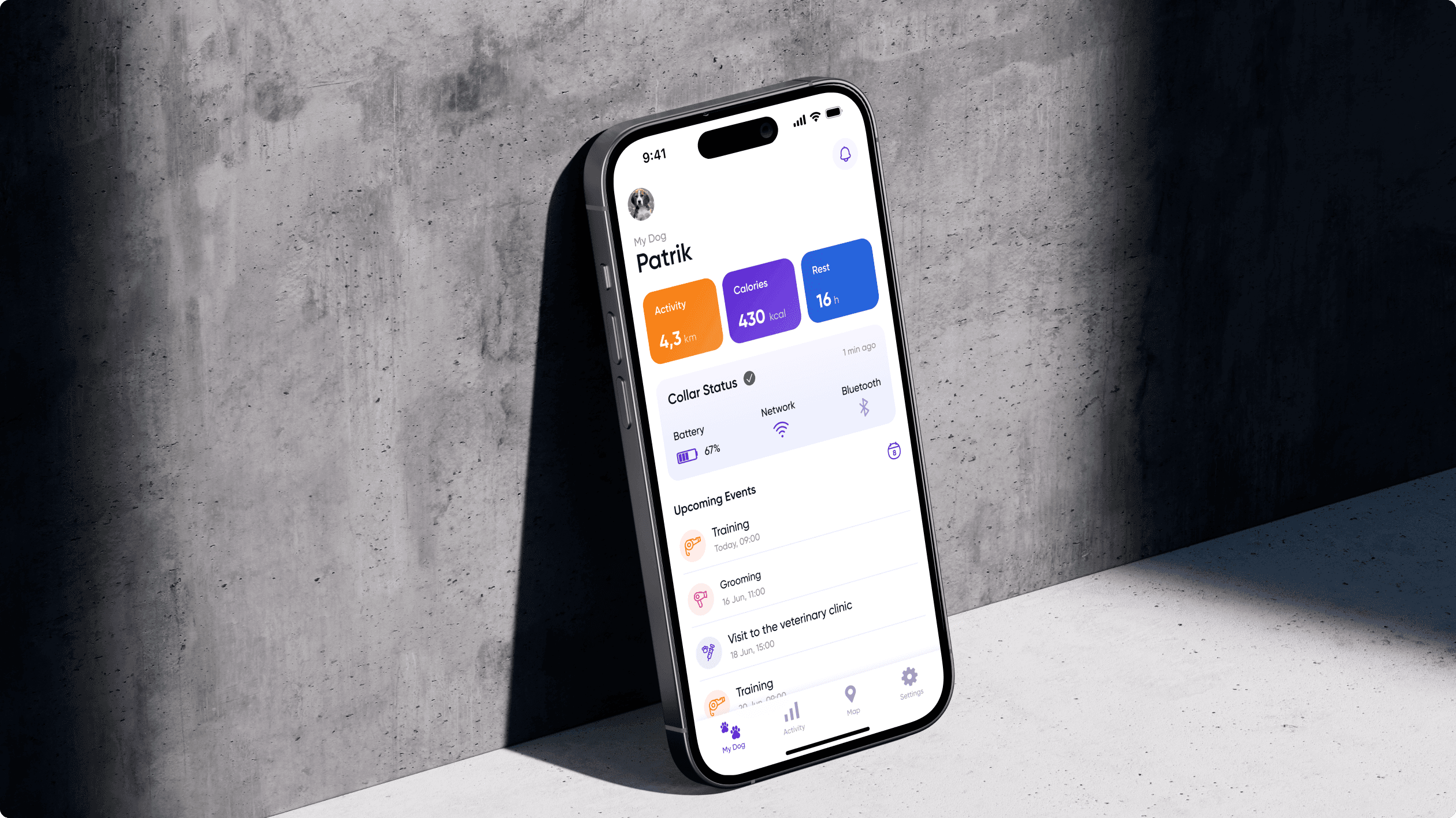
The interface translates smart-collar functions into owner-friendly screens for daily monitoring, location awareness and timely action.
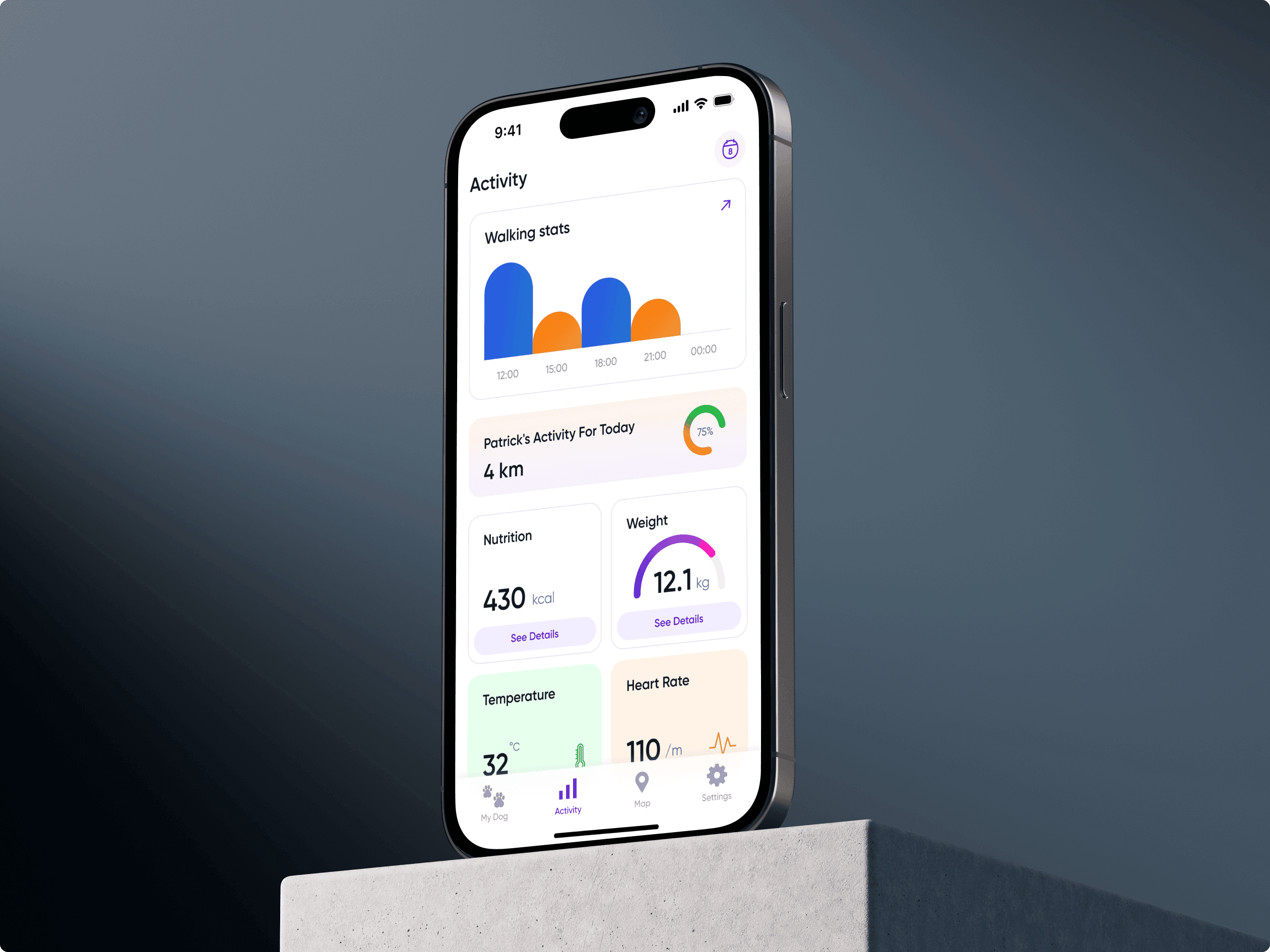
The design focused on an easy dashboard, real-time collar sensor data, GPS tracking, camera access and alerts for pet temperature, mood and location changes.
Petly needed to combine useful device capabilities with a mobile experience that feels simple, reassuring and easy to navigate during everyday use.
1
The app turns collar sensor data into a readable home screen for pet owners.
4
Camera, GPS, temperature and mood data were organized into a practical mobile interface.
24/7
Notifications help owners respond to temperature, mood and location changes at the right moment.
The smart collar included a camera, GPS and multiple sensors. The app needed to display real-time data clearly and help owners respond to pet well-being and location changes without digging through technical screens.
Temperature, mood, distance and location data are useful only when owners can understand them quickly and know what to do next.
Because GPS is one of the collar's main functions, the interface keeps location and distance from the assigned geolocation easy to reach.
Alerts for temperature, mood and location changes were designed to keep owners informed without making the product feel stressful.
We designed the main app surface so pet owners can access and interpret data from the collar without needing to understand the underlying sensor system.
The process followed the same structure we use for mobile app design services: understand device capabilities, audit competing patterns, define the dashboard and design alerts for real user decisions.
Business analysts and UX designers reviewed competitor products, device capabilities and owner expectations for pet monitoring.
The dashboard was designed so pet owners can read the most important sensor data without interpreting technical device output.
GPS, temperature, mood and geolocation changes were shaped into notifications that feel urgent when needed and calm when routine.
The UI needed to be easy to use, but also warm enough for a pet product where owners are emotionally invested in the experience.
The notification system informs users about pet temperature, mood and location changes, helping them take timely action when the collar reports something new.
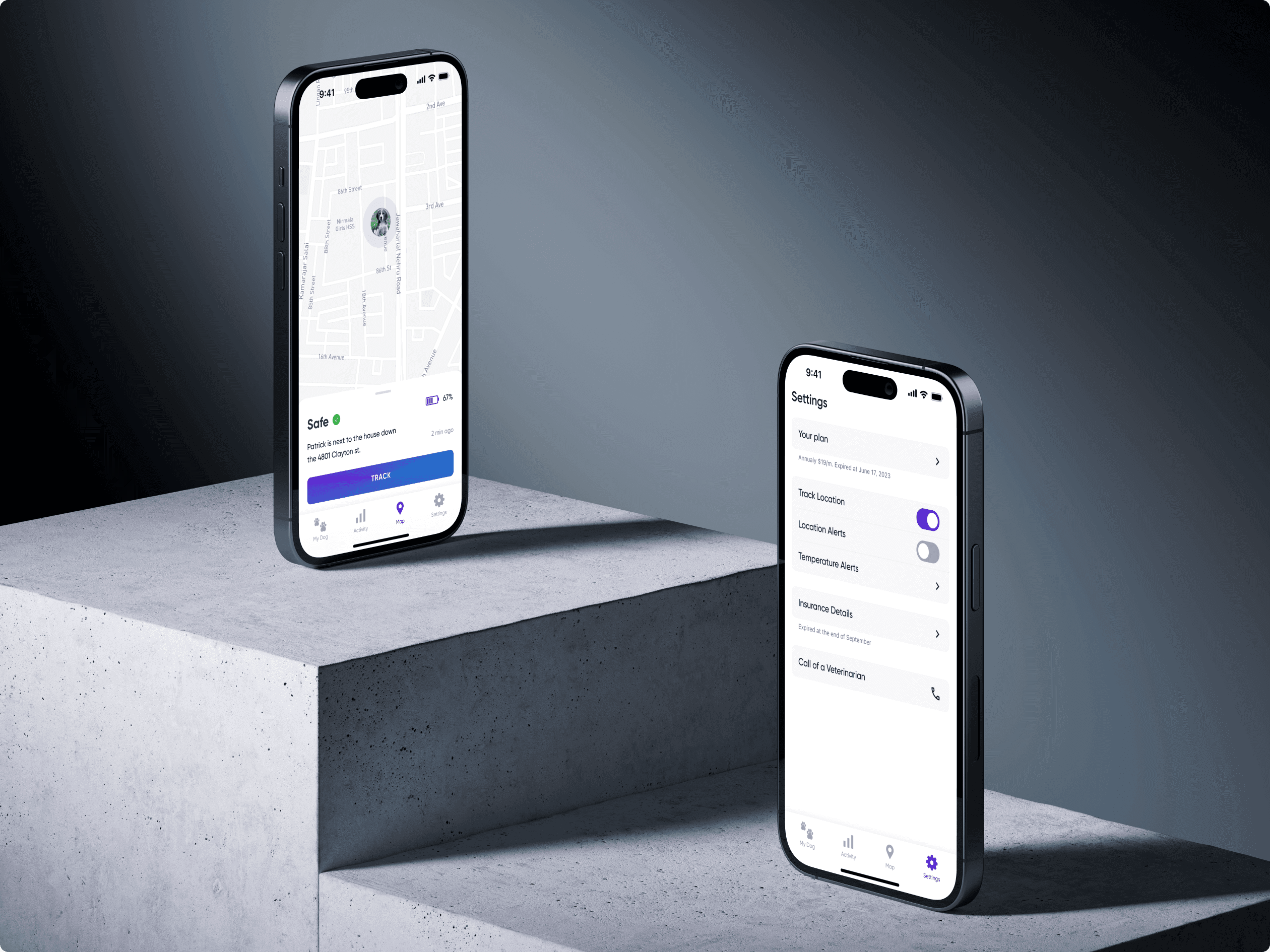
The challenge was to combine rich device functionality with an app that stays easy to use and still feels fascinating.
Alexander Vinokurov · CEO 99F, Art Director
Need a companion app that makes connected-device data simple for real users?
The project included mobile app UX/UI design, competitor analysis, dashboard design, sensor data interface design, notification flow design and smart-device companion app design. See the related mobile app design services.