








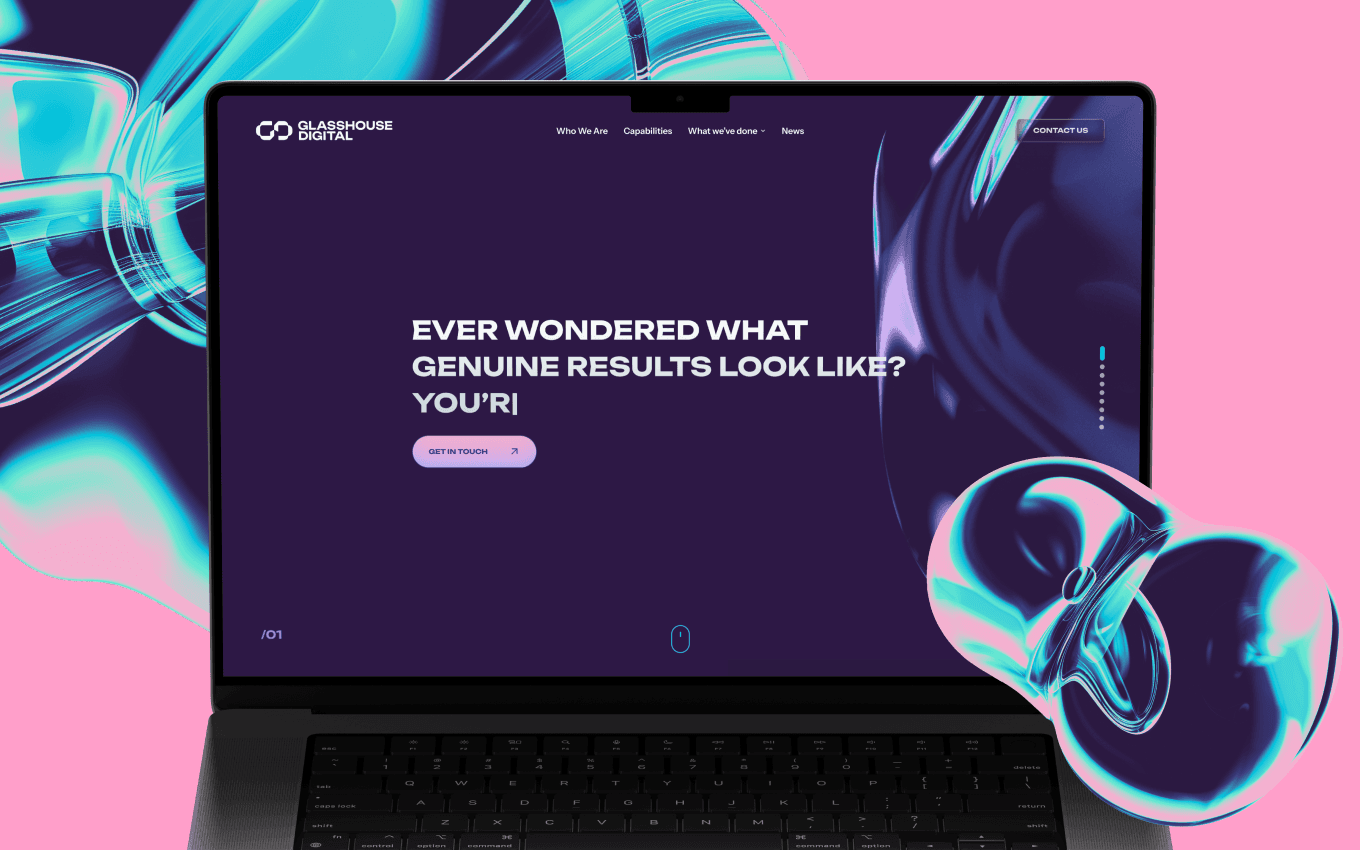

Website UX audit
We review landing pages, navigation, messaging hierarchy, proof, forms, conversion paths, mobile responsiveness and SEO/AEO page structure.

HQ Paphos, Cyprus · worldwide
99 Francs® reviews digital products and websites to find weak spots in clarity, conversion, usability, trust and interface quality, then turns them into a prioritized list of practical fixes.
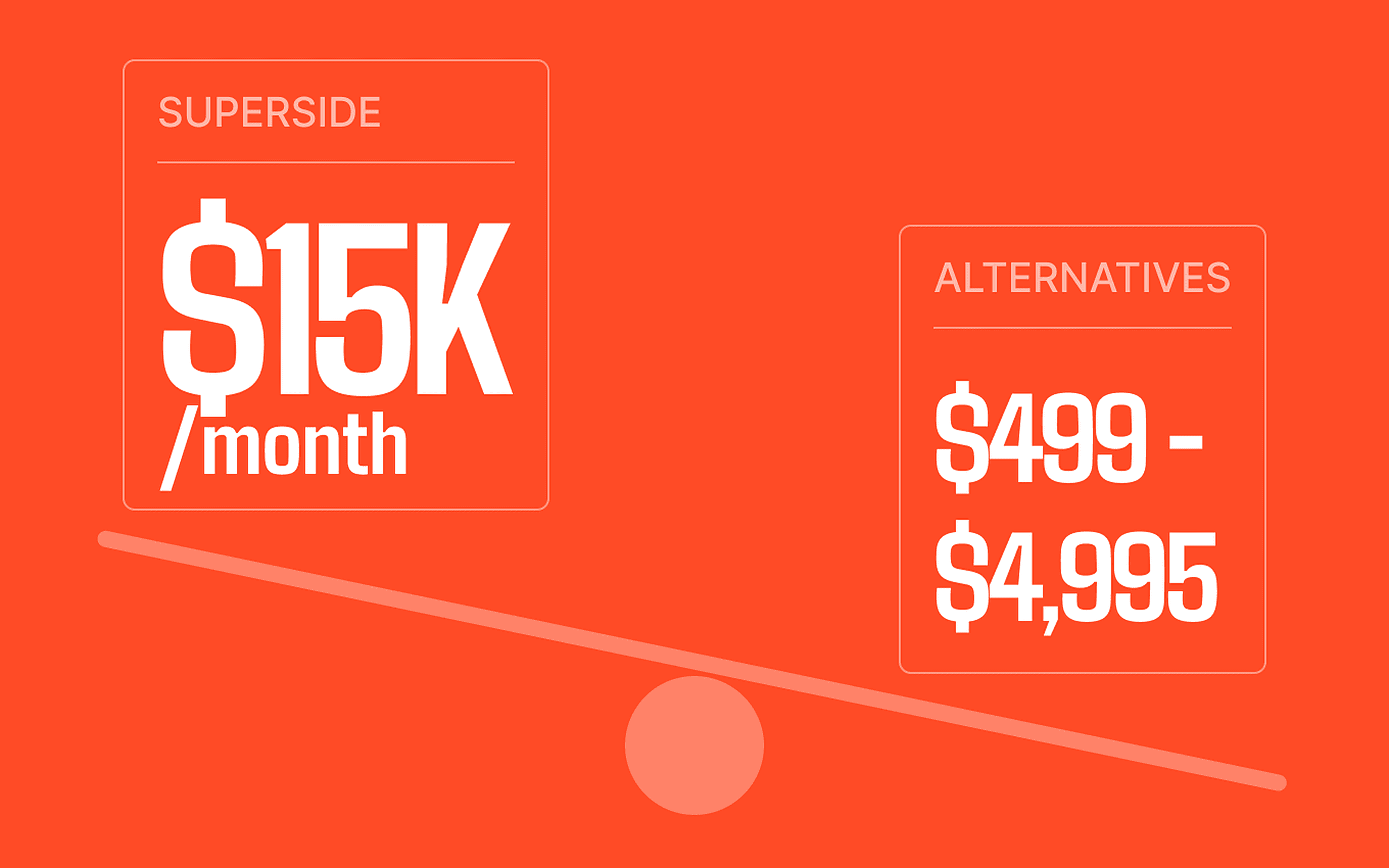
Fixed packages: $1,500 for one key flow (about a week), $3,500 for the whole product.
Visual coding
That Open Company
Risk infrastructure
Atomica
150+
shipped projects
$32M+
raised by clients
9,000+
tasks delivered
The audit covers usability, conversion, information architecture, UX writing, mobile behavior, product states, trust cues, checkout or onboarding friction, and prioritized recommendations for what to fix first.
The scope can be narrow or broad: one landing page, a checkout, an AI agent flow, a SaaS dashboard, a mobile onboarding path or the full product experience.
We review landing pages, navigation, messaging hierarchy, proof, forms, conversion paths, mobile responsiveness and SEO/AEO page structure.
We review onboarding, navigation, core flows, tap targets, empty states, permissions, app-store first impressions and repeated-use patterns.
We review prompt flows, response states, trust cues, handoff moments, guardrails, error recovery and how users understand what the agent can do.
We review activation, information architecture, tables, filters, settings, role states, reporting views and workflows users repeat every week.
We review product discovery, category pages, product detail pages, carts, checkout friction, trust signals, mobile commerce and retention flows.
We review whether the product story, first-use flow, interface polish and demo path are credible enough for users, partners or investors.
We identify confusing page sections, weak proof, unclear CTAs, friction in forms, mobile layout problems and trust gaps that stop visitors from acting.
We identify onboarding friction, missing states, unclear navigation, overloaded dashboards and flows where users do not reach the first meaningful win.
We identify inconsistency, unclear feedback, poor error handling, weak visual hierarchy and moments where the interface feels less mature than the product.
The audit ends with prioritized recommendations: quick wins, higher-impact UX fixes and larger product or website changes that need design work.
The audit is designed to help teams act, not collect abstract comments. We explain what matters, why it matters and what should happen next.
You send the website, app, AI agent, SaaS product, eCommerce flow or prototype plus the business goal you care about most.
We inspect UX, UI, content hierarchy, navigation, interaction states, mobile behavior, conversion points and user decision moments.
Findings are grouped by impact: critical blockers, quick wins, conversion improvements and design-system or product-structure problems.
You get a practical walkthrough of the findings and a clear recommendation for what to fix, redesign or test next.
A clear list of usability, conversion, clarity and trust issues found in the product or website.
Issues ranked by impact so the team knows what to fix first instead of treating every comment equally.
Concrete UX, UI, copy, layout, state and flow recommendations that can be handed to design or product.
A focused review session where we explain the weak spots and help decide the next move.
SaaS products, AI tools, dashboards, eCommerce flows, mobile apps and websites all need the same thing: users should know where they are and what to do next.
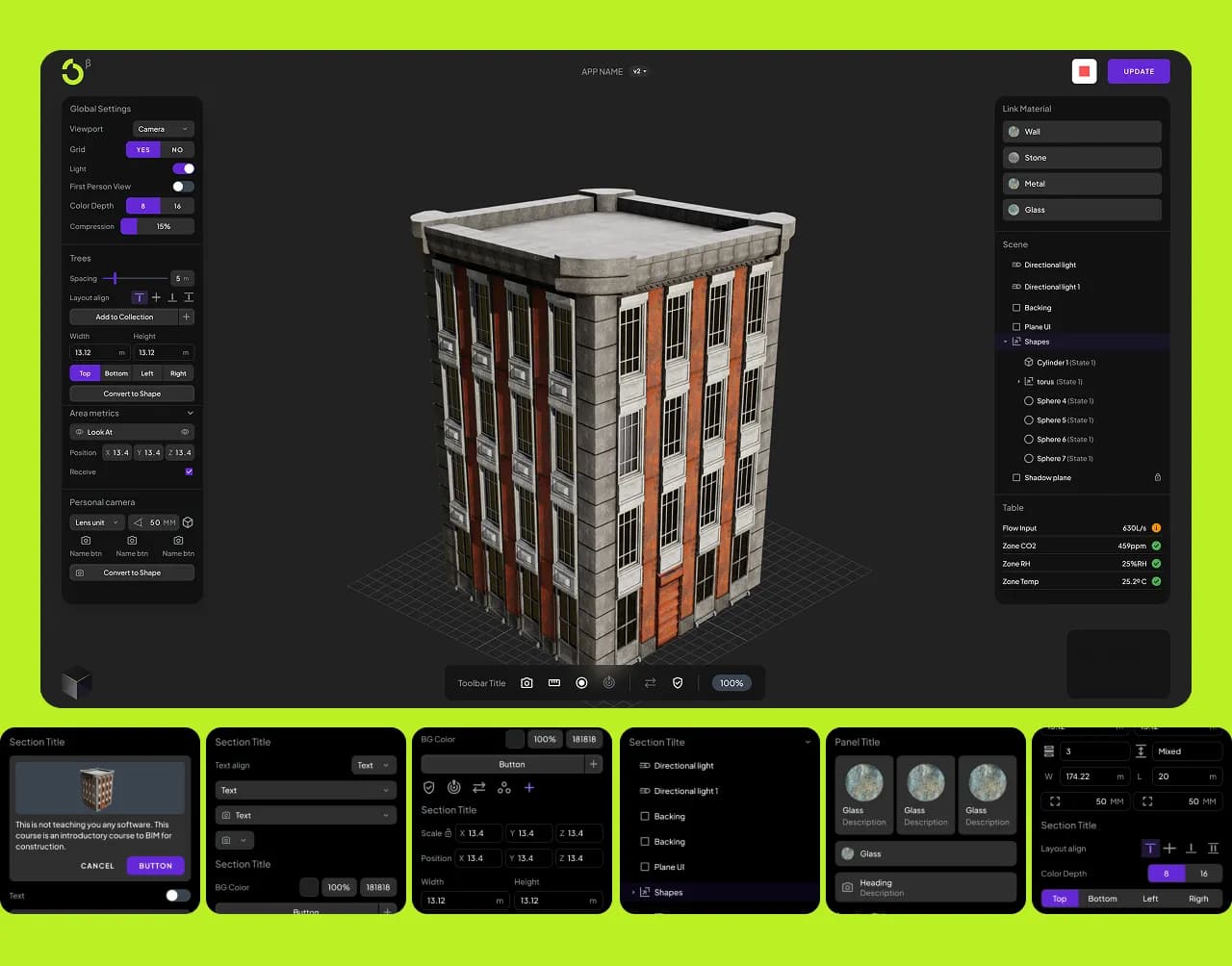
Visual coding
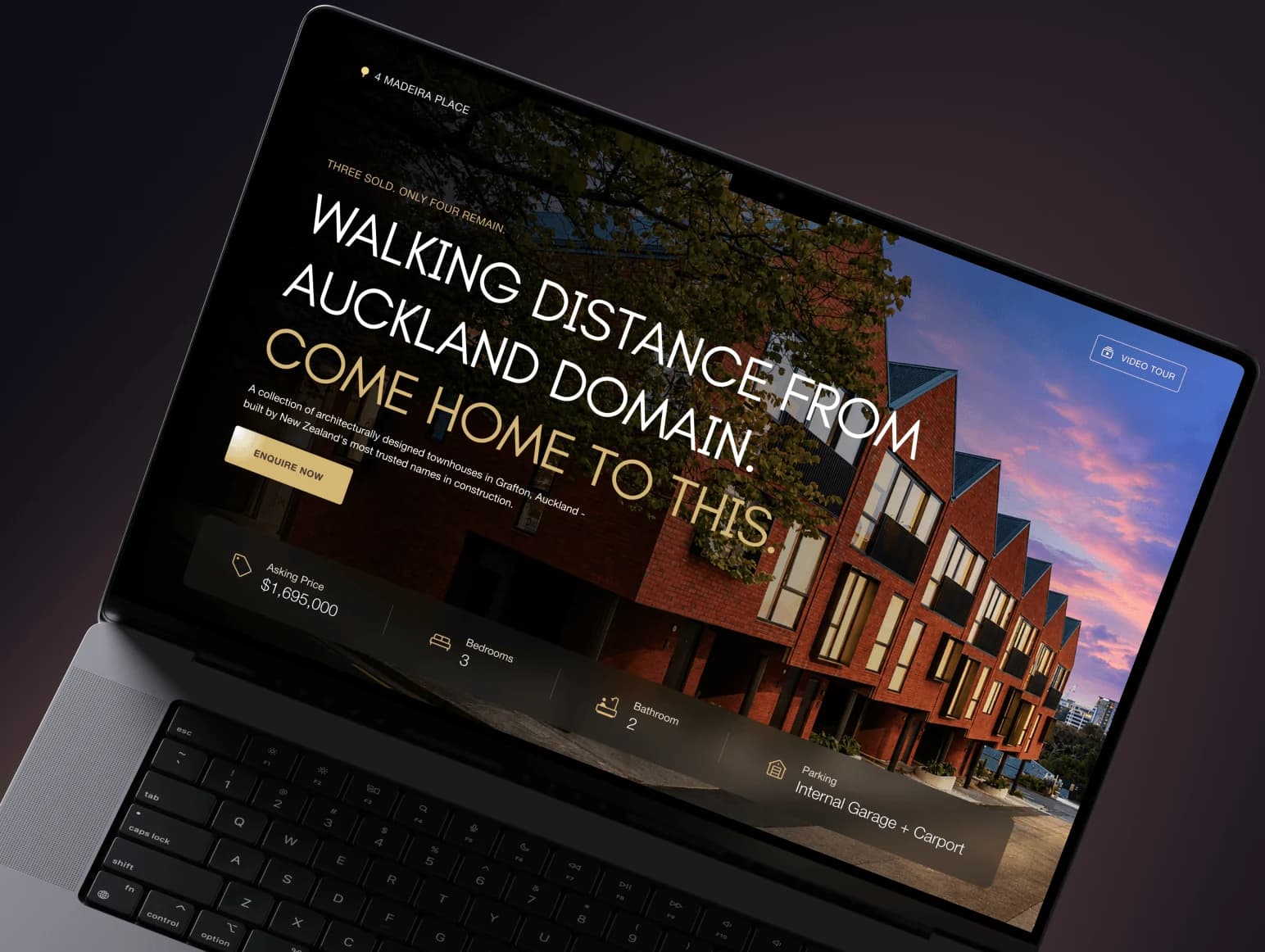
Web application for visual BIM coding with a modular interface and Framer landing pages showcasing 3D capabilities. Educational positioning with engaging, technical visuals.
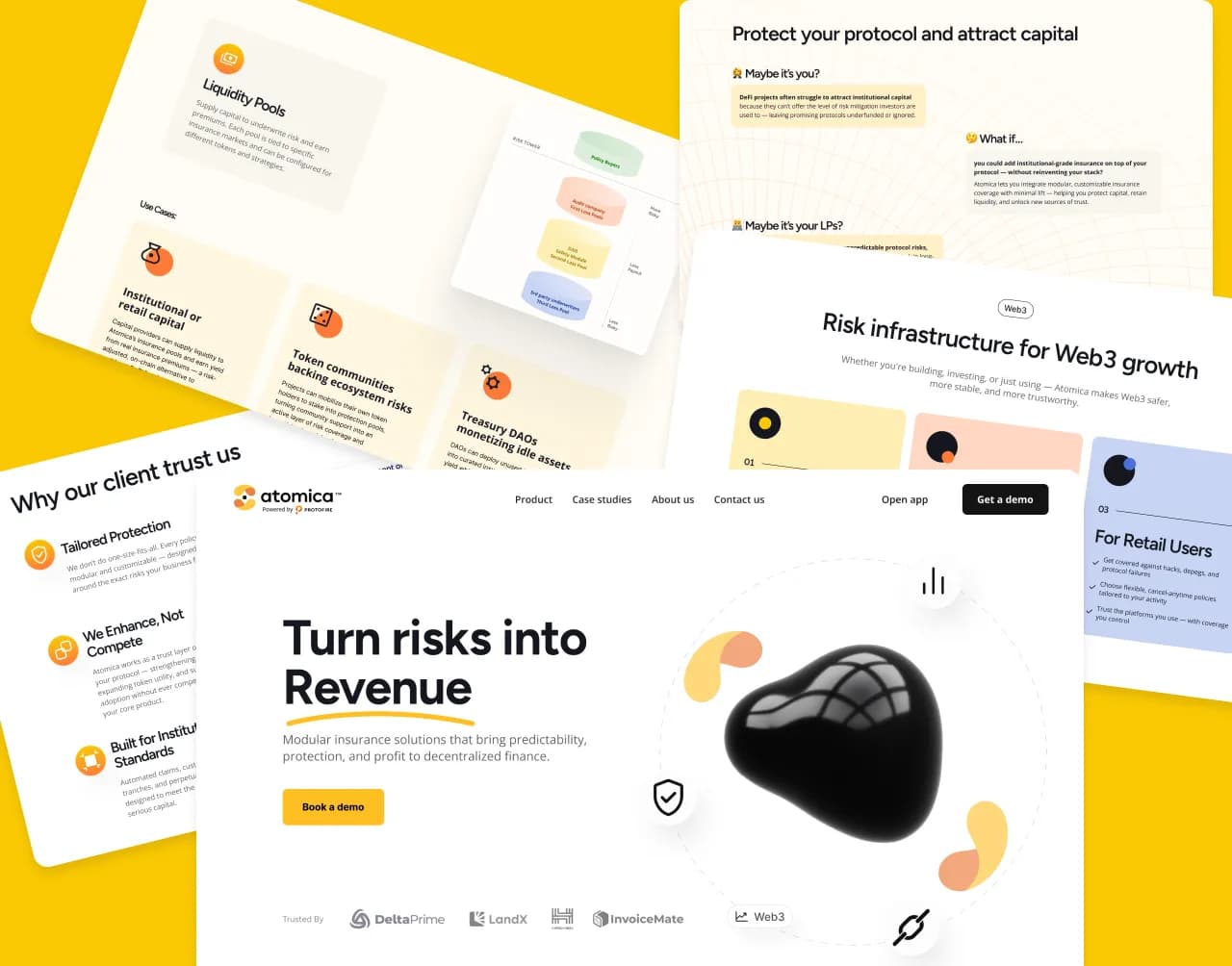
Risk infrastructure
Web3 risk infrastructure platform presented in a clear, engaging, and trustworthy way. Custom animations, segmented user flows, and conversion-focused CTAs built in Wix.
Use the form to request a UX audit consultation. Tell us what you want reviewed, what feels wrong, and what business goal matters most: conversion, activation, retention, trust, checkout or demo readiness.
Yes. The audit can stay as a standalone review, or it can lead into web design, product design, mobile app design, SaaS UX or MVP redesign work.
A UX audit is a fixed package: $1,500 covers one key flow, done in about a week; $3,500 covers a full product review. What moves the price is how many flows and screens are in scope. Every audit is priced upfront, with no deposit — see how we work for the full model.