Screenshot set
App Store and Google Play screenshot layouts with clear feature hierarchy, device frames, captions and export-ready structure.

HQ Paphos, Cyprus · worldwide
99 Francs designs App Store screenshots, Google Play graphics, icon directions, preview frames and launch visuals that explain the app fast.
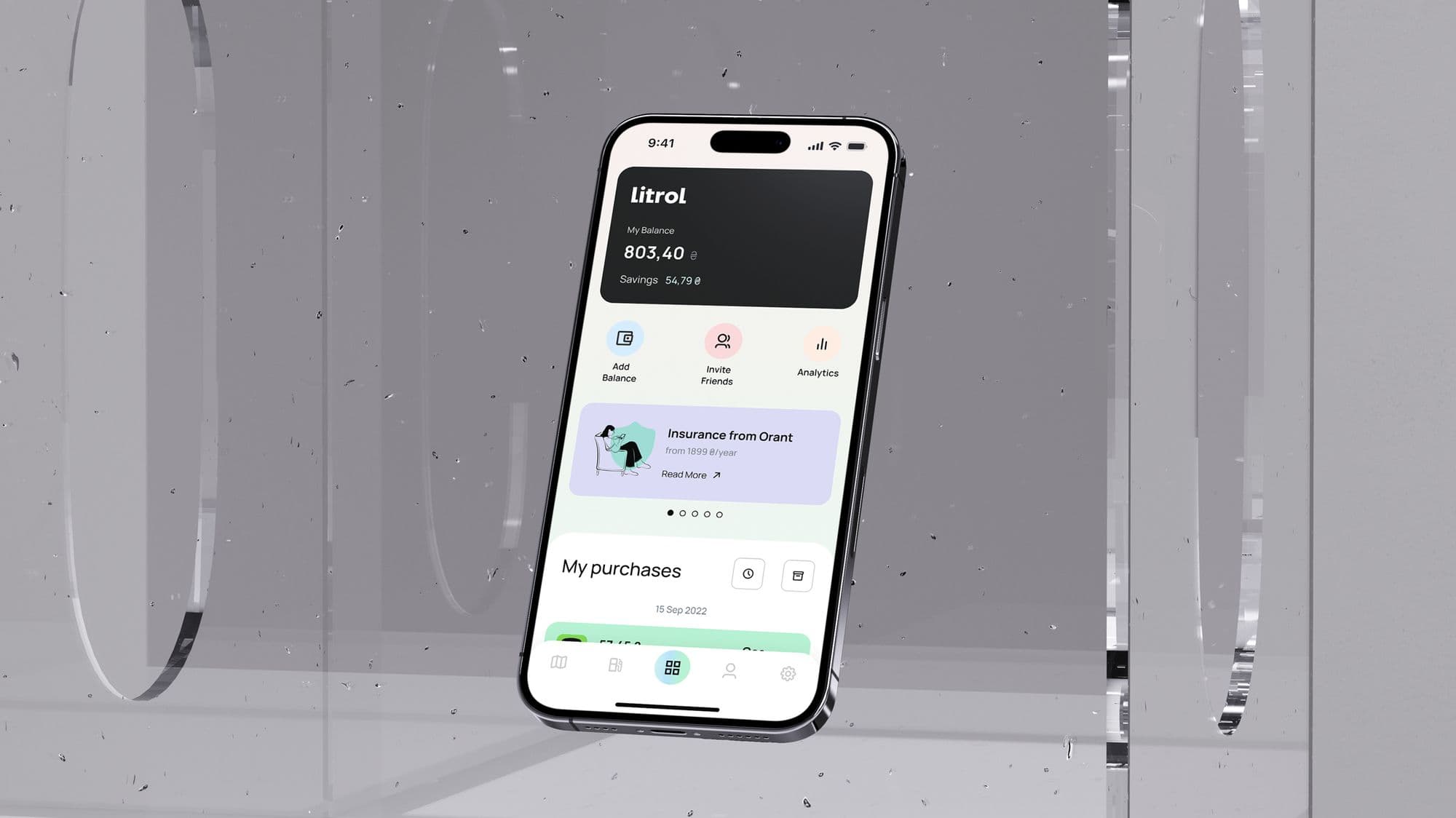
Mobile app design
Litrol
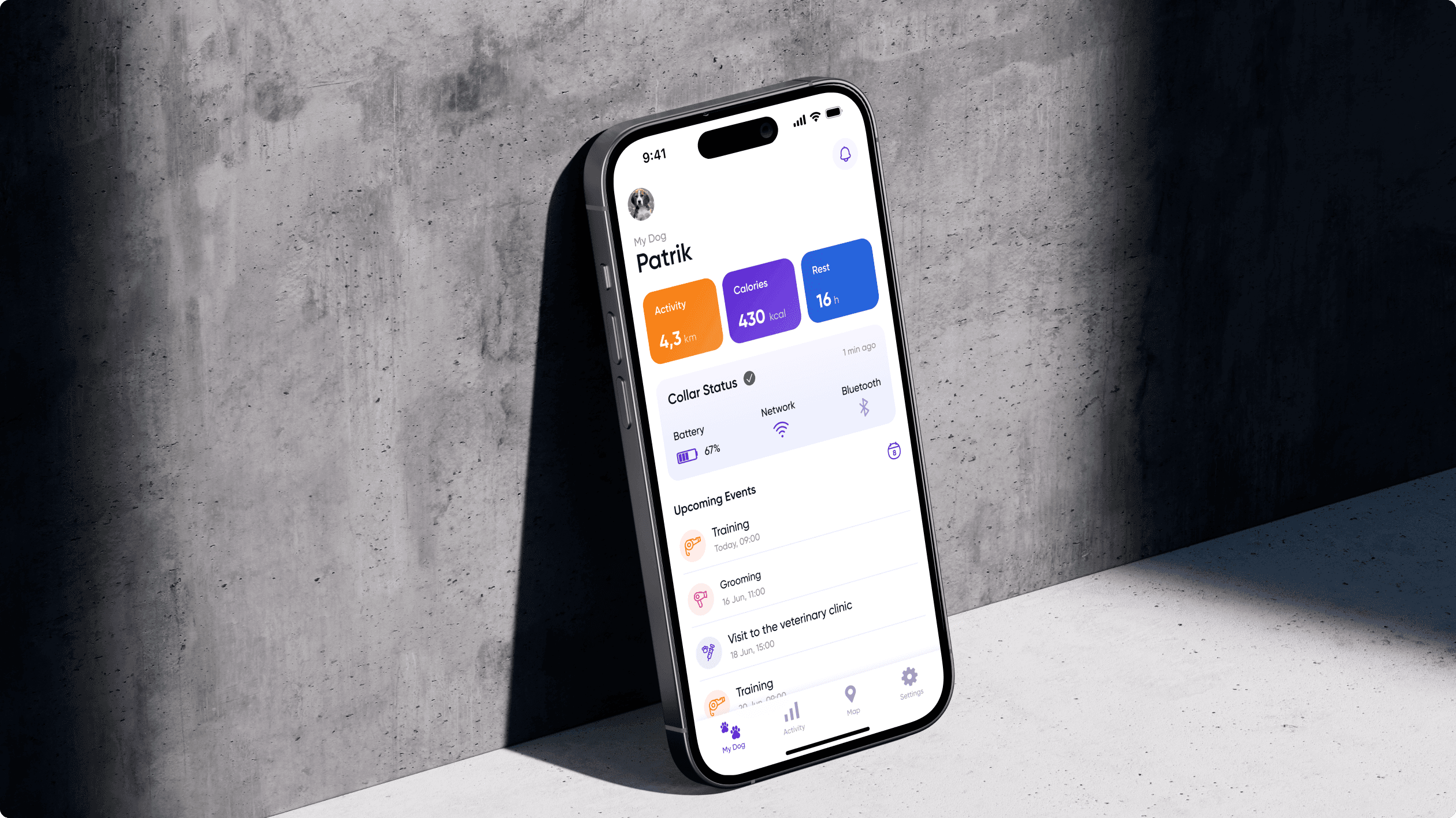
Mobile app
Petly
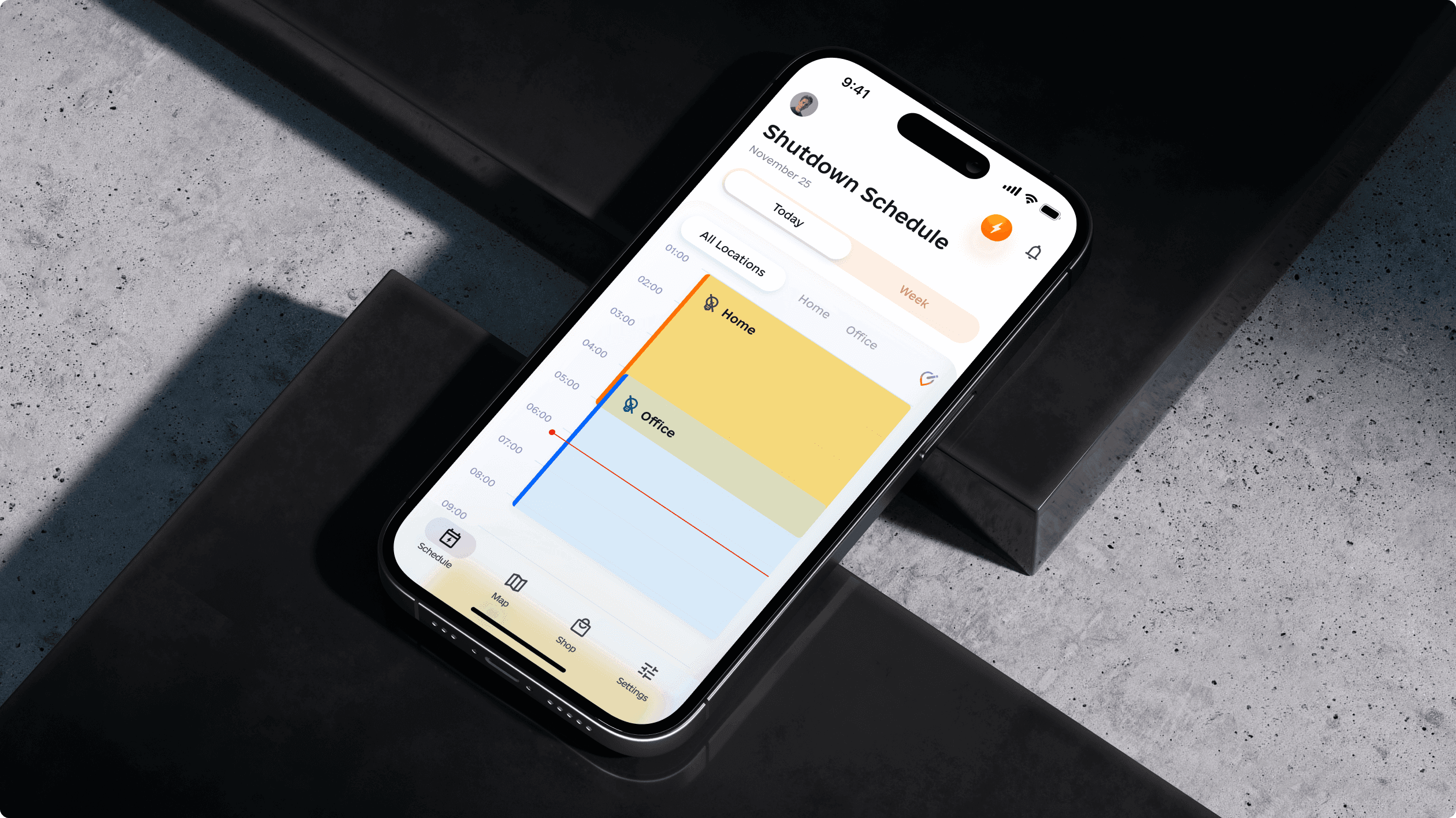
Mobile app design
Volt
150+
shipped projects
$32M+
raised by clients
9,000+
tasks delivered
This service covers screenshot sets, icon direction, preview graphics, launch visuals and visual systems that help users understand the app before they install it.
The scope can focus on a first launch, redesign, seasonal update, localization-ready system or testable creative direction for app acquisition.
App Store and Google Play screenshot layouts with clear feature hierarchy, device frames, captions and export-ready structure.
Icon concepts, refinement, contrast checks and store-grid considerations so the app is easier to recognize.
Opening frames, feature graphics, app preview direction and visual assets for launch, paid traffic or product updates.
Reusable styles, caption rules, localization assumptions and asset handoff for future screenshots and experiments.
We turn features into a short visual story that users can understand while scanning the listing.
We redesign the visual system so the listing feels more premium, clearer and more trustworthy.
We create store visuals that can support campaign traffic, launch traffic and iteration after early performance data.
We build a reusable screenshot and caption system so new features can be added without redesigning from zero.
The process starts with the listing decision path: what users need to understand before they choose to install.
We review current screenshots, icon, category norms, competitor framing and the feature order users see first.
We choose the key messages, screenshot sequence, caption logic, device framing and visual direction.
We create polished screenshot layouts, icon direction, preview frames and supporting launch graphics.
We package files, size assumptions, reusable components and notes for App Store Connect, Google Play or future iterations.
App Store visuals need the same clarity as mobile product design: strong hierarchy, polished UI and fast comprehension.
Mobile app design
Mobile app UX/UI redesign for a fuel and energy app: balance, savings, payments, navigation, transactions, referral entry points and launch landing page.
Mobile app
Dog owner app connected to a smart collar device for activity and health tracking. Easy-to-use interface with clear visual hierarchy and a friendly, approachable tone.
Mobile app design
Mobile app helping users stay informed about planned electricity shutdowns. MVP definition, responsive mobile design, and a zone-based color system for at-a-glance clarity.
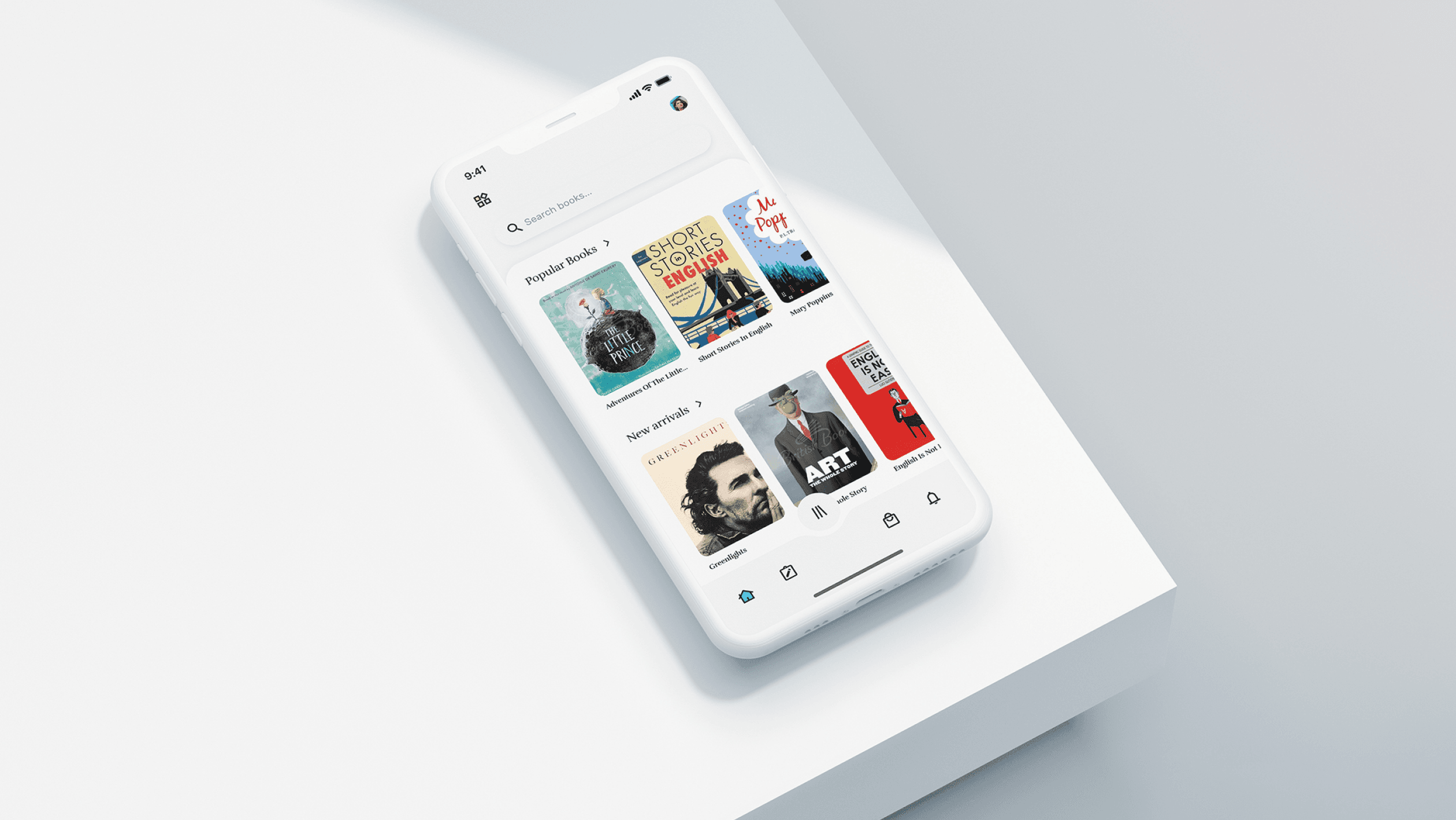
Mobile app · Identity
App letting users explore, reserve, read, and listen to books from local libraries. Genre filtering, bookmarking, note-taking, and a minimalist reader view for a calm reading experience.