







AI UX and product flows
Onboarding, inputs, prompt paths, output review, human-in-the-loop decisions, feedback loops and clear product journeys for AI tools.

HQ Paphos, Cyprus · worldwide
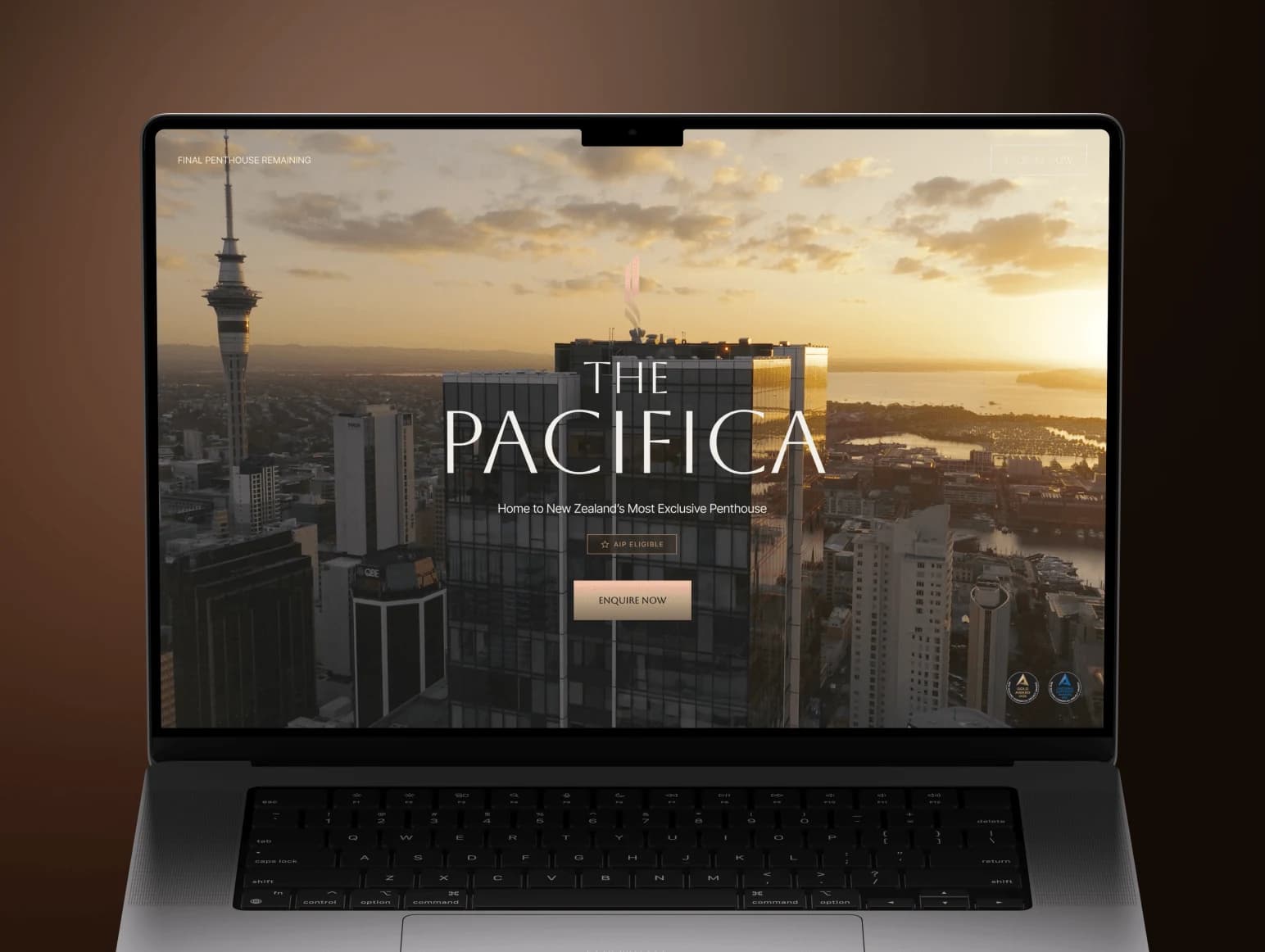
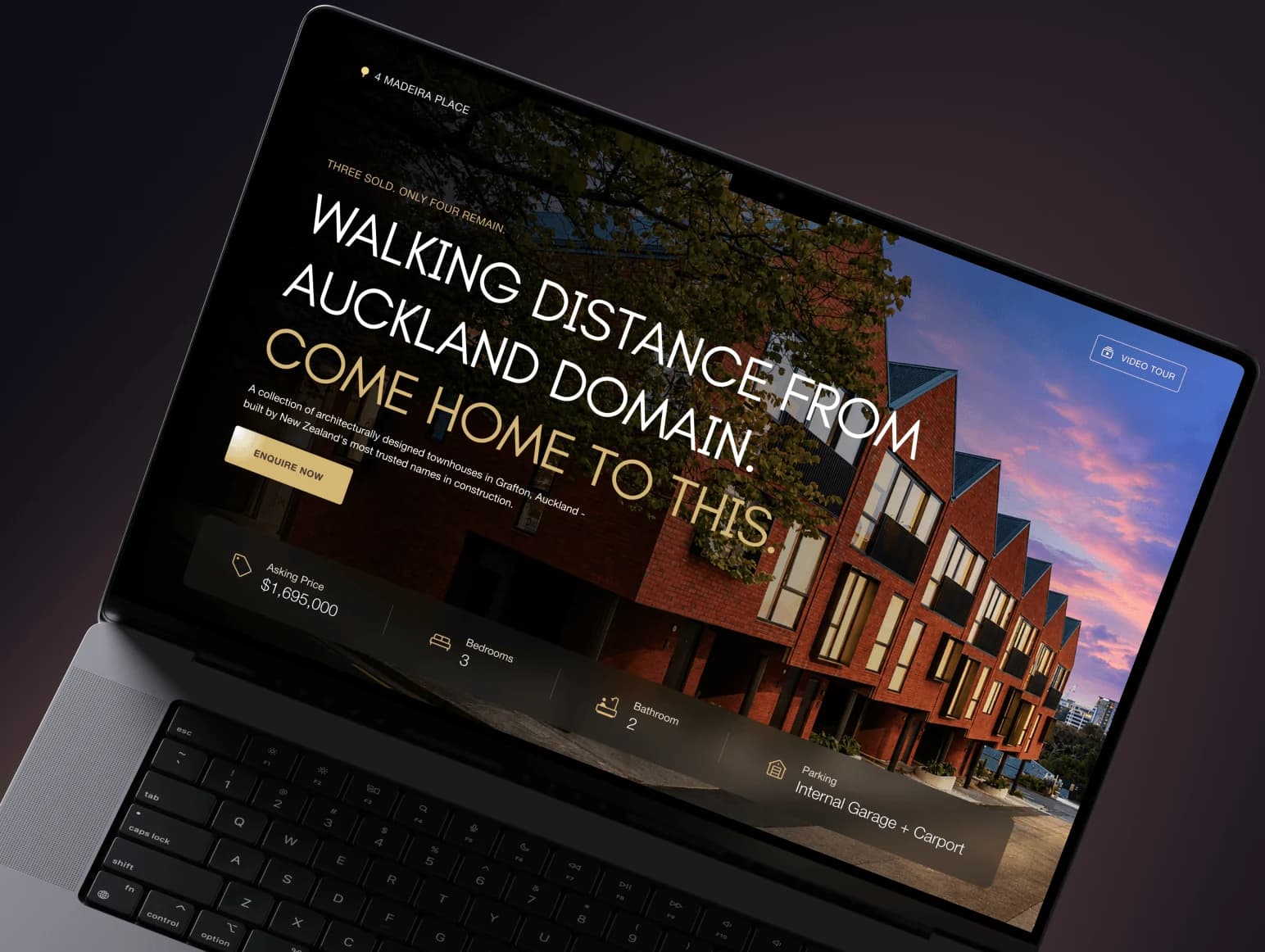
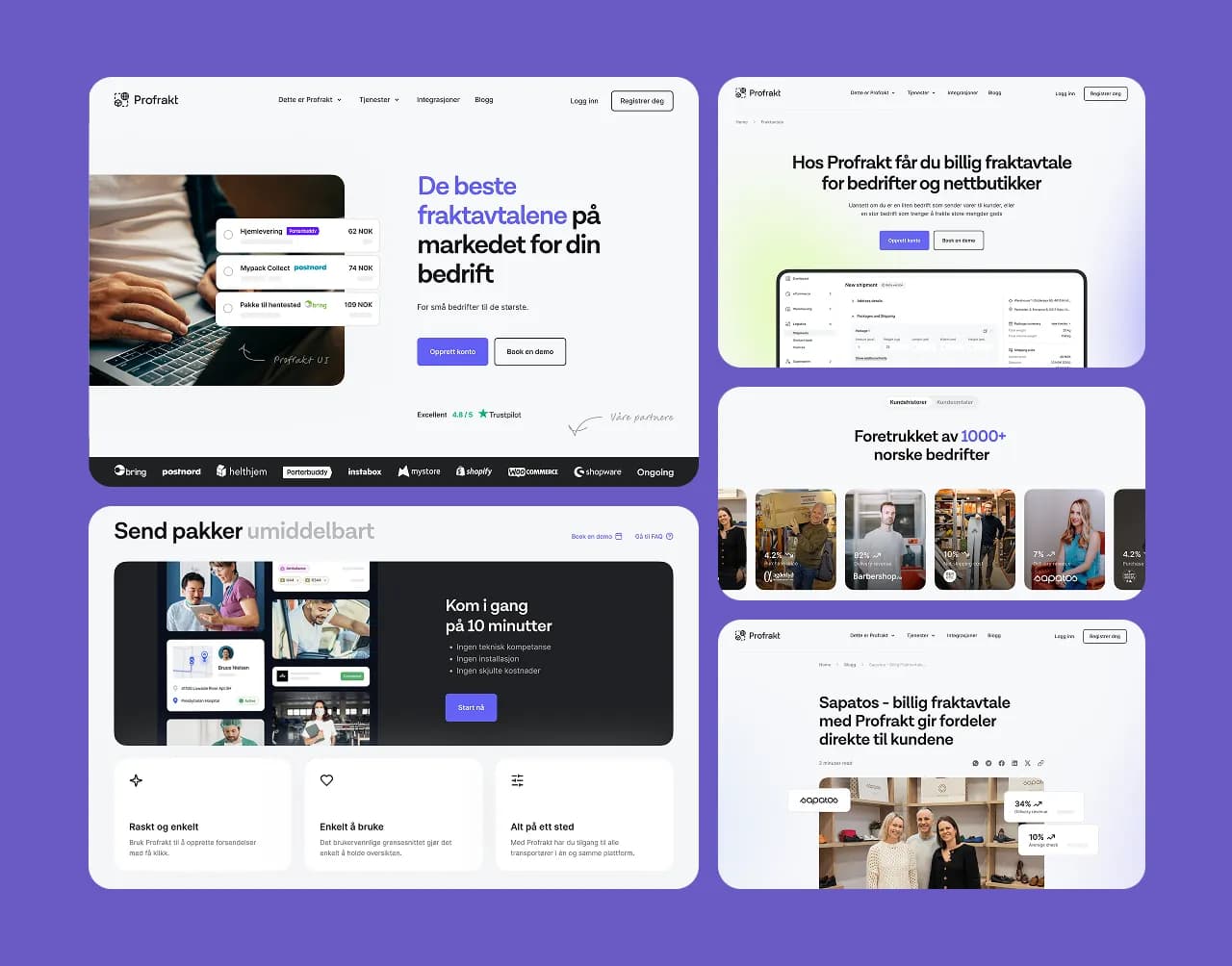
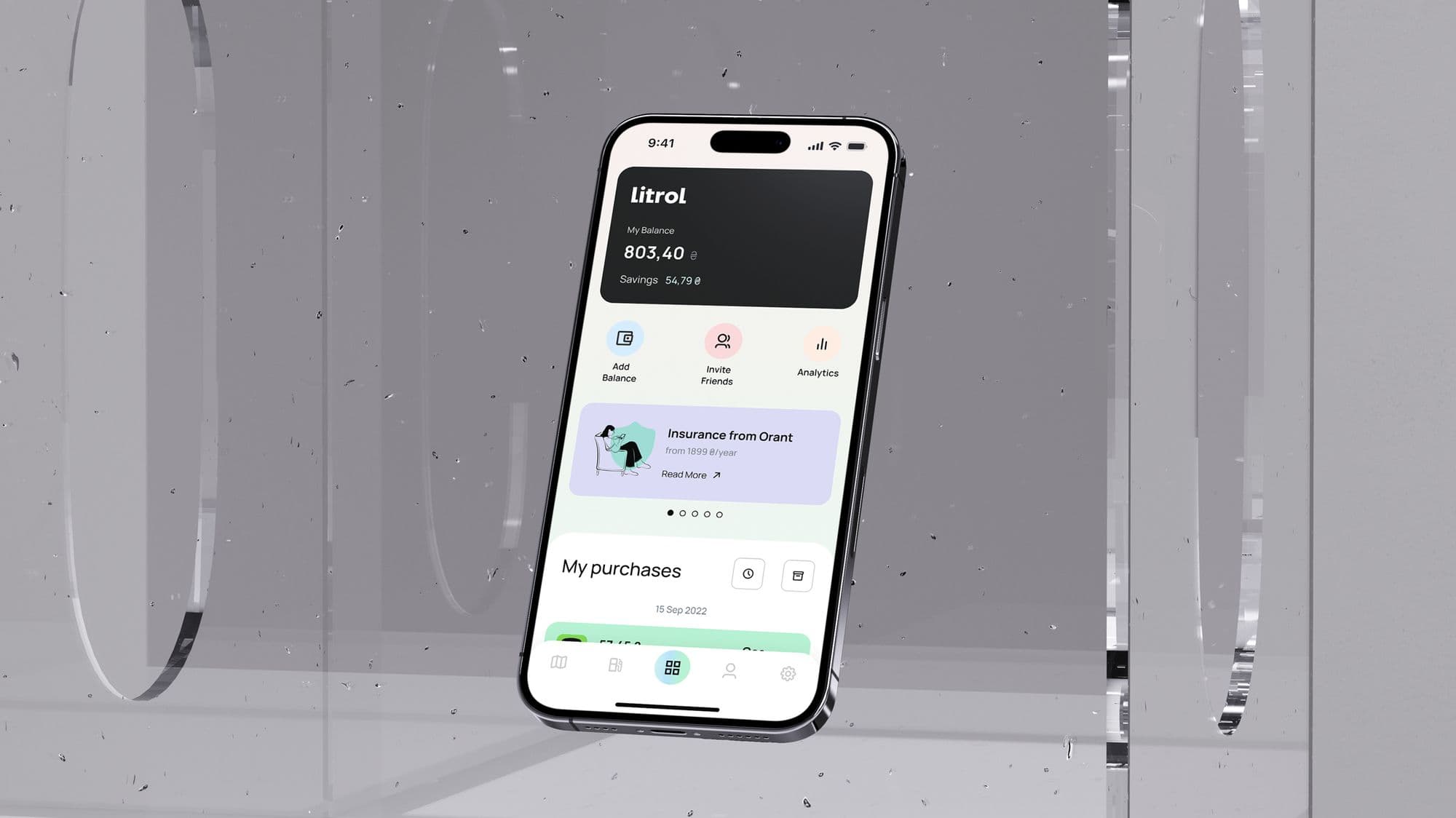
99 Francs® designs AI UX, app interfaces, copilots, agent workflows, prompt experiences and MVP prototypes for teams turning model capability into a usable product.
Prompt workspace
Output review
User intent
Find the best prospects and explain why they match.
Sources
8
Confidence
86%
Action
Edit
The user should see why the AI answered before they are asked to accept the answer.
The work covers AI UX strategy, chat and agent interfaces, prompt experiences, human-in-the-loop review flows, onboarding, trust states, dashboards and MVP prototypes that explain what the system can do and how much control the user keeps.
The interface has to show what the AI needs, what it is doing, what it produced and how the user can correct or approve it.
Onboarding, inputs, prompt paths, output review, human-in-the-loop decisions, feedback loops and clear product journeys for AI tools.
Chat, command bars, task queues, autonomous steps, confirmations, permissions and controls that make AI agents understandable.
Confidence signals, citations, loading, streaming, errors, retries, safety boundaries and output states designed into the interface.
Clickable prototypes and investor-ready product demos that show the value of the AI system before engineering scope gets too large.
We design examples, prompts, templates, onboarding and suggested actions so the first useful interaction does not depend on a blank input.
We add source context, confidence cues, review steps, edit controls and clear system boundaries where the product needs them.
We turn the capability into a complete journey: setup, input, generation, review, approval, export and repeat use.
We define the smallest credible AI workflow for the MVP and remove screens that do not prove value or reduce buyer risk.
We define the user, the input, the system action, the output, the review moment and the business result the AI interface must support.
We design onboarding, prompts, states, explanations, controls and review steps so users understand what the AI is doing.
You get realistic AI app screens, clickable flows, demo-ready product surfaces and developer notes for implementation.
Platform
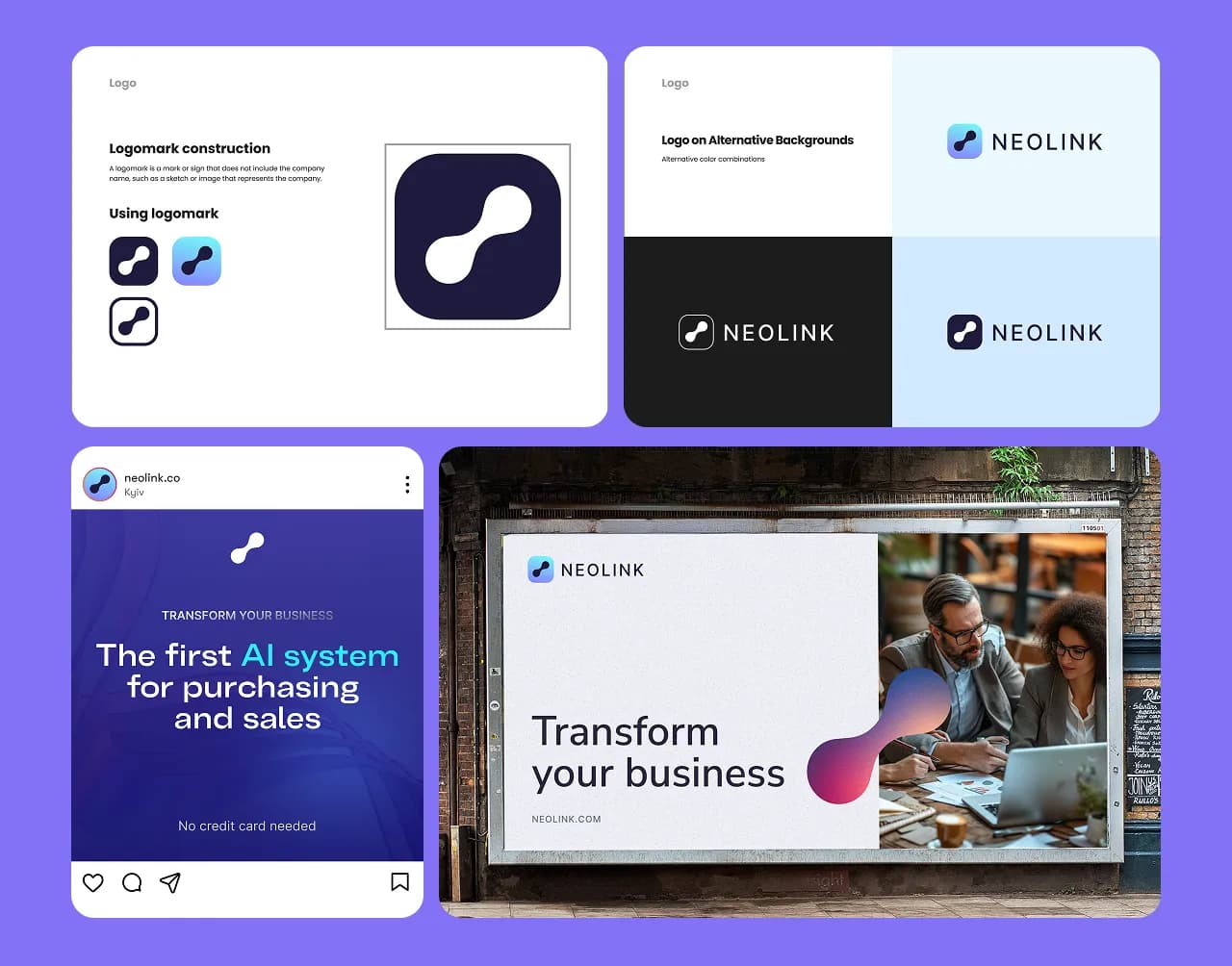
Full UX/UI designed from concept for an AI-powered supply chain platform. Visual identity, logo, branding guidelines, and a scalable design system — all delivered end-to-end.
Web product
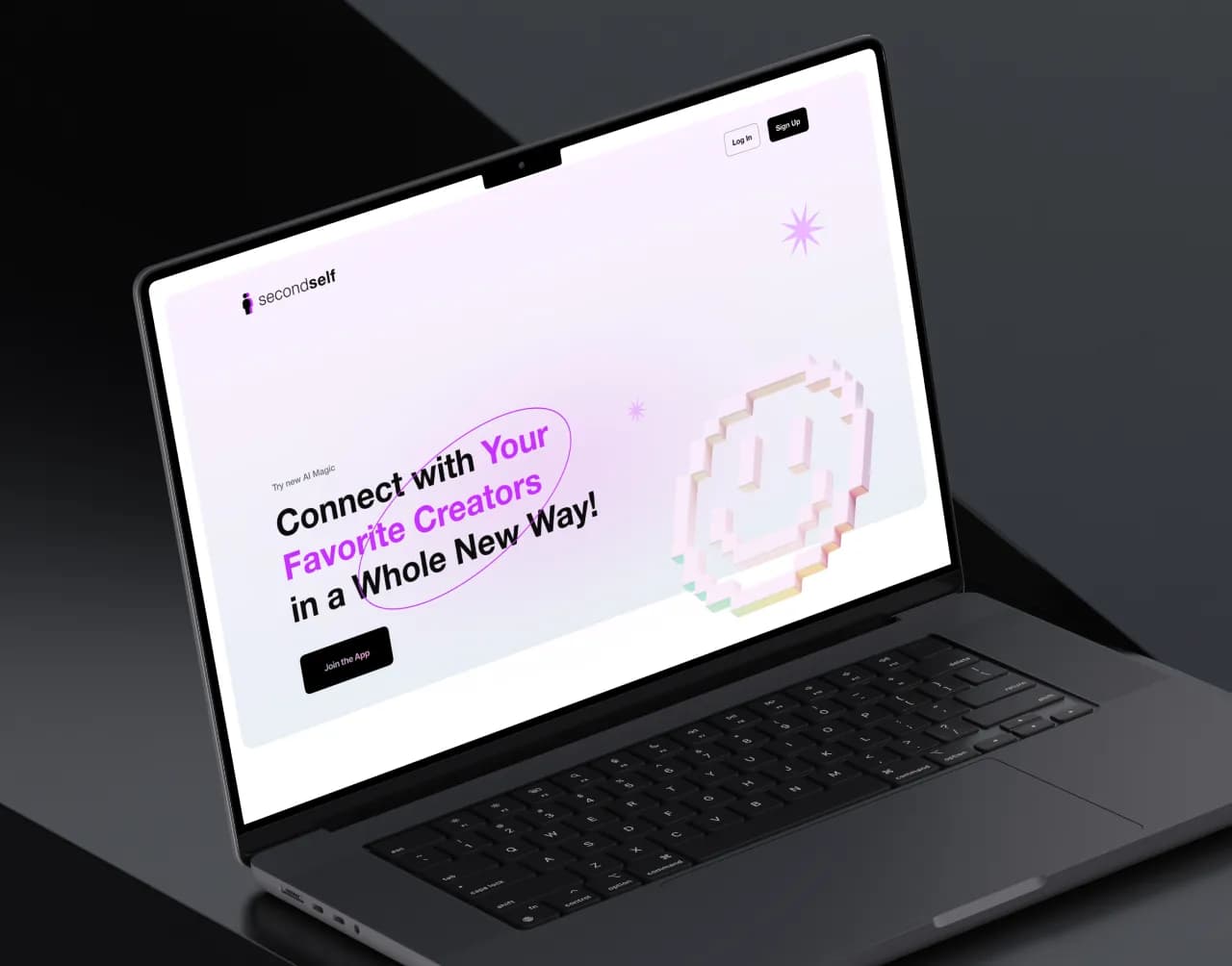
Product at the intersection of fan culture and generative AI. Fully responsive design with a vibrant, playful visual style and a streamlined onboarding flow for creators.
This page is design-first. We also build AI product frontends, demos, websites and launch surfaces. For implementation-first intent, see AI App Development.