










$5
monthly running cost
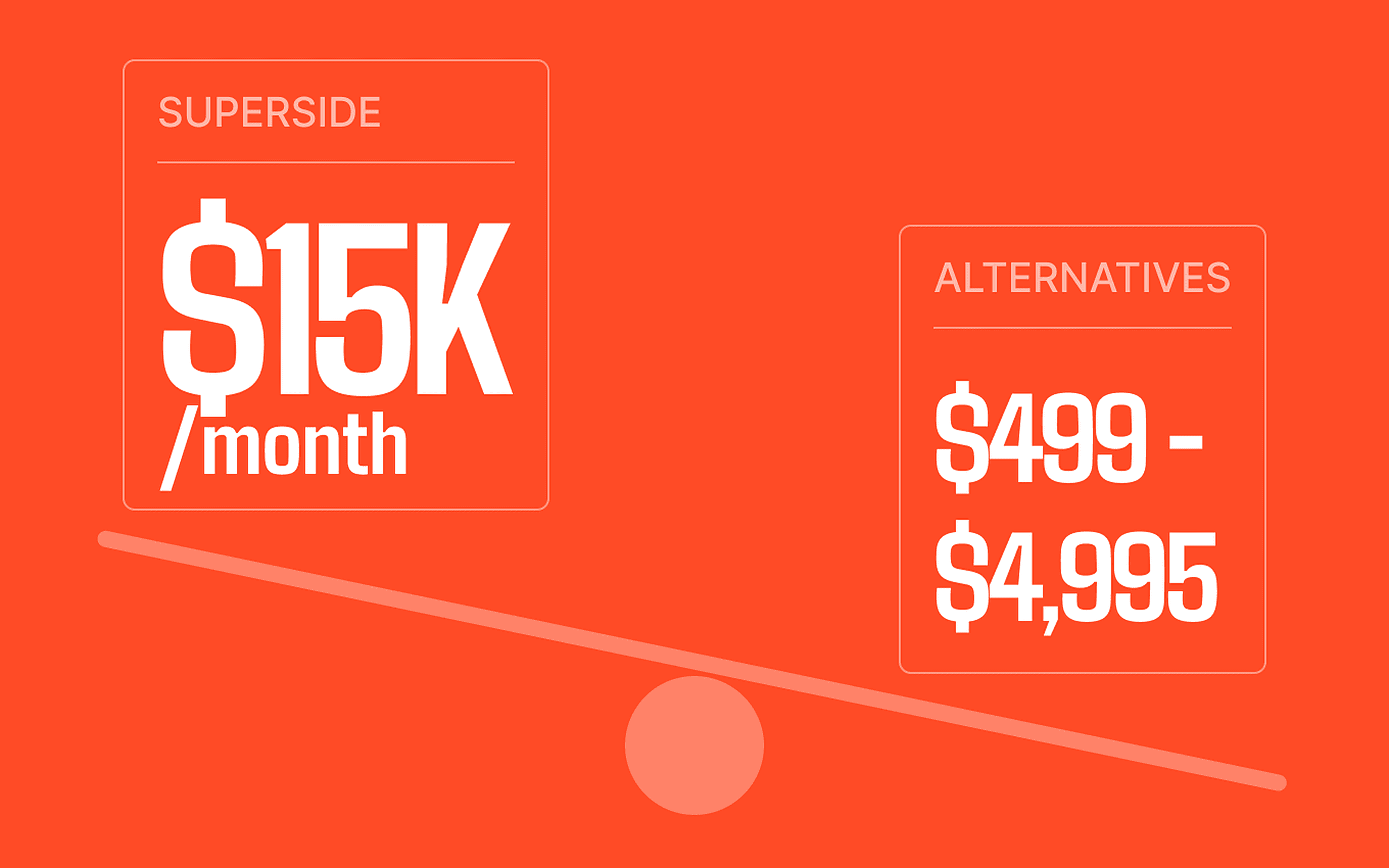
A $20/month Webflow subscription became a $5/month hosting bill on our own server — the same site for a quarter of the price.

HQ Paphos, Cyprus · worldwide
99 Francs ports Webflow sites to Next.js and Payload CMS pixel for pixel: the same design, the same URLs, your own admin panel and hosting you control instead of a per-site subscription.
150+
shipped projects
$32M+
raised by clients
9,000+
tasks delivered
It is the right move when the site works but the platform bill, the editing limits or the lock-in no longer do. We treat the Webflow build as the specification: the stylesheet, class names, grid ids and animations are ported as data, the content moves into Payload collections you edit yourself, and the URLs, metadata and structured data carry over so search never sees a new site.
ELCora's site had run on Webflow for a year. The website was doing its job; the subscription behind it was the problem. We rebuilt it on Next.js 16, Payload CMS 3 and Postgres, moved it to our own hosting and switched the domain over — the visitor sees the same site.
$5
monthly running cost
A $20/month Webflow subscription became a $5/month hosting bill on our own server — the same site for a quarter of the price.
0
design changes
The brief was that the design does not change. Layout, type, spacing and animations were ported as they were, so the client never had to relearn her own site.
7
collections she controls
Pages, pricing plans, teachers, reviews, FAQ, media and incoming leads all live in a Payload admin panel she logs into herself.
A migration off Webflow is only worth doing if nothing visible breaks. The design, the addresses and the search signals stay; what changes is who owns the code, who can edit the content and what the site costs to keep online.
The Webflow export is treated as the reference: layout, typography, spacing, responsive breakpoints and interactions are reproduced rather than reinterpreted, so nobody has to relearn the site.
Collections for the things you actually edit — pages, plans and prices, people, reviews, FAQs, media, incoming leads — with fallbacks so an empty field renders the shipped copy instead of a blank section.
Addresses stay identical where they can and get 301s where they cannot. Titles, descriptions, canonicals, sitemap, robots and JSON-LD move with the site and stay editable afterwards.
Containerised deploy with database migrations, a staging URL to sign off on, the DNS switch, and the Webflow CDN assets pulled into the repository before the subscription is cancelled.
A brochure site that rarely changes still pays platform rent every month. Self-hosting the same build usually lands in single-digit dollars.
The repository, the database and the hosting account are yours. Nothing is stranded behind a plan that can be repriced or discontinued.
Payload gives you real collections, relationships, role-based access, drafts and an API, so the content can feed more than one surface.
Forms into your own database, Telegram or email notifications, calculators, gated content, integrations and scheduled jobs run as first-class server code instead of embedded scripts.
The order matters: freeze the original as the reference, port it, move the content into the CMS, then cut over. Anything that looks different at the end is a bug, not an improvement.
Capture the live HTML, stylesheet, interaction data, assets and screenshots so there is a record of what the site actually did before anything is rebuilt.
Rebuild the pages in Next.js against that reference, keeping class names and layout ids that carry meaning, and pulling every asset off the Webflow CDN into the project.
Design Payload collections around the copy, prices, people and media the client edits, wire the forms and notifications, and keep the shipped content as the fallback.
Ship to hosting with migrations, review on a staging URL, switch DNS, verify redirects, indexing and analytics, then cancel the Webflow plan.
Keep the website. Stop renting the platform under it.
We ported ELCora's Webflow site to Next.js and Payload without changing a pixel, and took the running cost from $20 a month to $5. The same route works for most Webflow marketing sites.
Scope a move off Webflow→