








 By Alexander Vinokurov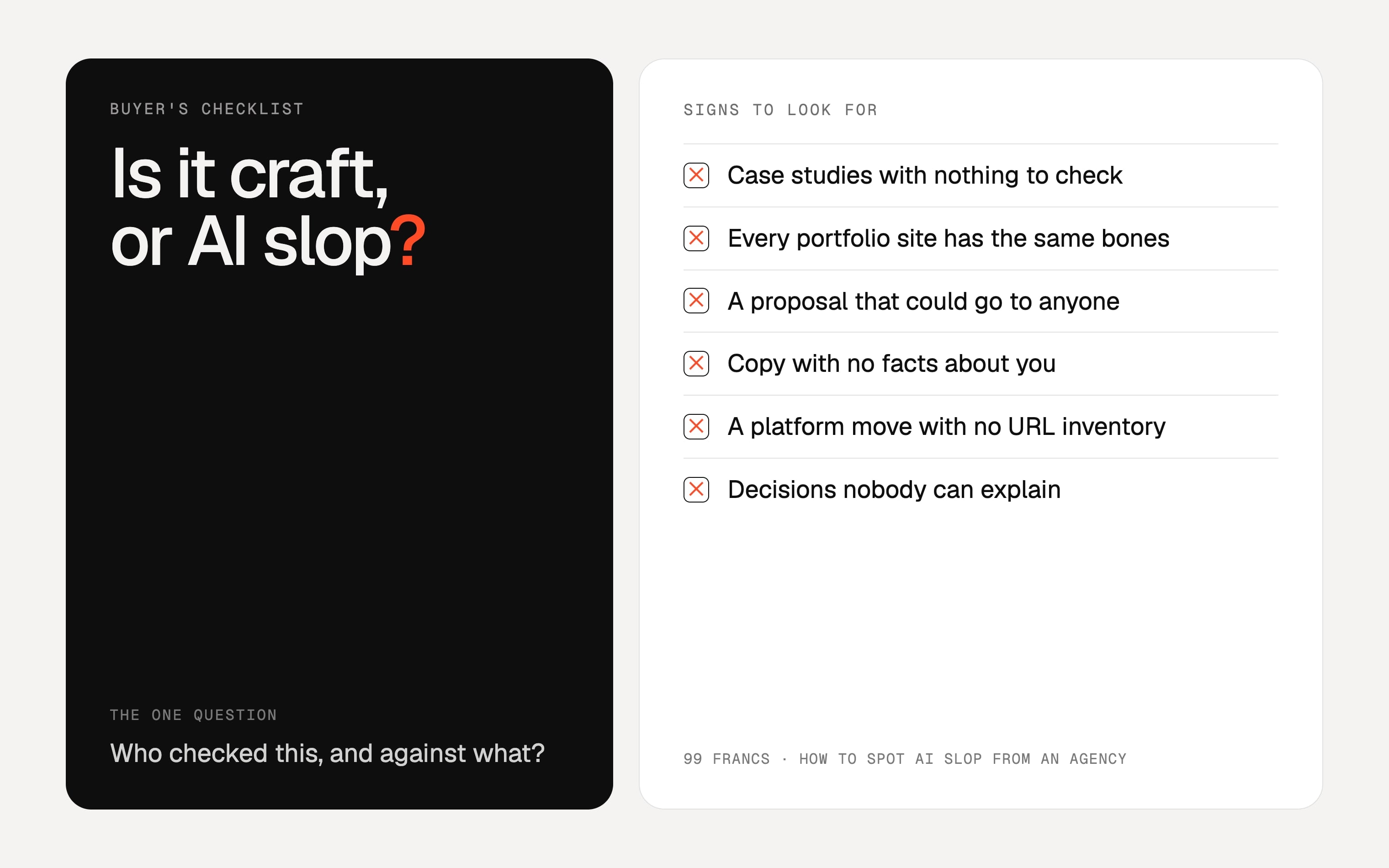
Most buyers now know the look. Homepage copy that could sit on any company's site. A smiling team photo of people who do not exist. A case study that says "increased engagement" and gives no number anyone could check. More and more of them treat that as a sign the vendor is not qualified, and they are usually right. Not because a tool was used, but because nobody looked at what it produced before it was sent to a paying client.
This checklist is for the person signing the contract: a founder, an owner or a marketing lead buying a website, a redesign or a batch of content. It covers what to look for before you hire, what to look for in what you get back, and what to ask.
What counts as slop, and what does not
Slop is not "anything an AI touched". Spell-checking, transcribing a call, or an agent rebuilding a hundred near-identical pages while a person checks each one: that is tooling, the same way a CMS is tooling. Slop is output that went from the model to you without a qualified person reviewing it, and was billed as craft.
So the useful question is not "did you use AI?". It is "who checked this, and against what?". Every item below is a way of asking that without taking the agency's word for it.
Before you hire: signals in the pitch and the portfolio
- Case studies with nothing to check. "Modern, clean design", "a seamless experience", "boosted engagement". A real case names things you can verify on the live site: how many pages, which URLs were kept, what was redirected, what it costs to run. Ask for the live URL and look.
- Every portfolio site has the same bones. The same hero, the same three feature cards, the same gradient. Reusing a good pattern is normal. A restaurant, a law firm and a SaaS tool sharing one layout means nobody designed for any of them.
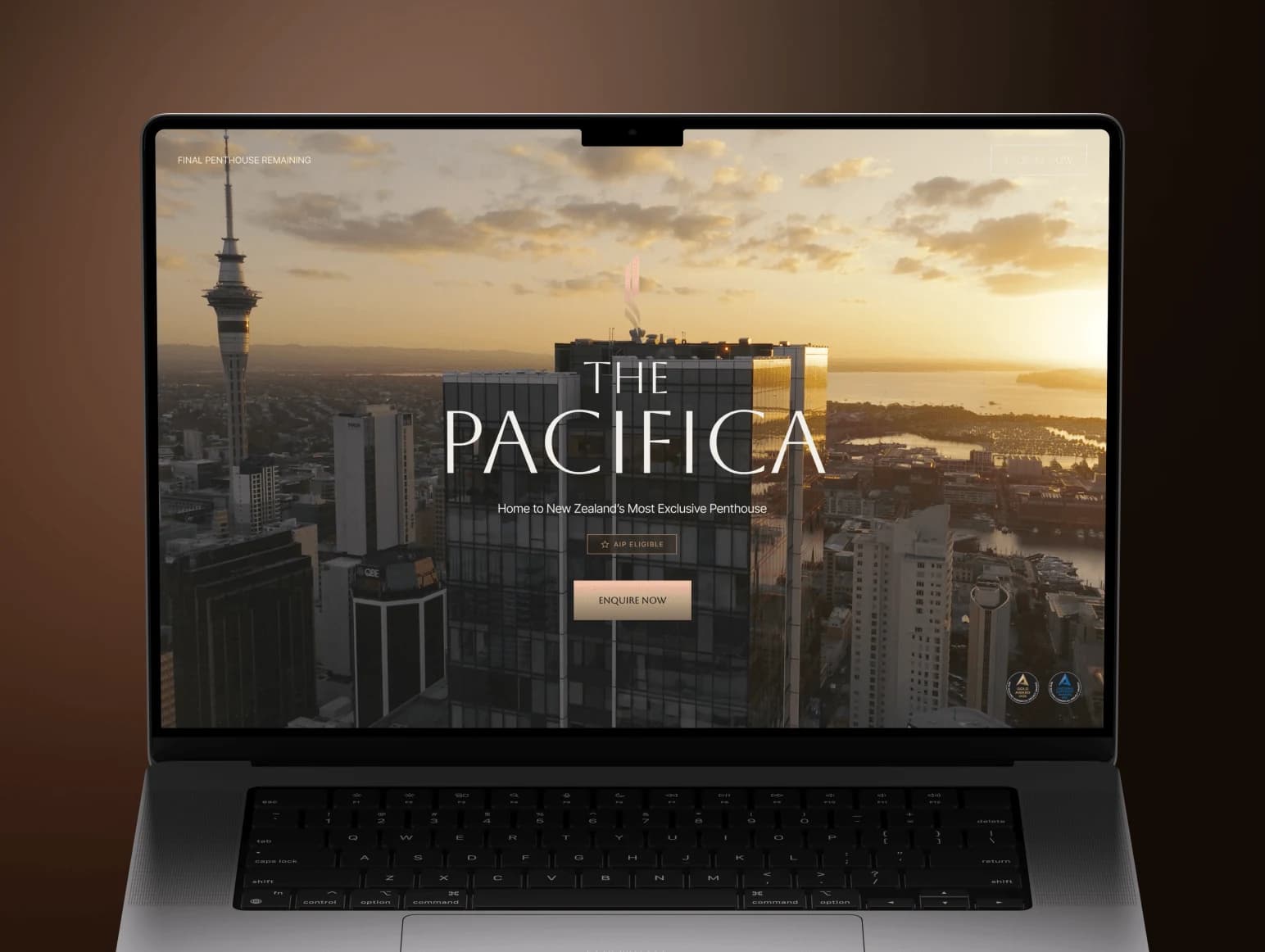
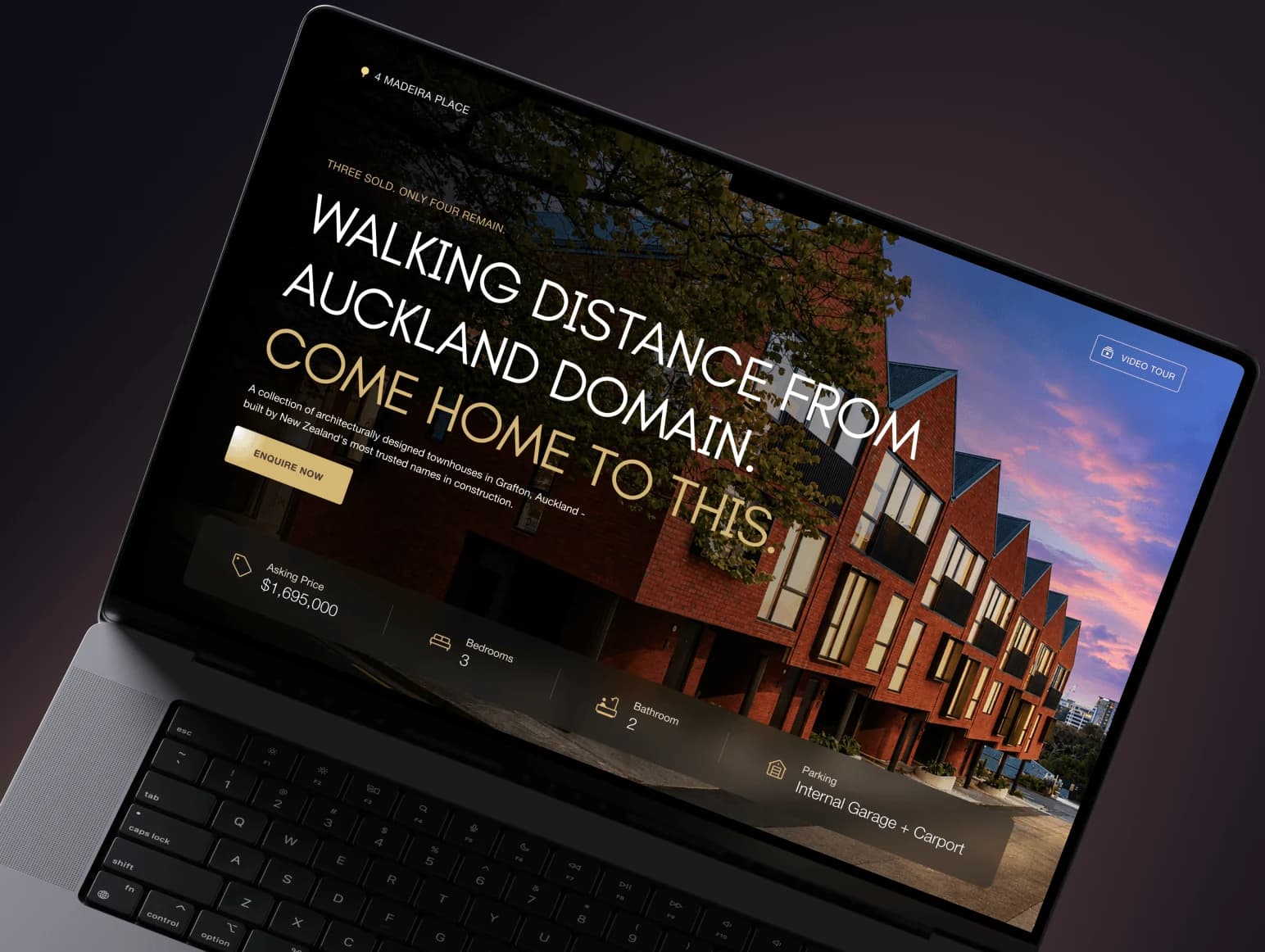
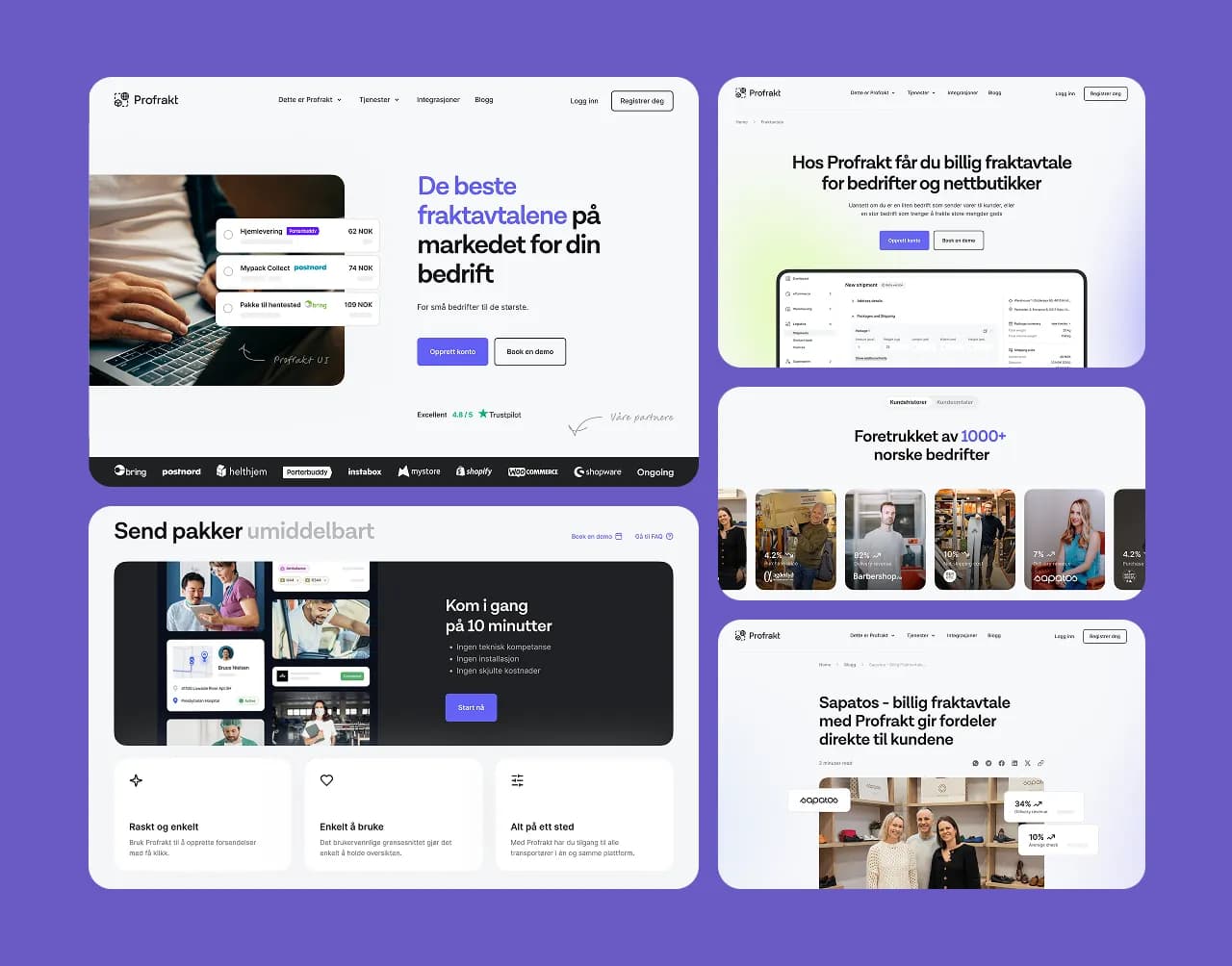
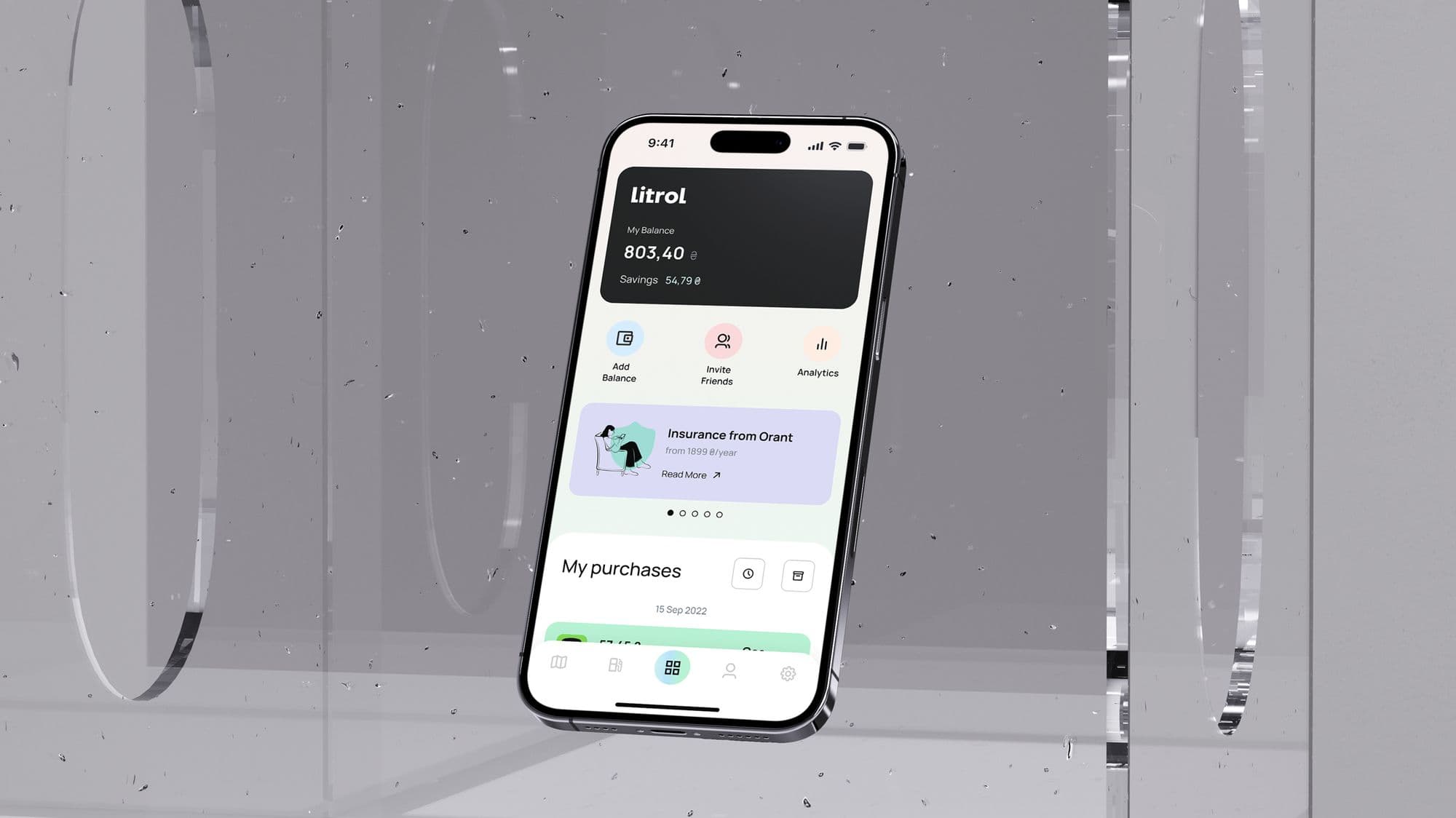
- Images that show no one real. Over-smooth faces, offices that do not exist, laptops with blank or impossible screens. Website and app work should be shown as real screens of real products. On our own app case studies, the screens are captures of the shipped app, not store marketing slides.
- Concepts presented as shipped work. A mockup is fine as a concept. Ask which projects went live, where they are now, and what the agency's part was.
- A proposal that could go to anyone. Delete your company name from it. If nothing else in the document refers to your business, your current site, your numbers or the constraints you described on the call, it was not written for you.
- No named people. "Our team of experts" with no names, no faces and no profiles you can look up. Find out who will actually do the work and talk to that person before you sign.
- Fast, fluent answers that never push back. Long replies that restate your question as bullet points, agree with everything and never say "that depends on something I need to see first". Experienced people ask awkward questions early.
After you hire: signals in the deliverables
- Copy with no facts about you. No prices, no places, no product names, no numbers. Try swapping your company name for a competitor's. If every sentence still works, the copy is not about you.
- Confident facts you never gave them. A founding year that is wrong, a service you do not offer, "trusted by 10,000+ customers" when you never said so. A model fills gaps with plausible fiction; a reviewer catches it. One invented claim on a live page is a liability, not a style problem.
- Stock or generated images where your work should be. If you sent real photos, screenshots or project shots and the site uses something else, ask why.
- The same rhythm everywhere. Every section opened with a rhetorical question, every list in threes, "whether you're a startup or an enterprise", "unlock", "elevate", "seamless". One of these is a habit. All of them on every page is a pattern.
- A platform move with no URL inventory. This is the expensive one, covered in detail below.
- Decisions nobody can explain. Pick any choice in the design or the build and ask why. "It's best practice" is not a reason. If no one can tell you, no one decided.
The migration test: ask for the URL inventory
A redesign or a platform switch is where unreviewed work does real damage, because the errors are invisible on launch day. Pages look fine. Old addresses quietly return 404, internal links bounce through redirects, and the search traffic those URLs earned goes with them. No model knows which of your URLs matter; someone has to list them and check every one.
Here is what that looked like on one of our recent client projects: a WordPress and Divi site for a local service business, moved to Webflow. The client had a fixed price they were ready to pay for the whole migration, and the URL work still had to be complete:
- The URL list came from the WordPress sitemaps, not the menu, because the menu hid several pages.
- 36 pages and 155 blog posts were rebuilt on their original addresses, including posts that sat at the root of the domain.
- 257 thin tag archives were not rebuilt; one wildcard 301 sends them all to the blog.
- 34 redirect rules, each requested once after publishing to confirm it returns a 301 to the right page.
- A crawl of every published page before the domain moved: zero broken links, zero internal links through a redirect, zero references to the old WordPress host.
You do not need those exact numbers from your agency. You need the equivalent spreadsheet for your site, before launch, and the ability to open it. If they cannot show you one, it does not exist. Our page on migrating to Webflow without losing SEO lists the full method.
Reviewed work and slop, side by side
| What you check | Sign of unreviewed output | What reviewed work looks like |
|---|---|---|
| Case study | Adjectives and a mockup | A live URL, counts you can verify, and a plain statement of what the agency did and who else was involved |
| Homepage copy | Works for any company in your industry | Your prices, places, products and proof; a few sentences only you could have said |
| Imagery | Generated people, generic stock, blank devices | Your team, your premises, real screens of your product |
| Proposal | Restates their service list | Restates your brief, names your constraints, flags what is still unknown |
| Platform migration | "The platform handles redirects" | A URL inventory, a redirect map, each redirect tested, a crawl before the switch |
| Who answers | An account manager or a chat widget | The named person doing the work |
Where AI is fine, and where it is not
We use AI in client work and say so. On that same migration, an AI agent working through Webflow's MCP server did the repetitive part, such as rebuilding 155 posts from one shared template. Every change was then checked on the published site, not in the editor. The agent did not decide which URLs to keep, and it did not sign off the final crawl. People did. Our post on Webflow MCP in a WordPress-to-Webflow migration goes through what the agent sped up and what it changed nothing about. The full split is in where we use AI in client work, and where we don't.
That is the line worth asking any agency about: AI for volume, people for judgement and verification. A studio that cannot tell you where that line sits in its own process has probably not drawn one.
Questions to ask, and what good answers sound like
| Ask | A good answer | A warning sign |
|---|---|---|
| Where do you use AI on a project like ours? | Names specific tasks and who checks the output | "Never" (rarely true), or "AI does it all, that's why we're cheap" |
| Can I see a live project like mine, and exactly what you did on it? | A URL, a list of what they did and did not do, and who else was involved | Only mockups, or "we did the full redesign" with no detail |
| Who writes the copy, and where do the facts come from? | A named writer who interviews you and asks for prices, service areas and proof | "Our copywriters will handle it" with no questions to you |
| If we change platform, how do our URLs and rankings survive? | URL inventory from the sitemap, a redirect map, every redirect tested, a crawl before the domain switch | "The new platform does redirects" |
| Who will I talk to during the project? | Names and roles; the person doing the work joins the calls | Only an account manager, or a ticket form |
| What happens if a fact on the site turns out to be wrong after launch? | Who fixes it, how fast, and whether it is covered | A vague answer, or a new quote |
A check you can run in ten minutes
- Open the live URLs of three portfolio projects. Do they load, and do they match the screenshots?
- Pick one number from a case study and verify it on the live site: count the blog posts, or try an old URL and see where it lands.
- Read a paragraph of the agency's own homepage with a competitor's name in it. If it still reads fine, expect the same for yours.
- Look up the people named on the site. Do they exist outside it?
- Send one specific, slightly awkward question by email. A person who knows the work answers it directly; a template answers a different question.
None of this needs an AI detector. Those tools are not reliable enough to settle a dispute, and the faster test is whether the facts are right and someone can explain them. It is also the standard we hold ourselves to: our case studies say what we did, what it cost to run where that is the point (the ELCora site went from $20 to $5 a month after its move to Next.js), and, when we worked as a contractor, whose project it was.
If you are comparing studios for a web design project, a migration or ongoing website support, use the questions above on us too. How we work explains how our phased projects run.
Frequently asked questions.
Need this done instead of just read about it?
99 Francs is a senior product studio working outcome-based: no upfront payment, a fixed price per phase, and you pay at the end of a phase — only once you've seen it working. Tell us what you're building, and we'll reply with a phased plan and a fixed quote within one working day.