








 By Tetyana Vinokurova
Most companies still running a WordPress site they dislike are not staying because WordPress is winning. They are staying because migration looks like a month of retyping: four hundred blog posts, a decade of URLs, metadata nobody has audited since 2019, and a plugin stack that quietly holds three integrations together. The rebuild was never the scary part. The manual labour was.
That part of the arithmetic changed in 2026. Webflow now ships an MCP server that lets an AI agent work inside a Webflow site directly — building layouts, restructuring CMS collections, applying page settings and schema in bulk. We have it wired into our own Webflow migration work. This post is an honest account of what it moves and what it doesn't, stage by stage.
The design half covers responsive layouts, elements, CSS classes and raw CSS, components with props, variants and slots, breakpoints, design-system variables, page branches and custom code. The data half covers CMS collections, fields and bulk item updates, page settings and schema markup, assets, forms, sitemap control and site analytics. Webflow shipped the official Claude connector on 9 February 2026.
Stage 1 — WordPress audit and URL map
Every migration we run starts outside Webflow entirely: crawl the WordPress site, list every indexable URL, pull the pages that actually earn organic traffic and backlinks, and separate them from the eight years of drafts, tag archives and duplicate category pages that nobody should pay to move. This is the stage that decides the size of the whole project, and the MCP server does almost nothing for it — the source site is WordPress, not Webflow.
What it does help with is the mirror image on the destination side: once a target structure exists, an agent can scan the new site for missing metadata, empty fields and inconsistent page settings far faster than a person clicking through the Designer. The decision — this page moves, this page merges, this page dies — stays with us and with you. More on how we treat this as a search-risk exercise first: Webflow migration without losing SEO.
Stage 2 — CMS structure in Webflow
This is where the difference is most visible. A WordPress blog with posts, categories, tags, authors and a few custom post types becomes a set of Webflow collections with reference fields between them. Historically the work split into two unpleasant halves: modelling the collections, then feeding several hundred items into them by hand or through a brittle CSV round-trip.
The modelling is still ours — a content model is a set of decisions about how your team will publish for the next five years, and a bad one is expensive to unwind. The feeding is not. An agent can create collections and fields, bulk-create and update items, wire references between them, and publish, all through the MCP server. On a large content archive that is the single biggest saving in the project. For content-heavy products where this is the whole migration, see Webflow CMS migration for SaaS.
Stage 3 — Rebuild: pages, styles, components
The visual rebuild is where a WordPress site usually gets better rather than merely relocated. A theme accumulates overrides; a Webflow rebuild is a chance to impose one system. Through the MCP server an agent can build responsive sections and grids across breakpoints, create and apply classes and raw CSS, assemble components with props, variants and slots, and bind everything to design-system variables for colour, typography and spacing. It can work on page branches, so a rebuild can be staged without touching the live site.
What it cannot do is design. It will reproduce and systematise a layout faithfully and it will refactor styling consistently, but the decision about what the new site should look like, what to cut, and how the page should argue its case commercially is design work. It also cannot build Webflow Interactions — IX3 animations are outside the MCP server's reach and still get built by hand in the Designer.
Stage 4 — the SEO and AEO layer
This is the stage where the MCP server quietly matters most, and it is the one nobody writing about WordPress-to-Webflow migrations seems to mention. Page settings, titles, descriptions, schema markup and sitemap control are all exposed as bulk operations. Applying a consistent structured-data pattern across two hundred pages is no longer a week of clicking — it is a reviewed batch job.
That matters more in 2026 than it did in 2022, because the audience for your markup is no longer only Google's crawler. Answer engines assemble responses out of pages they can parse confidently: clean semantics, real schema, headings that map to questions, and direct answers placed where a machine can lift them. Webflow has bet on this too, shipping AEO analytics and agents alongside a CMS that emits semantic markup, schema and llms.txt automatically. One honest caveat there: llms.txt adoption is real on the publishing side, but the major engines have not committed to reading it as a citation input — schema and sitemaps still carry the weight. We treat it as cheap insurance, not a strategy.
A migration is the cheapest possible moment to fix this, because you are rewriting every page anyway. That is why our migrations ship with the answer-engine layer included rather than sold afterwards — the same discipline described in AI SEO and AEO services, and tested on our own site in our AI search experiment and its second-round results.
Stage 5 — launch, QA and monitoring
Launch is the riskiest hour of any migration and the least automated. Redirect maps have to be written from the old URL inventory and verified against it, DNS has to cut over cleanly, forms and tracking have to be re-tested against real submissions, and the site has to be re-crawled after launch to catch what the plan missed. An agent can help audit the result — scan for pages missing metadata, list what changed — but the redirect logic and the go-live decision are ours, deliberately.
This is also where most of the traffic-loss horror stories come from, and none of them are caused by the rebuild. They are caused by redirects nobody mapped and pages nobody checked. Budget and sequencing for the whole thing: Webflow migration cost and timeline.
Automated versus human, stage by stage
| Migration stage | Agent work, via the MCP server | Human judgement |
|---|---|---|
| Audit and URL map | Scanning the new site for missing metadata and inconsistent settings | Deciding which pages move, merge or get retired |
| CMS structure | Creating collections and fields, bulk-importing and publishing items | Designing the content model your team will live with |
| Rebuild | Building responsive layouts, classes, components and variables | Design direction, page hierarchy, IX3 interactions |
| SEO and AEO | Bulk page settings, schema markup, sitemap control | Which questions each page answers and how it is worded |
| Launch | Post-launch scanning and content audits | Redirect map, DNS cutover, go-live call, monitoring |
What the Webflow MCP server can't do
Worth knowing before anyone promises you a fully automated migration. Webflow documents the boundaries plainly:
- It cannot create Webflow Interactions (IX3) — animations are still built by hand.
- It manages uploaded custom fonts only, not remote Google or Adobe Fonts.
- It cannot create new localised CMS items, only update existing localised content.
- It cannot change workspace access settings, and it only ever operates within the roles the authorising user already has.
- Visual snapshots and reading the current Designer selection require the Designer open with the Bridge App running.
- It authorises one workspace at a time, and every change it makes is written to the site's activity log.
Those last two points are the reassuring ones. An agent connected this way is not a mystery process with root access — it inherits your permission model and leaves an audit trail, and staged work can be isolated on page branches before anything reaches the live site.
What this actually changes for you
We are not going to quote you a percentage. We have the connector wired into our process and we are being deliberate about what we claim from it — a WordPress-to-Webflow migration is still an audit, a content model, a rebuild, a search-continuity plan and a monitored launch. What changed is the ratio between the parts that need a senior person thinking and the parts that were only ever slow because a human had to type them.
For context, the public market benchmarks agencies quote for this work sit around three to four weeks for a typical business site, and eight to sixteen weeks once you have a large content archive, complex integrations or a redesign folded in. The bigger and more content-heavy the site, the more of that timeline was mechanical — which is exactly the share this shifts. If your WordPress site is fifteen pages, expect the difference to be modest. If it is a fifteen-year-old publication, expect it to be substantial.
What it means for New Zealand businesses
A large share of the New Zealand SME sites we look at are ageing WordPress builds — a theme bought years ago, a plugin stack held together by one developer who has since moved on, and a marketing team that cannot publish a landing page without raising a ticket. The reason those sites do not move is rarely disagreement about Webflow. It is the quote and the risk.
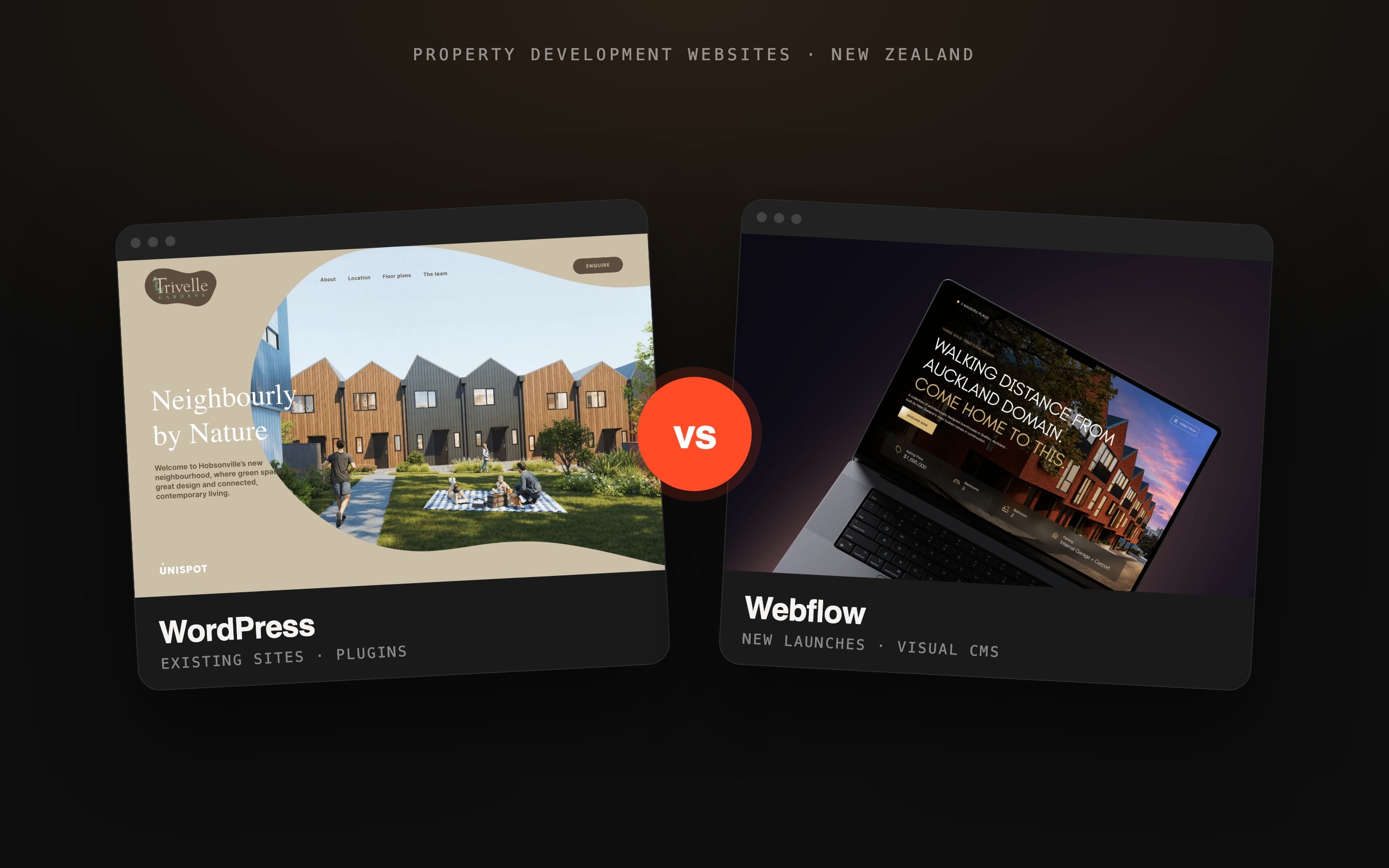
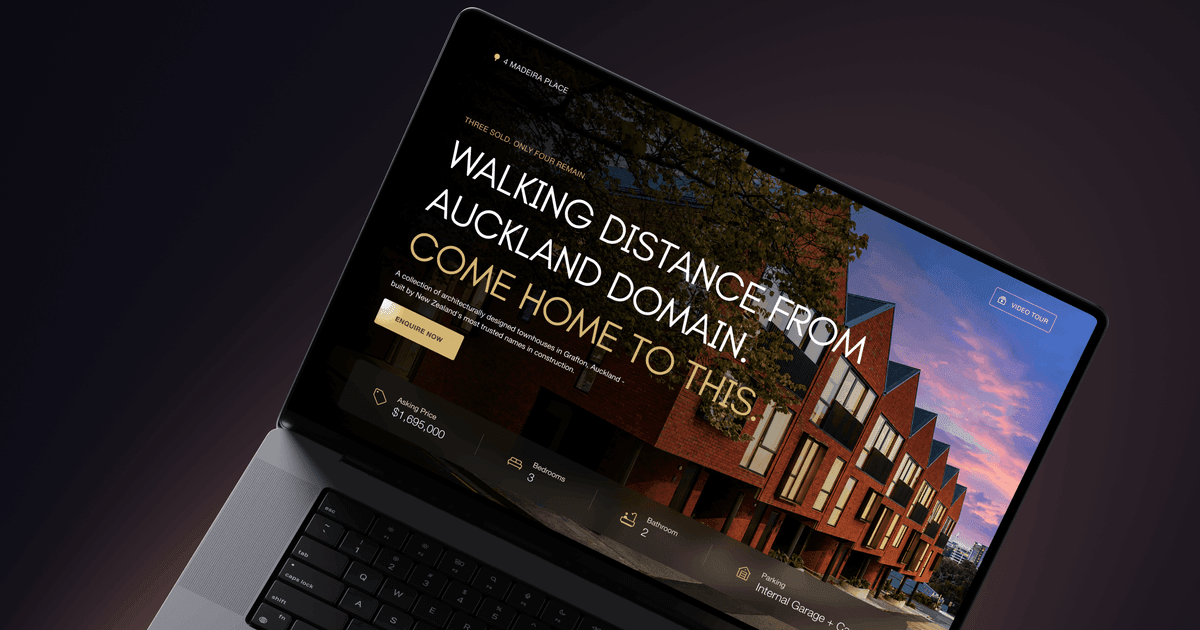
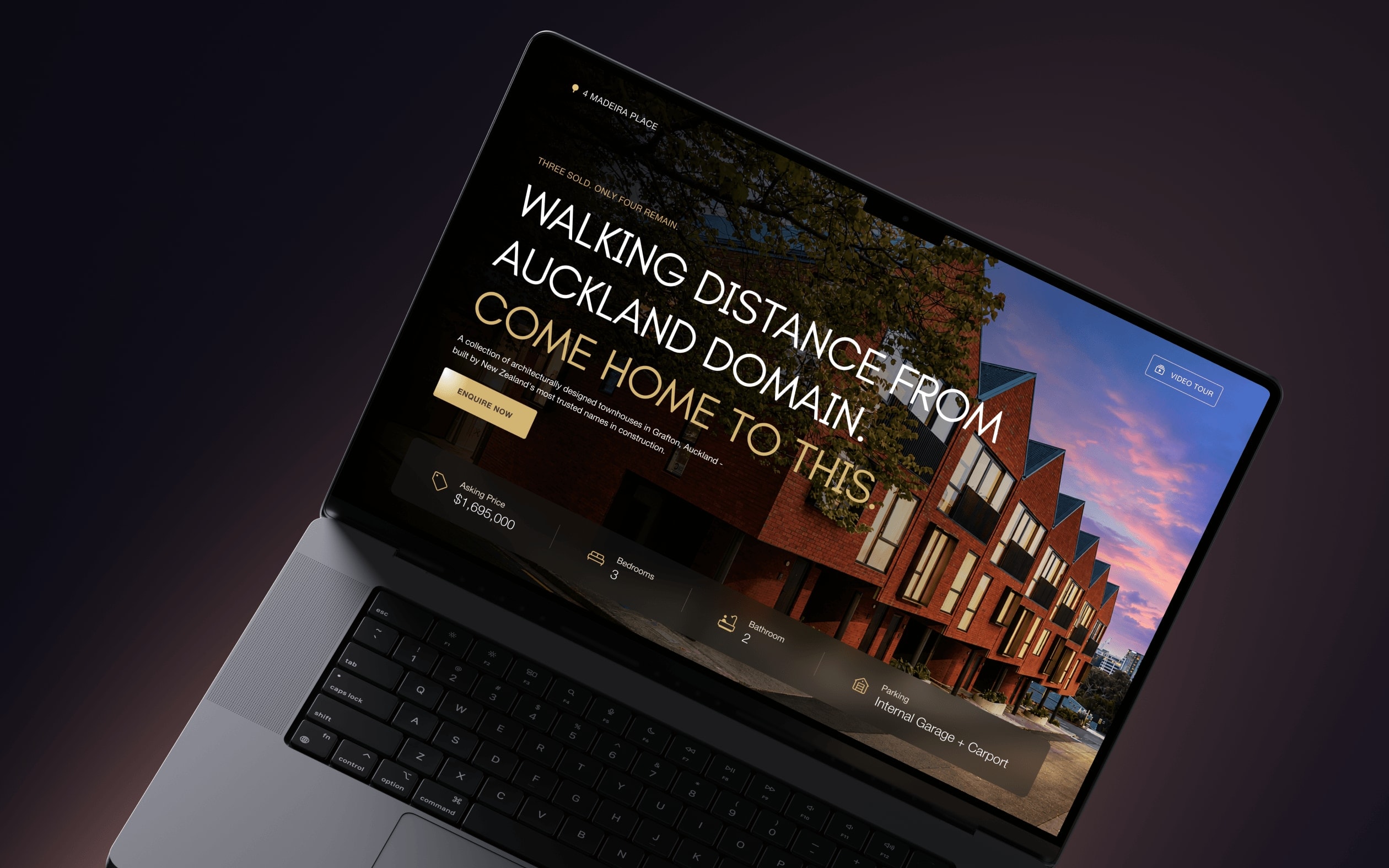
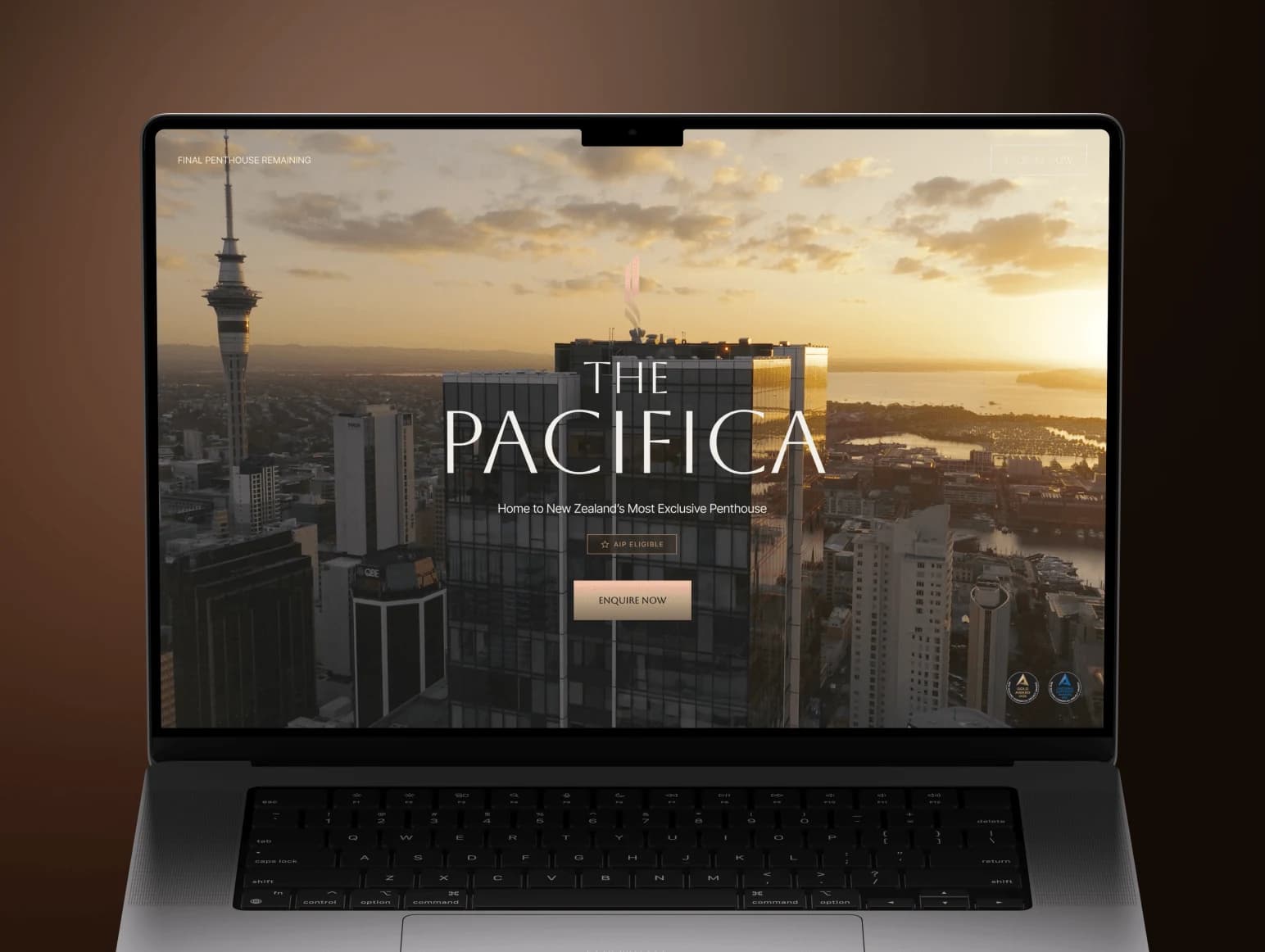
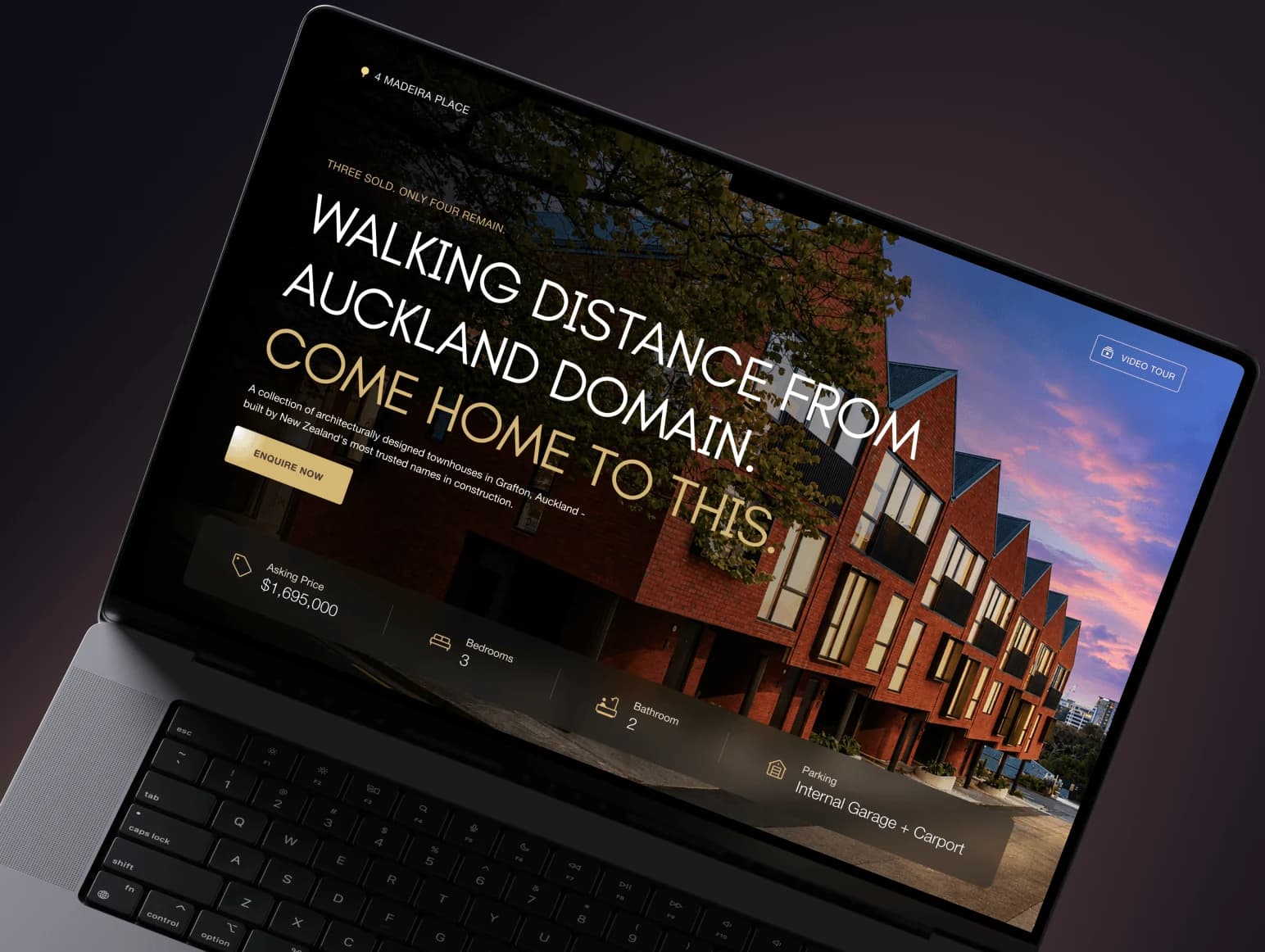
Both are things we already structure differently for New Zealand clients. Work is split into phases with a fixed scope and price in NZD, there is no deposit, and you pay at the end of a phase only once you have seen the result working — if you are still not satisfied after revisions, you owe nothing for that phase. That model is described in full on web development for New Zealand and how we work. Our New Zealand delivery record is real and checkable: 4 Madeira Place and The Pacifica Penthouse, both shipped remotely for the Auckland market with Glasshouse Digital.
Combine the two and a migration that was previously a large, deposit-first, all-or-nothing project becomes a sequence of phases you can stop between — with the mechanical bulk of the work compressed. For an Auckland or Wellington business sitting on a WordPress site that costs more in maintenance than it returns in leads, that is a materially different decision than it was a year ago.
Getting started
The first useful step is not a quote, it is an inventory: how many pages actually earn traffic, what the CMS really contains, and which integrations have to survive the move. That is the first phase we would scope, and it is the one that determines whether the rest is three weeks or three months. Start at WordPress to Webflow migration, or the wider Webflow migration hub if you are moving off HubSpot, Wix or a custom CMS instead.
Frequently asked questions.
Thinking about moving off WordPress?
We scope the first phase as an inventory — what your site really contains, what earns traffic, and what has to survive the move. Fixed price, no deposit, and you pay only once the phase works.