









 By Alexander Vinokurov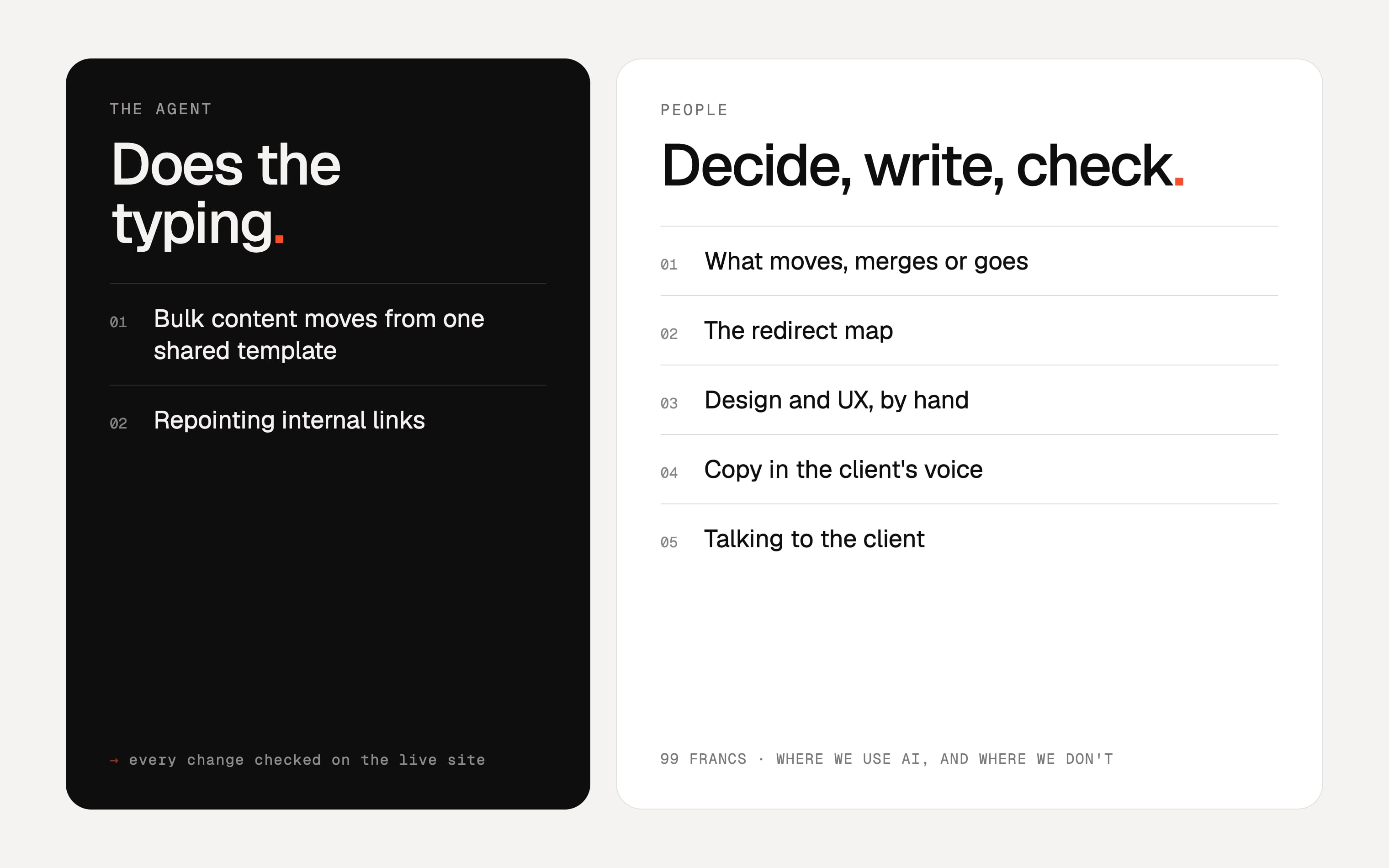
Ask a business owner about AI this year and you will often hear the same thing. They are tired of LinkedIn posts that all sound alike, of cold DMs that open with praise for a post the sender clearly never read, of videos with a synthetic voice reading a script nobody edited. A growing number go further: if a supplier uses AI, they assume the supplier could not do the job without it.
That reaction is understandable, and it is aimed at the wrong thing. What people are tired of is output that went out without anyone reading it. The tool is the same one we use on client projects. The difference is whether a person who knows the work checks every result before it reaches you, and whether the parts that need taste and judgement were ever handed to a model in the first place.
The test: can someone check it?
We use one question to decide. If the output is wrong, will a check catch it? A link either resolves or it doesn't. A redirect either returns a 301 to the right page or it doesn't. A migrated post either has the same title and description as the original or it doesn't. Work like that can go to an agent, because the check is cheap and it does not depend on anyone's opinion.
Now take a headline on a service page, or the decision to merge nine pages into one. There is no check that tells you whether it is right. You need someone who understands the business, the buyer and the search history of the site. That work stays with people, and it is most of what a client is actually paying for.
A real project: an arborist's WordPress site
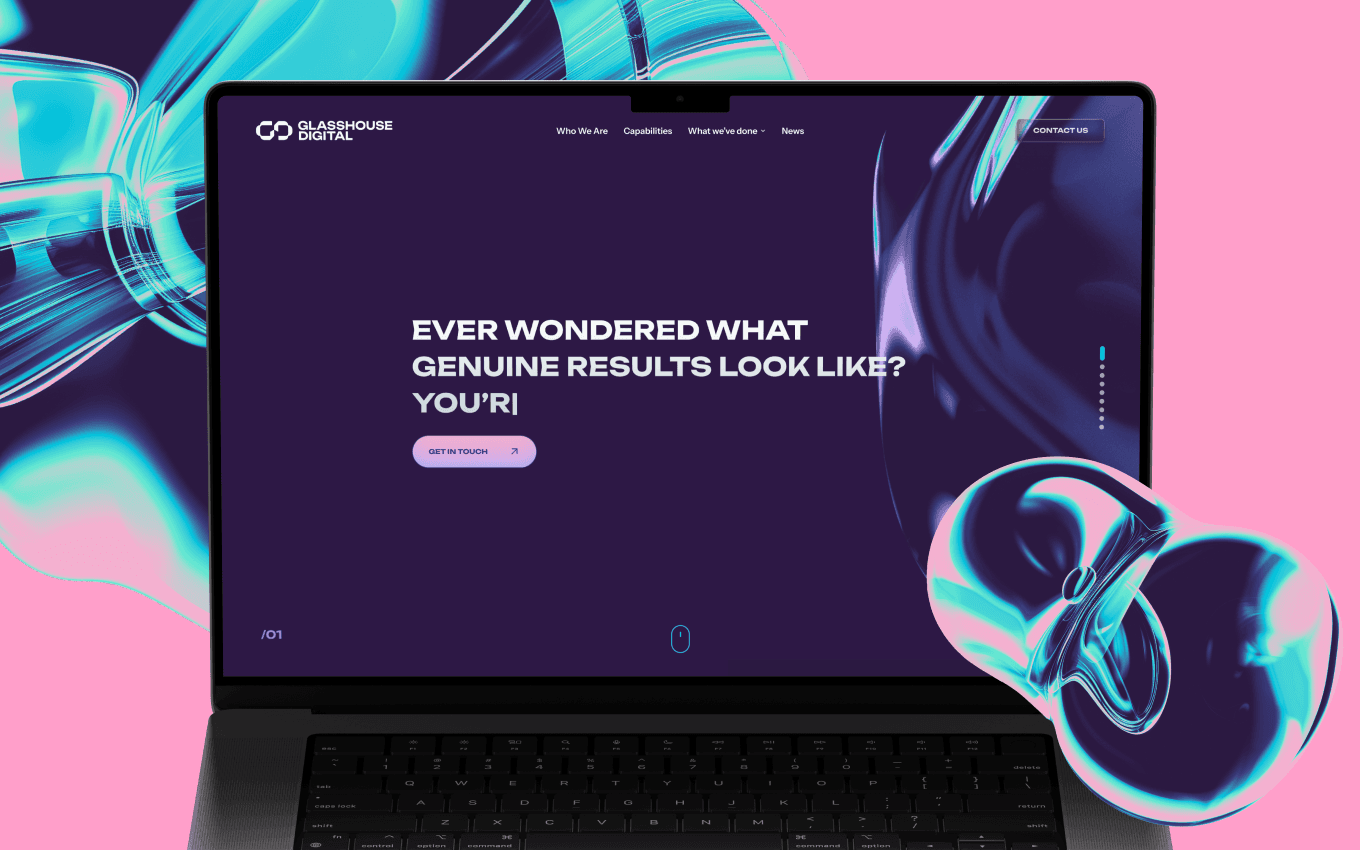
In October 2026 we moved A1 Sure Services, a family-run tree removal company in Auckland, from WordPress and the Divi theme to Webflow. We worked as the contractor for Glasshouse Digital, the New Zealand agency that ran the project. The site had 36 pages and 155 blog posts, and every one of them had to stay on its original address.
The site was built through Webflow's MCP server, with an AI agent doing the repetitive work. You can see how much of it there was in the numbers. 155 posts had to be parsed out of Divi markup and rebuilt from one shared template, with their featured and in-article images. 111 images moved into Webflow's own asset library so nothing would load from the old host. More than 300 internal links across the blog pointed at old addresses and had to be repointed to the final ones. By hand, that is a long stretch of copying and pasting, and the kind of job where a tired person makes mistakes nobody notices until a page breaks. We described the method, stage by stage, in what an agent actually speeds up in a WordPress-to-Webflow migration.
What stayed with people on the same project
None of the decisions that shaped the site came from the agent. A few examples from the same migration:
- Posts as static pages. Webflow puts CMS items under a collection folder, so the posts would have moved from /post-name to /blog/post-name. We built each post as a static page at its original address instead. That was a trade-off about URLs, editing and cost, and as a side effect the site runs on Webflow's Basic plan.
- 257 tag archives, one rule. The old site had 257 thin tag archive pages. Rebuilding them would have been easy to automate and pointless to keep, so they were not rebuilt. One wildcard 301 sends every /tag/ address to the blog.
- The agency's requests. Glasshouse Digital sent a long list of improvements for the key service pages. We built all of them: the service pages in the layout of the redesigned tree removal page, a few slugs renamed, and 15 overlapping pages retired, nine of them North Shore copies folded into one North Shore hub.
- The go-live call. The domain moved on 7 October 2026, only after a crawl of every published page found zero broken links, zero internal links through a redirect and zero references to the old WordPress host.
Notice that the agent could have produced any of these wrong answers very quickly. It would have rebuilt 257 tag pages without complaint, or put every post under /blog/ because that is how the CMS works. Speed only helps once someone has decided what the right result is.
Checking is the part we never automate away
On A1 Sure Services every change was checked on the published site, not in the editor. The editor shows what you meant to build. The published site shows what a visitor, or Google, will actually get. Each of the 34 redirect rules was requested once after publishing to confirm it returned a 301 to the right page. The final crawl covered every published page before the domain moved. That is the step most unreviewed AI work skips, and it is the step that decides whether a migration keeps its search history. The full checklist is on migrating to Webflow without losing SEO.
How the work splits
| Work | Who does it | How it gets checked |
|---|---|---|
| Bulk content moves | Agent, working from one shared template | Titles, descriptions and images compared with the original pages |
| Links and redirects | Agent repoints links; a person writes the redirect map | Each redirect requested once; a crawl of the published site |
| What moves, merges or goes | People, with the client or the agency | Agreed before the build starts |
| Design and UX | Experienced designers, by hand | Reviewed by the client or the agency |
| Copy in the client's voice | People | Read by the client before it goes live |
Where we don't use it
Design and UX are the clearest line we draw. At 99 Francs every layout, every user flow and every interface decision is made by hand, by experienced designers. Not drafted by a model and tidied up, not generated in twenty variants and picked from. A model has no taste. It averages the thousands of interfaces it was trained on, which is exactly why AI-made sites look alike: the same hero, the same three cards, the same gradient, recognisable from across the room.
UX is the harder case, because it is judgement about people the model has never met: who lands on this page, what worries them, what they need to see before they pick up the phone. That comes from talking to the client, knowing the market and having watched real people use real products. It is the part of the work clients actually pay for, so it is the part we never hand over. The only reliable way we know to keep a client from getting slop is to have experts design the thing.
Copy that carries a client's voice stays with people too. A1 Sure Services has worked across Auckland since 2001, and its pages should sound like a local arborist talking about pohutukawa and stump grinding, not like a summary of tree care in general. The same goes for anything we write to a client: updates, estimates, answers to questions. If you write to us, the reply comes from the person doing your work.
We also build AI agents and bots for clients, and the same rule ends up inside the product. Most of what we have learned about designing agents people trust is about making the agent's limits visible and keeping a person in the loop where a mistake would cost something.
Why we say this out loud
Because clients are starting to ask, and they should. A vague "we use the latest AI tools" tells you nothing. A useful answer names what gets automated, who reviews it and how. If an agency cannot tell you which parts of your project a person checked, assume nobody did.
For us the answer is simple to state. Agents do the typing. Experienced designers design it by hand, people decide what the site should be, write in your voice, talk to you, and check the result on the live site before we call anything finished. If you are sitting on an old WordPress site and want to see how that plays out on yours, start with WordPress to Webflow migration.
Frequently asked questions.
Want to see the split on a real project?
The A1 Sure Services case shows the whole migration: 36 pages and 155 posts on their original URLs, 34 verified redirects and zero broken links at launch.