







 By Alexander Vinokurov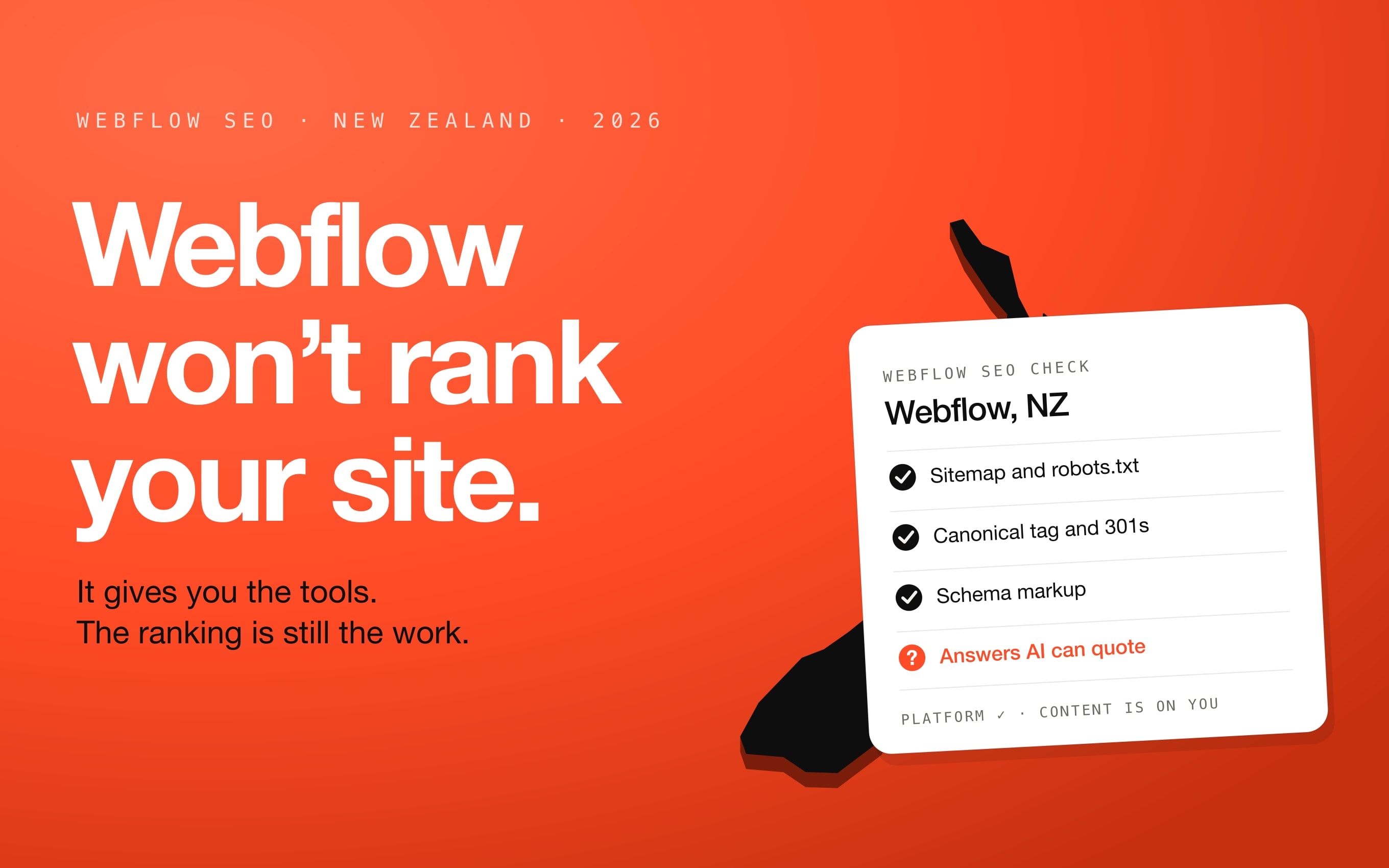
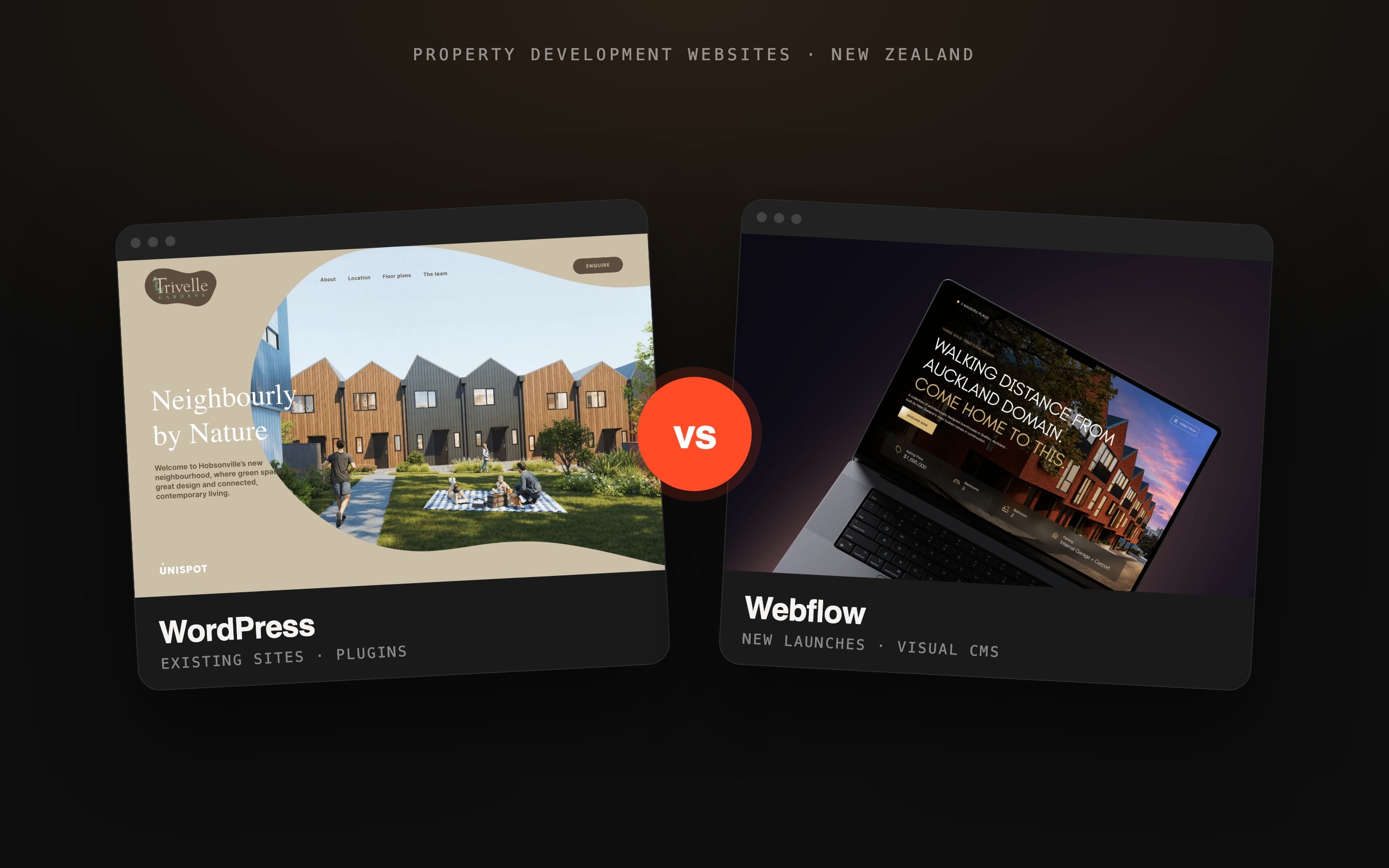
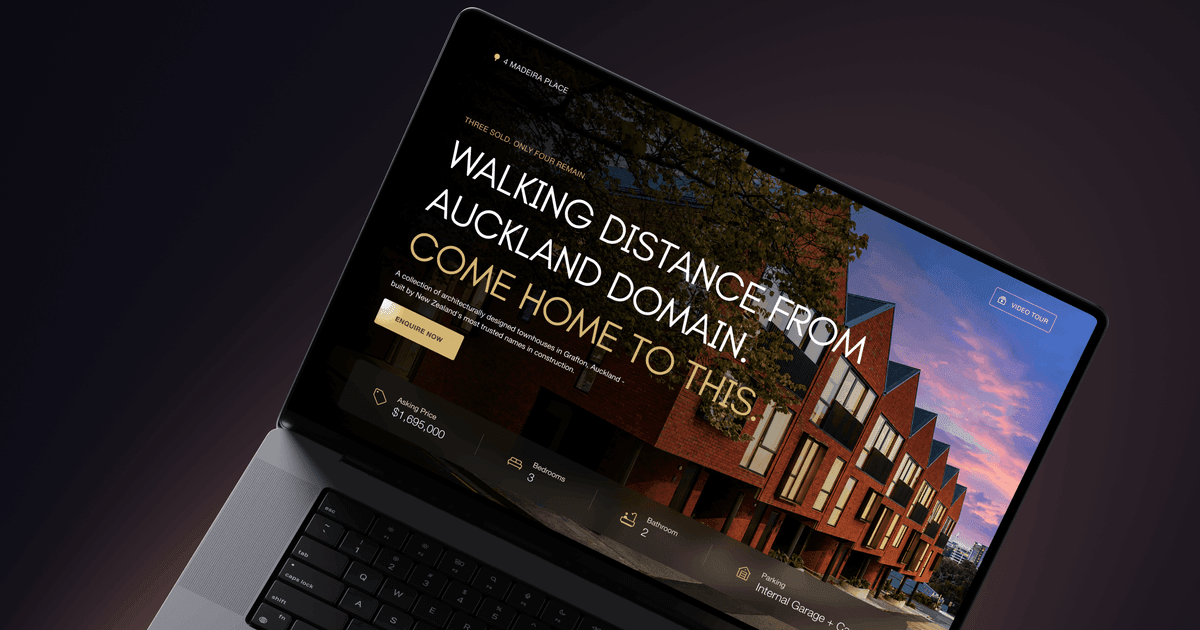
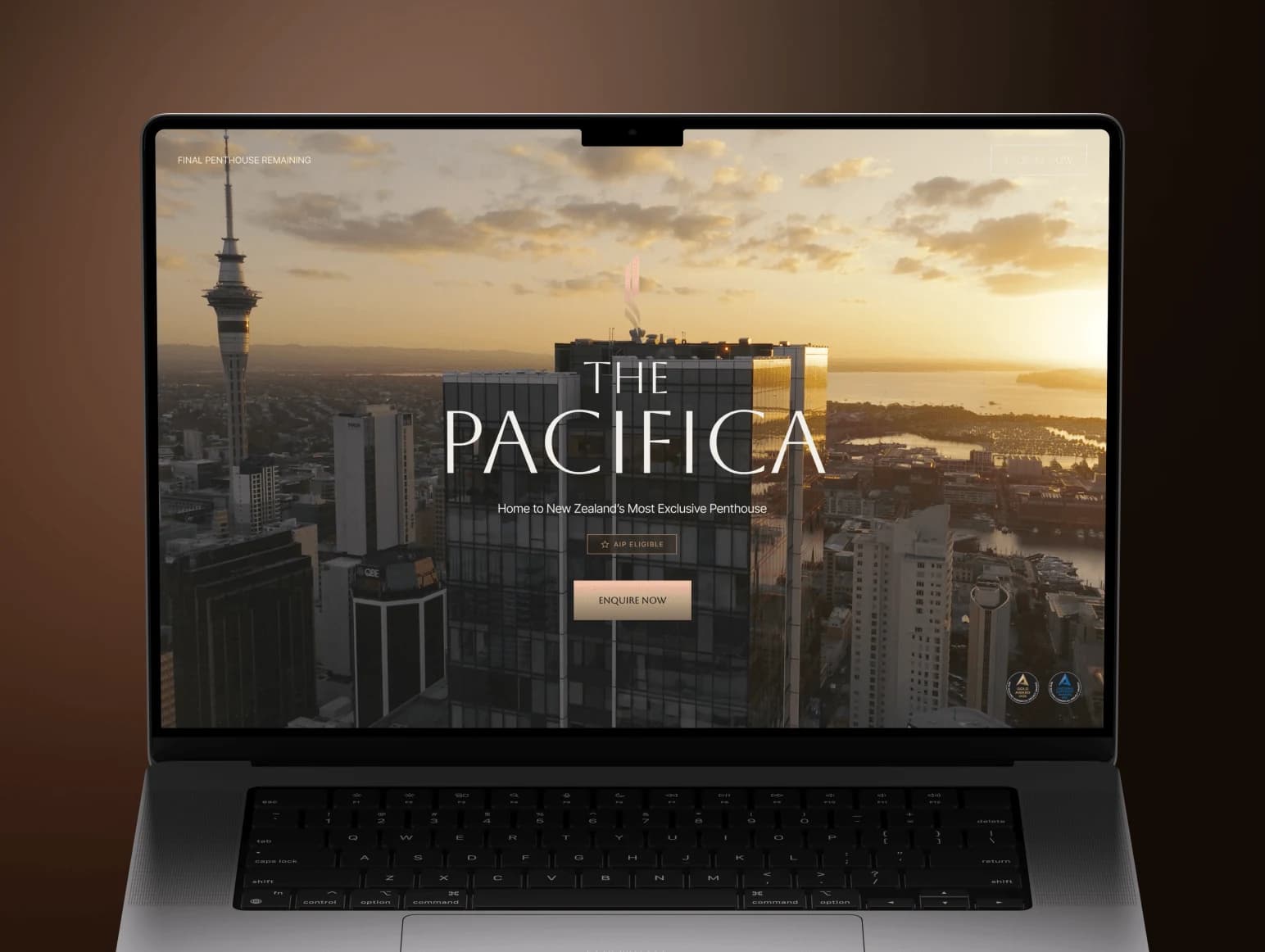
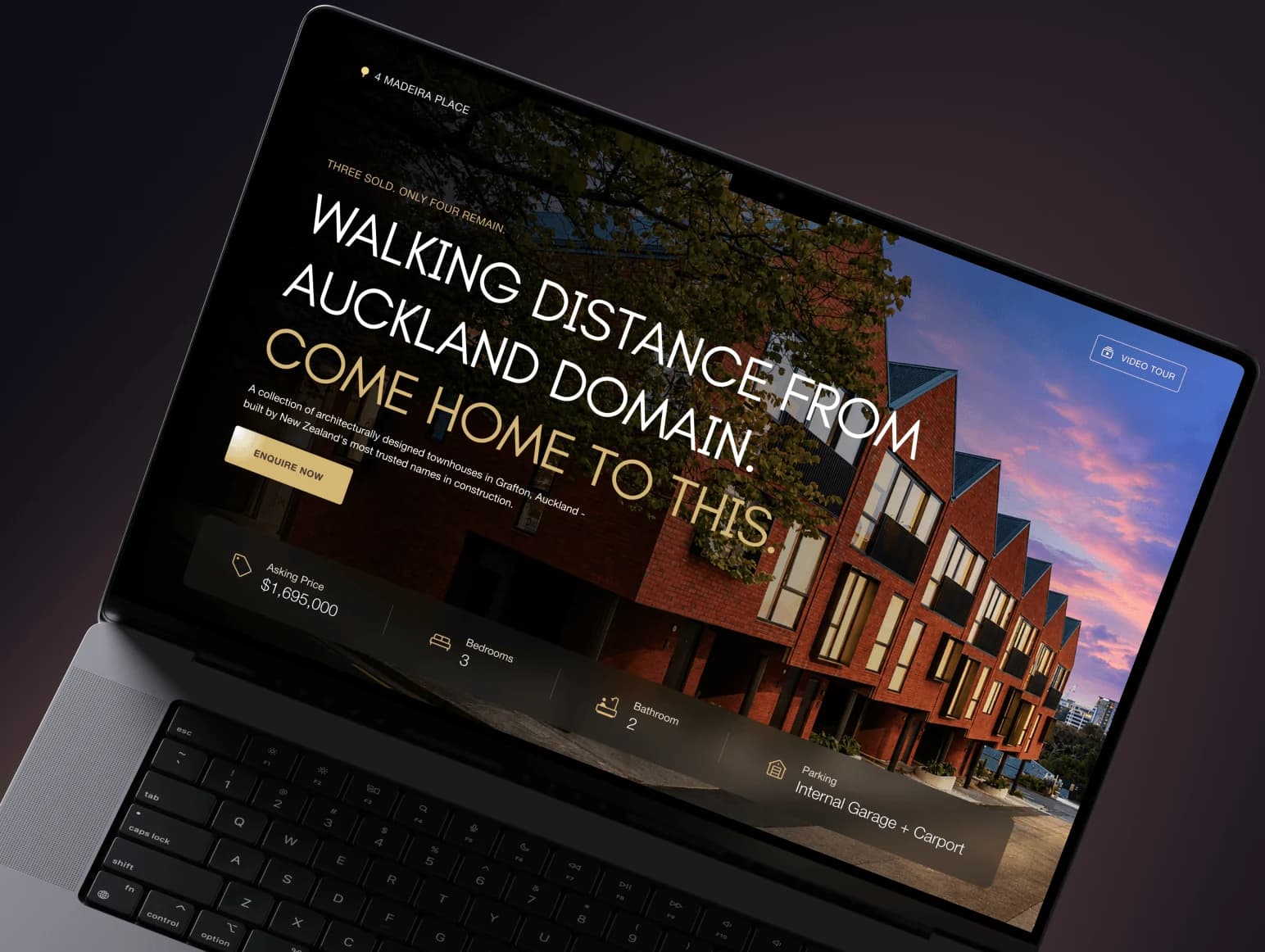
New Zealand businesses searching for a Webflow SEO agency, consultant or expert usually want to know two things: whether Webflow itself holds their rankings back, and what they are actually paying an expert to do. We build Webflow sites for the Auckland market — 4 Madeira Place and The Pacifica Penthouse among them — and we rebuilt our own site for Google and AI search in public, so this guide separates what the platform already does from the work that still moves results.
What Webflow does for SEO, and what is still on you
| SEO job | What Webflow gives you | What you or your agency still own |
|---|---|---|
| Crawling and indexing | Auto-generated XML sitemap, editable robots.txt, a setting to stop the .webflow.io staging domain being indexed | Submitting the sitemap to Google Search Console and fixing pages Google crawls but does not index |
| Duplicate URLs | A global canonical tag built from your base URL plus each page's slug | Setting it once, and choosing one host (www or not) for the whole site |
| Redirects | 301 redirects in Site settings, with CSV import and export | A complete old-to-new URL map before any migration or slug change |
| Titles and descriptions | Per-page fields, CMS templates that fill them from collection fields, Webflow AI to suggest missing ones | Writing them for real search intent, not repeating the brand name |
| Structured data | Schema markup added by hand or generated with Webflow AI; an audit flags pages missing it | Choosing the right types — Organization, LocalBusiness, Article, FAQ — and keeping facts consistent |
| Speed | Global CDN hosting, SSL, responsive images | Keeping heavy video, Lottie files and interactions off the first screen |
| AI search | llms.txt upload, Markdown for agents, AI-assisted SEO audits; Webflow AEO is coming to Enterprise | Pages that answer questions directly, with facts an answer engine can quote |
| Rankings | Nothing — no platform ranks a page by itself | Content, structure, internal links, local signals and links from other sites |
Platform features checked 12 October 2026 on Webflow's SEO feature page, its AI SEO and AEO update (launched 29 October 2025), its global canonical tag lesson and its Webflow AEO announcement (13 April 2026: private beta, coming to Enterprise plans).
The Webflow setup mistakes that cost rankings
Most Webflow SEO problems we see on New Zealand sites are not missing features. They are settings nobody turned on, or turned on in the wrong order. Each of these is a one-time fix:
- The staging domain is indexed. Every Webflow site also lives on a .webflow.io address. If "Disable Webflow subdomain indexing" is off, Google can find a duplicate copy of your site.
- No global canonical tag. Without it, the www and non-www versions of a page — or a page and its tracking-parameter variants — compete with each other.
- A CSV import wiped the redirects. Webflow's redirect import replaces every existing 301 on the site. Export the current list, add the new rows, then import the combined file — or a migration's redirects disappear the day the next batch goes in.
- CMS pages with one shared title. Collection templates need their SEO title and description bound to fields, or every listing, article or project page ships with the same meta.
- A beautiful but heavy first screen. Autoplay video and stacked interactions above the fold are the usual reason a Webflow page feels slow on a phone over mobile data.
- Slugs changed after launch. Renaming a page or a collection silently changes its URL. Every changed slug needs a 301 to the new one.
Local SEO for a Webflow site in New Zealand
- Keep your Google Business Profile complete and consistent with the site: same business name, NZ address and phone number.
- Mark up the business with Organization or LocalBusiness schema carrying that same address, so search engines and answer engines read one set of facts.
- Write for New Zealand: NZD prices, GST stated clearly, local spelling ("optimisation"), and the suburbs and cities you actually serve.
- Show local proof — named Auckland, Wellington or Christchurch projects — rather than generic stock claims.
- Only build city pages for places where you genuinely work; a page per suburb with swapped names is thin content.
- A .co.nz domain is not a ranking trick, but it is a clear local signal to buyers. If you run separate NZ and Australian versions, use hreflang so each market sees its own page.
Webflow SEO for AI search: ChatGPT, Perplexity and AI Overviews
Answer engines quote pages that state facts plainly. When we rebuilt 99francs.agency around direct answers, structured data, clean internal links and an llms.txt file, Google impressions went from 59 to 479 in the first 31 days, then reached 6,316 over the following three months, with another 259 impressions inside Google's generative AI features. In GA4, AI assistants sent almost twice as many sessions as organic search in the four weeks to 19 September. The full numbers are in part 2 and part 4 of the experiment.
To be precise about what that proves: our own site runs on Next.js, not Webflow. Every lever we pulled is available in Webflow — answer blocks and FAQs in the Designer or the CMS, schema markup, a clean sitemap, an uploaded llms.txt — so the method transfers, even though no platform guarantees the same curve. Our guide to AI SEO, AEO and GEO for startups covers the method itself.
- Open each important page with a two- or three-sentence answer to the question it targets.
- Put prices, timelines and service areas in plain text and tables, not only in images or sliders.
- Add FAQ sections with real questions buyers ask, and mark them up.
- Keep facts identical everywhere — the site, Google Business Profile, directories — so models do not see two versions of your business.
- Upload an llms.txt that lists your key pages, and keep it current when pages change.
What Webflow SEO costs in New Zealand
| What you buy | Typical NZ price | Source |
|---|---|---|
| Small-business monthly SEO package | NZ$960 + GST a month | Clickthrough Bronze |
| Mid-size monthly SEO package | NZ$1,460 + GST a month | Clickthrough Silver |
| Larger-business monthly SEO package | from NZ$2,460 + GST a month | Clickthrough Gold |
| Small-business SEO, market range | NZ$1,500–2,500 a month | Safari Digital |
| Medium-business SEO, market range | NZ$1,800–6,000 a month | Safari Digital |
| Large-business SEO, market range | NZ$2,600–10,000+ a month | Safari Digital |
Prices checked 12 October 2026 on Clickthrough's SEO packages and Safari Digital's NZ SEO cost guide (last updated August 2026). Retainers mostly pay for content and links over months; the Webflow-specific setup above is usually a one-off job of hours, not a monthly line.
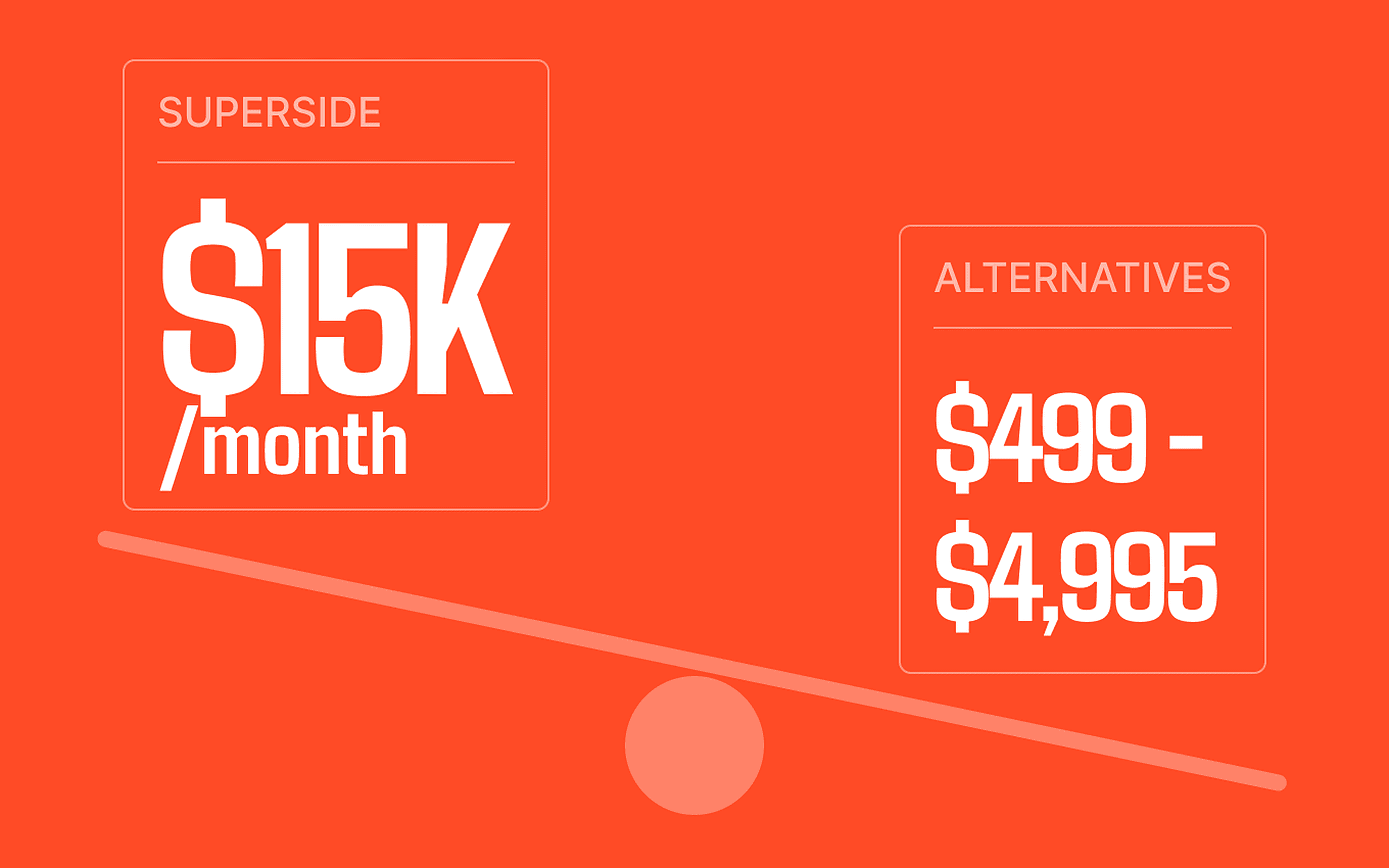
We price the two separately. Our AI SEO and AEO work starts with a one-off audit at a fixed $1,500 (USD), with ongoing support from $1,500 a month for teams that want it. If the site itself needs building or rebuilding, our Webflow development for New Zealand quotes fixed NZD prices per phase, with no GST added and no upfront payment.
How to choose a Webflow SEO agency in New Zealand
- Ask what they will change in Webflow in the first month, and what they expect it to do. "Ongoing optimisation" is not an answer.
- Ask to see Search Console data from a site they work on — impressions, queries and positions, not a screenshot of a ranking tool.
- Check they handle redirects and canonicals before touching design; a redesign that drops rankings is the most expensive SEO mistake there is.
- Ask how they approach AI search. If the answer is only keywords and backlinks, they are working on half the channel.
- Prefer fixed scopes with a result you can check over open-ended retainers, at least for the first three months.
Moving an existing site onto Webflow? The ranking risk sits in the migration, not the platform — see how we migrate to Webflow without losing SEO. Comparing studios instead? Our list of the best Webflow agencies in New Zealand separates Webflow-first specialists from generalists.
Frequently asked questions.
Want your Webflow site found in Google and AI search?
Send us the URL. We will check the Webflow settings, the pages that should be ranking and how answer engines read your business, and come back with a fixed-scope plan.