












 By Alexander Vinokurov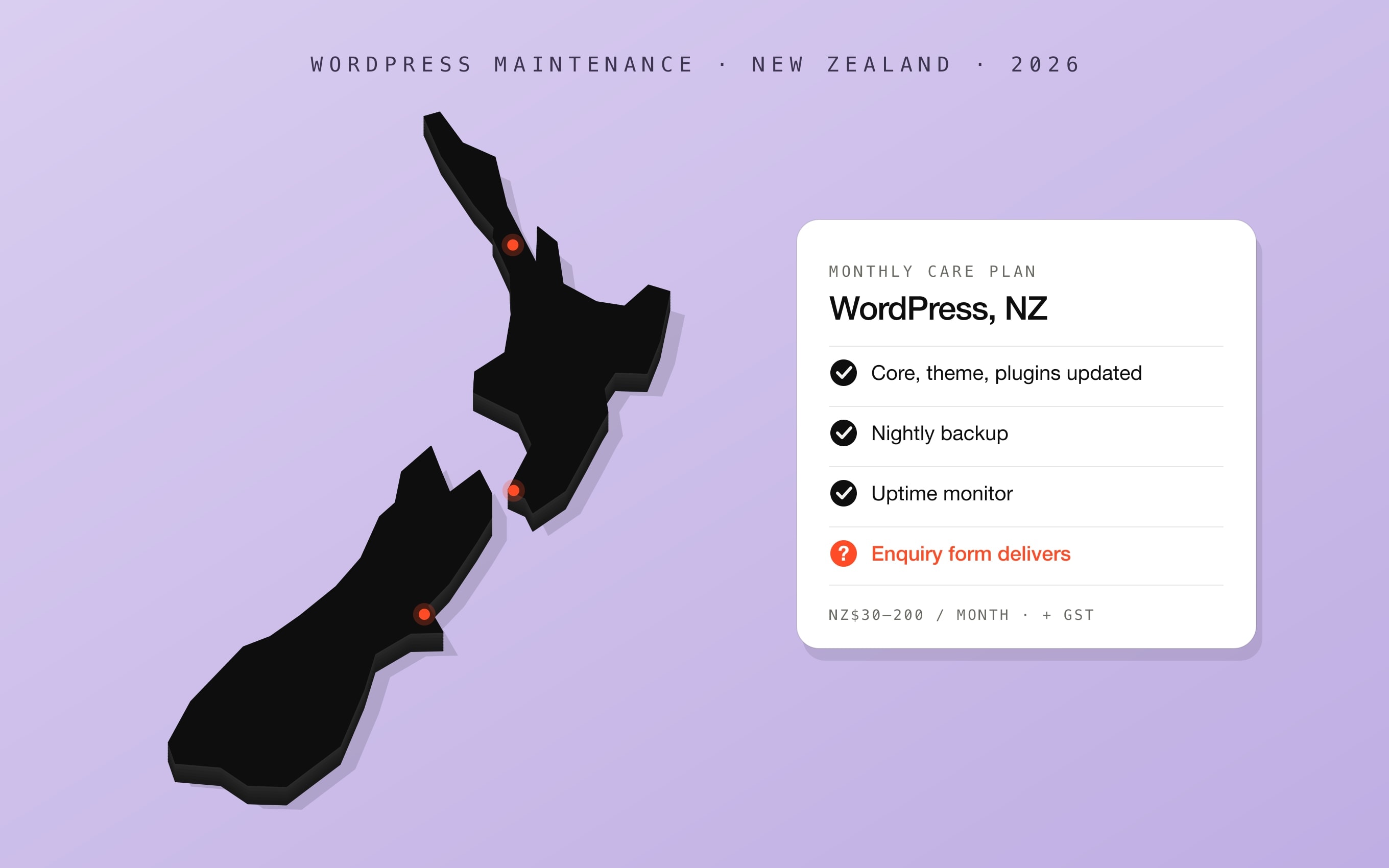
Most New Zealand businesses running WordPress do not need to know much about it until something breaks. Then the question becomes what keeping it healthy should cost, and whether a monthly care plan is the right way to pay for it. We support WordPress sites for Auckland clients — a townhouse development, a property campaign and a law firm — so this guide pairs the market prices with what actually goes wrong on real sites.
WordPress maintenance prices in New Zealand, 2026
| What you buy | Typical NZ price | What it usually includes |
|---|---|---|
| Hosting only | NZ$0–30 a month | The server. No updates, no support, no backups beyond the host's own |
| Basic care plan | NZ$30–80 a month | Core, theme and plugin updates, backups, uptime monitoring; support billed by the hour |
| Standard care plan | NZ$80–200 a month | The above plus included support time, small content changes and security checks |
| Premium care plan | NZ$200–500+ a month | Regular content updates, SEO work, reporting and priority response |
| Managed business hosting | NZ$39–99 a month | Often bundled with a plan, sometimes billed separately |
| Changes and fixes outside a plan | NZ$50–150 an hour | Content updates, bug fixes, new sections |
Sources, checked 12 October 2026: plan tiers from Fairweb's NZ maintenance cost guide (updated 26 July 2026); hosting and hourly rates from Horton Taylor's NZ website cost guide (25 July 2026), whose figures exclude GST. For what the site costs to build in the first place, see our guide to website development costs in New Zealand.
What a care plan covers — and what it misses
A care plan is good at the routine: it keeps WordPress, the theme and the plugins updated, takes backups and tells someone when the site goes down. Those things matter, because an out-of-date plugin is the most common way a WordPress site is broken into. But a plan checks that the software is current, not that the site still does its job. The failures that cost a business money are usually the ones no update notice will ever flag.
- Covered: core, theme and plugin updates; daily or weekly backups; uptime and security monitoring; often a small block of support time.
- Usually not covered: whether the enquiry form still delivers; emails going to spam or quarantine; pages that slowly got heavy; content only a developer can edit; links to pages that were removed.
- Never covered: new pages, new sections or a redesign — that is project work, quoted separately.
What actually breaks on Auckland WordPress sites
On Trivelle Gardens, a townhouse development in Hobsonville, the brief was a list of content changes. Testing the enquiry form was routine diligence, and it showed that an anti-spam component was rejecting every single submission: visitors saw a validation error, the agents saw nothing. The emails that did go out were landing in quarantine at the agency's Microsoft 365. The homepage hero weighed 6.6 MB and came down to 1.66 MB with no visible loss. None of it would have raised a care-plan alert, because nothing was out of date — the site was simply not doing its job.
On Dalley Sundar, an Auckland law firm in Newmarket, the site runs a bespoke theme with no page builder. The work was new practice-area pages and four articles, built from the components the theme already ships instead of adding a new slider library, so there is nothing extra to update. It also meant retiring a Book an Assessment funnel nobody was working: the page, the menu entry and every link pointing at it, then walking the site again to confirm nothing led to a page that no longer existed.
On Vines Estate, the developer already ran WordPress with the Divi builder and needed a deadline campaign live fast. Rebuilding the site was not worth it, so the campaign went in as one self-contained module inside the existing site, sealed off from the theme. All 10 homes in the campaign sold.
Care plan or paying per fix: which is cheaper?
| Your situation | Better fit | Why |
|---|---|---|
| The site works and rarely changes | A basic care plan | You are paying for updates, backups and someone watching uptime — that is what plans do well |
| Something is broken or nobody knows how the site works | A scoped fix | An audit and an agreed list of fixes costs less than months of plan fees that never touch the real problem |
| Marketing keeps asking a developer for small edits | A one-off fix, then no plan for edits | Move dates, prices and contacts into admin fields once, and the edits stop costing anything |
| You need new pages or a campaign | Project work | Plans exclude new builds; quote it as its own job |
| Every update breaks something | Consider moving platform | The plugin stack itself has become the recurring cost |
We do not sell a care plan. WordPress support costs NZ$45 an hour, flat: that is the whole rate, it never goes higher for urgent or complex work, and no GST is added on top. It starts with mapping the site and following one enquiry end to end; each finding is estimated in hours and you approve the scope and the total before anything starts. There is no deposit and no upfront payment — you pay for the hours actually worked, once the work is done and you have seen it. Every change is logged with before-and-after notes and a way to roll it back.
A monthly check you can do yourself in ten minutes
- Submit your own enquiry form and confirm the email arrives — in the inbox, not in spam or quarantine.
- Open the home page and your two most important pages on your phone, over mobile data.
- Click every button in the main menu and footer; nothing should lead to an error page.
- Check that dates, prices and contact details on the site are still current.
- In WordPress, look for pending updates and for plugins that have not been updated by their authors in a year.
- Confirm your last backup date, and that you know who can restore it.
When to stop maintaining WordPress
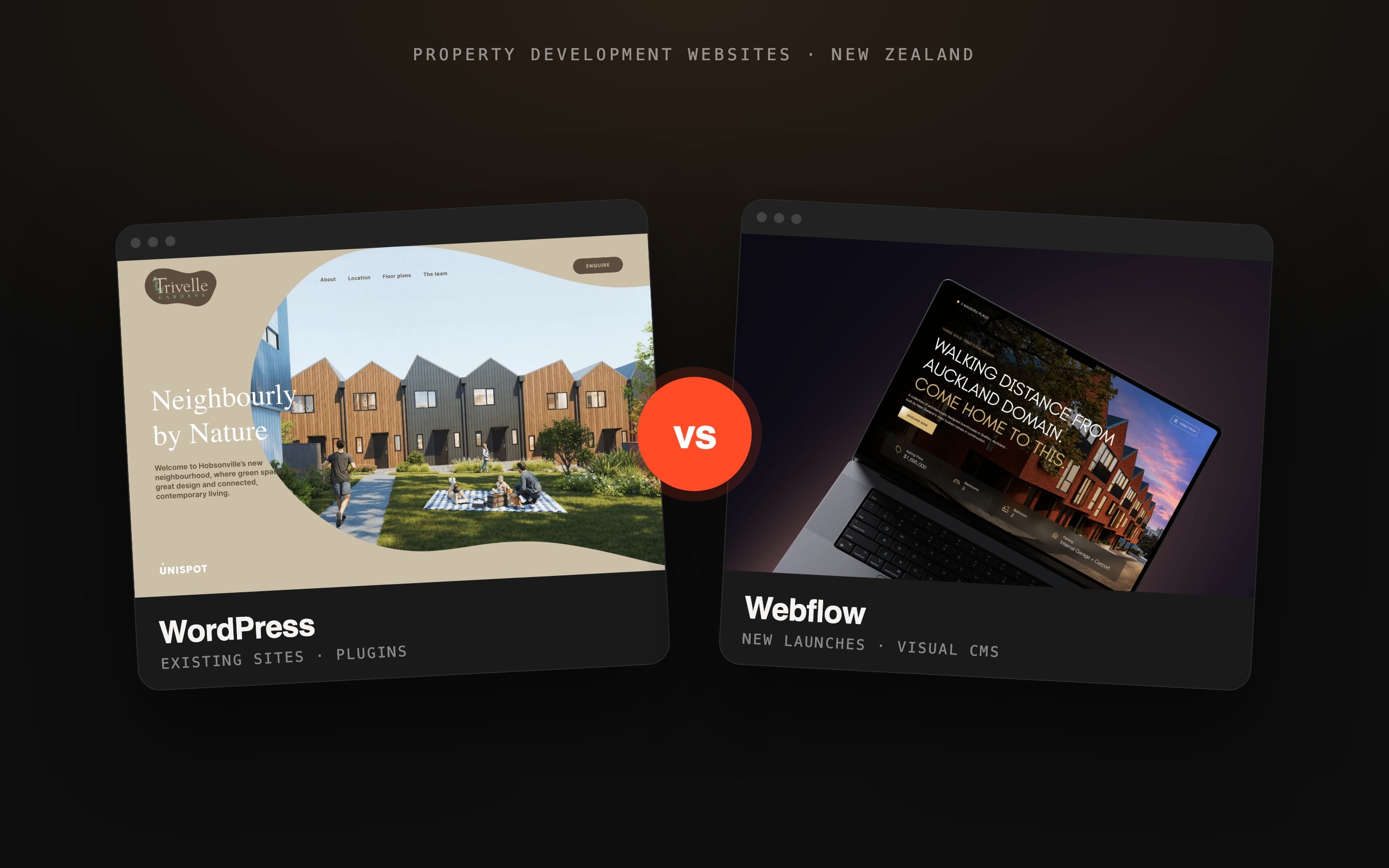
Fixing is the right call when the site does its job and a handful of specific things are broken. Moving is the right call when the plugin stack is the cost: updates regularly break the layout, two plugins do the same job, and the team still cannot edit anything without a developer. For a new property launch, our comparison of WordPress and Webflow for NZ property developers covers the trade-offs, and a WordPress to Webflow migration moves the content without losing search rankings.
Frequently asked questions.
Inherited a WordPress site nobody can explain?
Tell us what is not working. We map the site, follow one enquiry end to end and send a list of fixes with hours against each, at NZ$45 an hour, flat, no GST. You approve the total before we start and pay only after the work is done.