 New Zealand
 Norway










This guide is for owners of a live Framer site that someone else built: a studio, a freelancer or a former colleague who has moved on. You can change the text, but nobody on your side is sure where the form sends its messages, which plan the site is on, or what happens to search traffic if a page is renamed. We take over Framer and Webflow sites in exactly that state, so the market prices below come with the checks we run on every site we take over.
What Framer handles, and what support covers
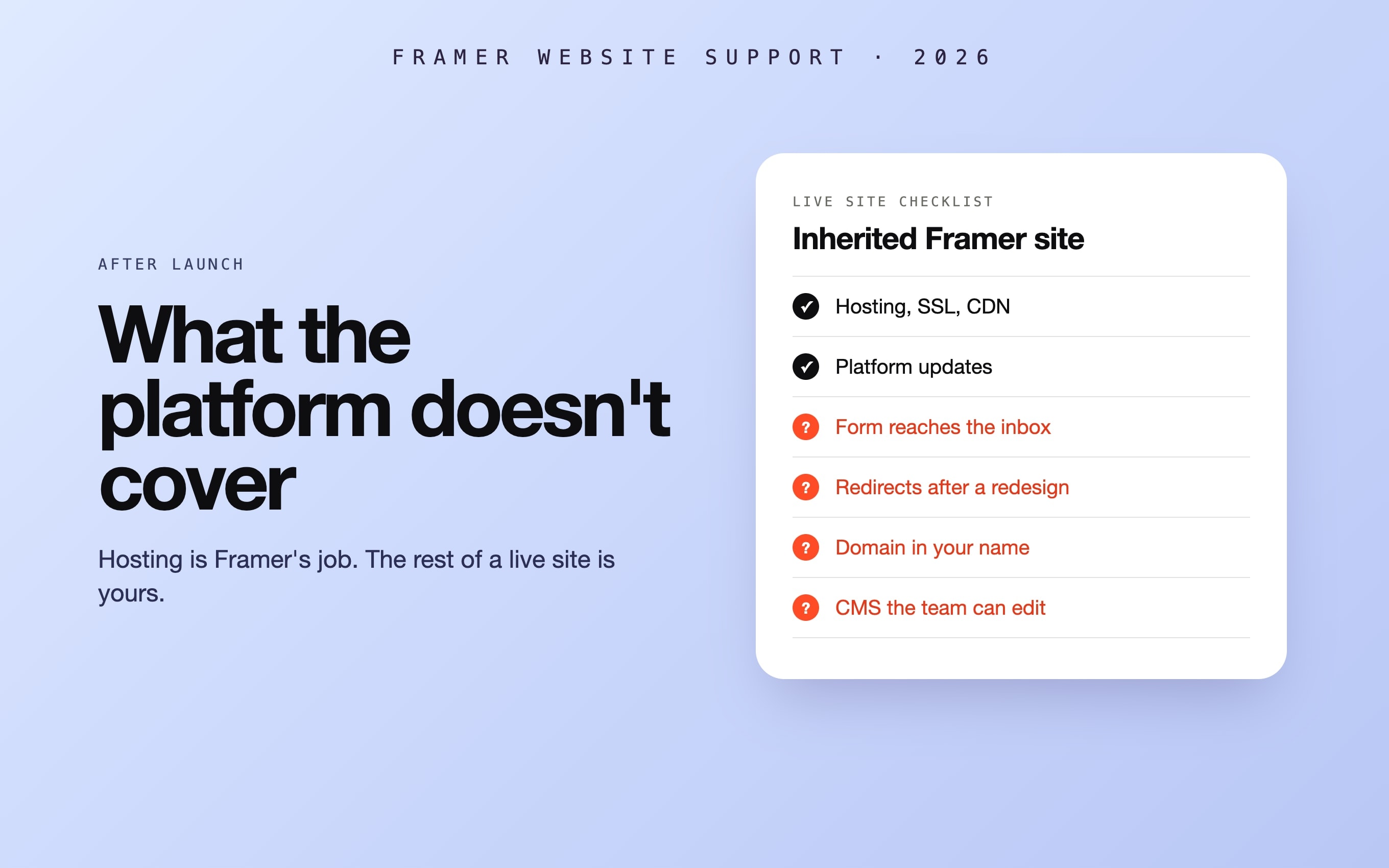
Framer is a hosted platform. Hosting, SSL, the CDN, security patches and updates to built-in features such as the CMS, forms and animations are Framer's job, and there are no plugins to update, so the routine work that fills a WordPress care plan does not exist here. What remains is everything your business added on top. BRIX Templates draws the same line in its guide to Framer maintenance: custom code, integrations such as Zapier, Make or external forms, and large CMS or multi-language setups still need attention, and it recommends duplicating the project before big changes because Framer has no automatic backup you manage yourself.
| Area | What Framer does | What support covers |
|---|---|---|
| Hosting, SSL, CDN | Included in the site plan | Checking which plan the site is on and whose card pays for it |
| Forms | Accepts the submission | Where the notification goes, and whether Zapier, Make, HubSpot or a webhook still delivers it |
| CMS | Stores the content | Collections, fields and components the team can edit without breaking a page |
| Speed | Serves pages from its CDN | Image weight, fonts, third-party scripts and heavy interactions, measured before and after |
| SEO | Provides the settings | Titles, descriptions, redirects, sitemap and structured data kept right after every change |
| New pages and sections | Provides the editor | Building them from the site's own components and styles, so they match |
| Domain and DNS | Connects the domain | Who owns the registrar account and where DNS points, written down |
| Custom code and embeds | Runs them as given | Fixing scripts that broke when an outside service changed |
What breaks most often on a Framer site someone else built
- The form says thank you, but nothing arrives. The success message appears once the submission is accepted, whether or not anyone receives it. Notifications often still go to the person who built the site, or through a Zapier or Make automation that has since stopped running.
- Nobody can edit the CMS without breaking something. Text that lives in static sections instead of a collection, unlabelled fields, a component that changes every page at once.
- Search traffic dropped after a redesign. Renamed pages without redirects, titles and descriptions back to defaults, a sitemap listing pages that no longer exist.
- The site got slow. Full-size images, several font families, chat widgets and trackers, and interactions that run on every scroll.
- The domain and the plan belong to someone who left. The domain sits in the previous developer's registrar account, the site plan is billed to their workspace, and nobody on your side can renew either.
- A custom embed stopped working. A booking widget, a calculator or a tracking script that depended on an outside service that changed.
What Framer support costs on the market in 2026
| Option | Published price | What it buys |
|---|---|---|
| Framer site plan (hosting, not support) | US$10–30 a month per site; extra editors US$20 a month each | Hosting, CDN and the editor; nobody fixes anything for you |
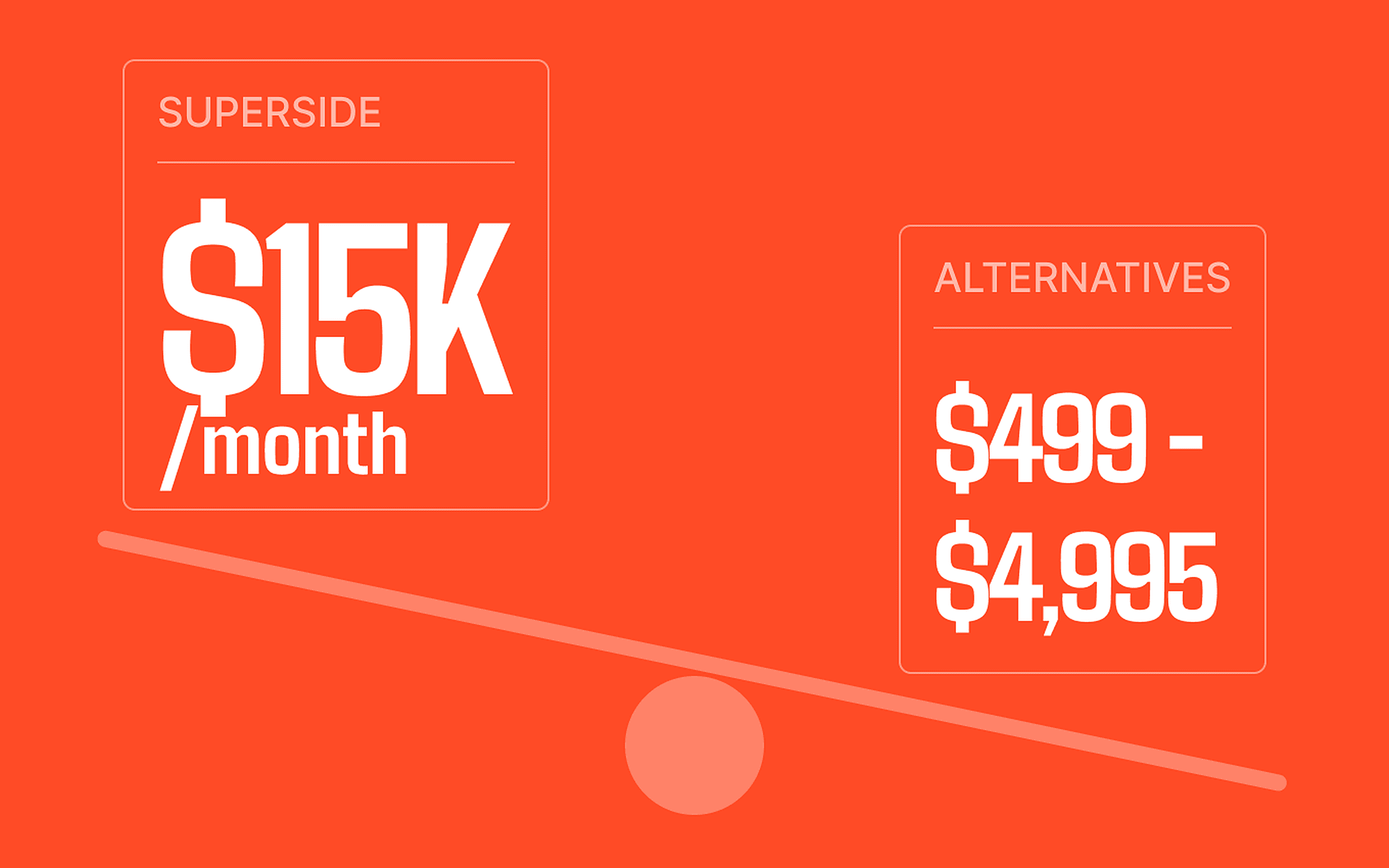
| Solo freelancer retainer | US$300–1,500 a month | A block of hours each month |
| Boutique agency retainer | US$1,500–5,000 a month | More hours and faster turnaround |
| Framer Websites (agency) | From US$500 a month for light upkeep; US$2,000+ for active sites | Content updates, new sections, Core Web Vitals and SEO upkeep, CMS support |
| Framer Expert (studio) | €1,500 a month + VAT for 10 hours; €3,500 for 25 hours; €6,000 for 50 hours | Landing pages, CMS updates, optimisation and Framer support |
| Hour-based retainer (BRIX Templates) | US$1,000–2,000 a month for 5–10 hours | A fixed block of hours |
| Per task, freelancer or agency | US$75–150 an hour | Work billed as it is done |
| 99 Francs | US$30 an hour, flat | Each task estimated in hours and paid after the work; no monthly fee |
Sources, checked 30 October 2026: retainer bands and the hourly range from Framer Websites' 2026 maintenance cost breakdown (published 2 May 2026) and its plans from its maintenance service page; retainer plans from Framer Expert; hour-based retainers from BRIX Templates (last updated 28 November 2025); site plans and editor seats from Framer's pricing page. A retainer of 10 hours for €1,500 works out at about €150 an hour, so much of a monthly fee pays for someone being available.
Retainer or pay per task: which costs less?
A retainer makes sense when the site changes every week: a marketing team shipping landing pages, launches and CMS updates on a schedule will use the hours, and a reserved slot in someone's calendar is worth paying for. On most company sites the work comes in bursts: a fix after a redesign, a new section before a campaign, then nothing for two months. A retainer charges for the quiet months too.
| Your situation | Better fit | Why |
|---|---|---|
| Changes every week, from several people | A retainer | You will use the hours, and a reserved slot speeds up every request |
| A few changes a quarter | Pay per task | Nothing to pay in the months when nothing happens |
| Something is broken now | An audit and a scoped fix | The cause is found with evidence and priced in hours before work starts |
| Nobody knows how the site was built | An audit first | Forms, CMS, domain and plan ownership recorded before anything changes |
| The platform itself is the limit | A move or a rebuild | When workarounds cost more than moving, price both |
A worked example: 20 hours of work in a year, say an audit and fix round after taking the site over, a campaign landing page and a handful of CMS changes, comes to US$600 at our rate. The lightest retainer in the table, US$500 a month, comes to US$6,000 over the same year, whether or not the hours are used.
How we price Framer support
Framer and Webflow support at 99 Francs costs US$30 an hour, flat. There are no monthly tiers to choose from. Each task is estimated in hours and you approve the estimate before we start. There is no deposit: you pay for the hours actually worked, after the work is done and you have seen it on the live site.
- An audit with evidence. We submit every form as a visitor and follow the message, edit the CMS the way your team would, measure speed on the published site, crawl redirects, titles and the sitemap, and look up who controls the domain and the plan. Each finding comes with an estimate in hours.
- A fix round you choose. You pick which findings to fix. Every change is logged before and after, with a way back, and checked on the published site rather than in the editor.
- Then tasks as they come up. A landing page, a new CMS field, a form change: each one estimated, done and billed after you have seen it.
You do not need to share a password. Invite us to the Framer project as an editor, and remove the seat when the work is done: Framer bills extra editors per seat, so an unused one keeps costing money.
Webflow sites work the same way
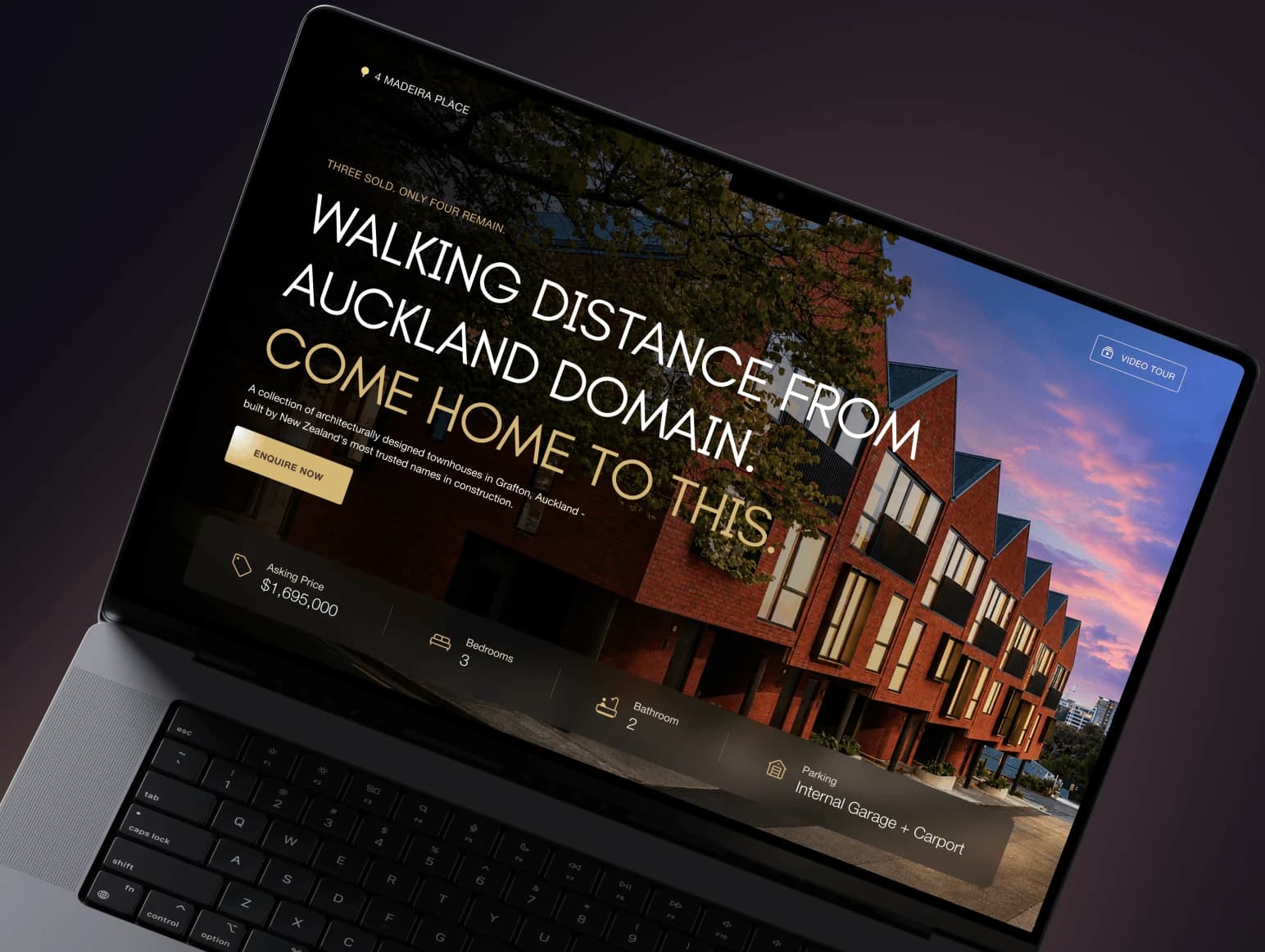
Most of this applies to Webflow too: hosting and updates are the platform's job, while forms, CMS structure, redirects, speed and domain ownership are yours, and the same rate and terms apply. On a live Webflow site for Z Performance, an Auckland clinic, we added a Chinese version on Webflow Localization, with /zh/ URLs and a reviewed translation, without a rebuild. If Webflow's limits have become the recurring cost, our guide on whether moving from Webflow to Next.js is worth it compares the two paths. On WordPress instead? See WordPress support.
A ten-minute monthly check you can do yourself
- Submit your own contact form and confirm the email arrives in the right inbox, not in spam.
- Open the home page and your two most important pages on a phone, over mobile data.
- Click every link in the navigation and footer; none should lead to a 404 page.
- Check that prices, dates and contact details on the site are still current.
- In Framer's site settings, confirm the plan, the billing owner and the connected domain are yours.
- Before any big change, duplicate the project first.