








Find people on the phone
Person detection runs on the iPhone with Apple's Vision framework. Only the photo and a black-and-white mask go to the server, and the cloud model is told exactly which pixels it may repaint.

HQ Paphos, Cyprus · worldwide
ClearShot finds every person in a travel photo on the iPhone, then has a cloud model rebuild the street, square or shoreline behind them — or keeps just the one person you came with. We designed it, built the app and the backend, and run it ourselves.
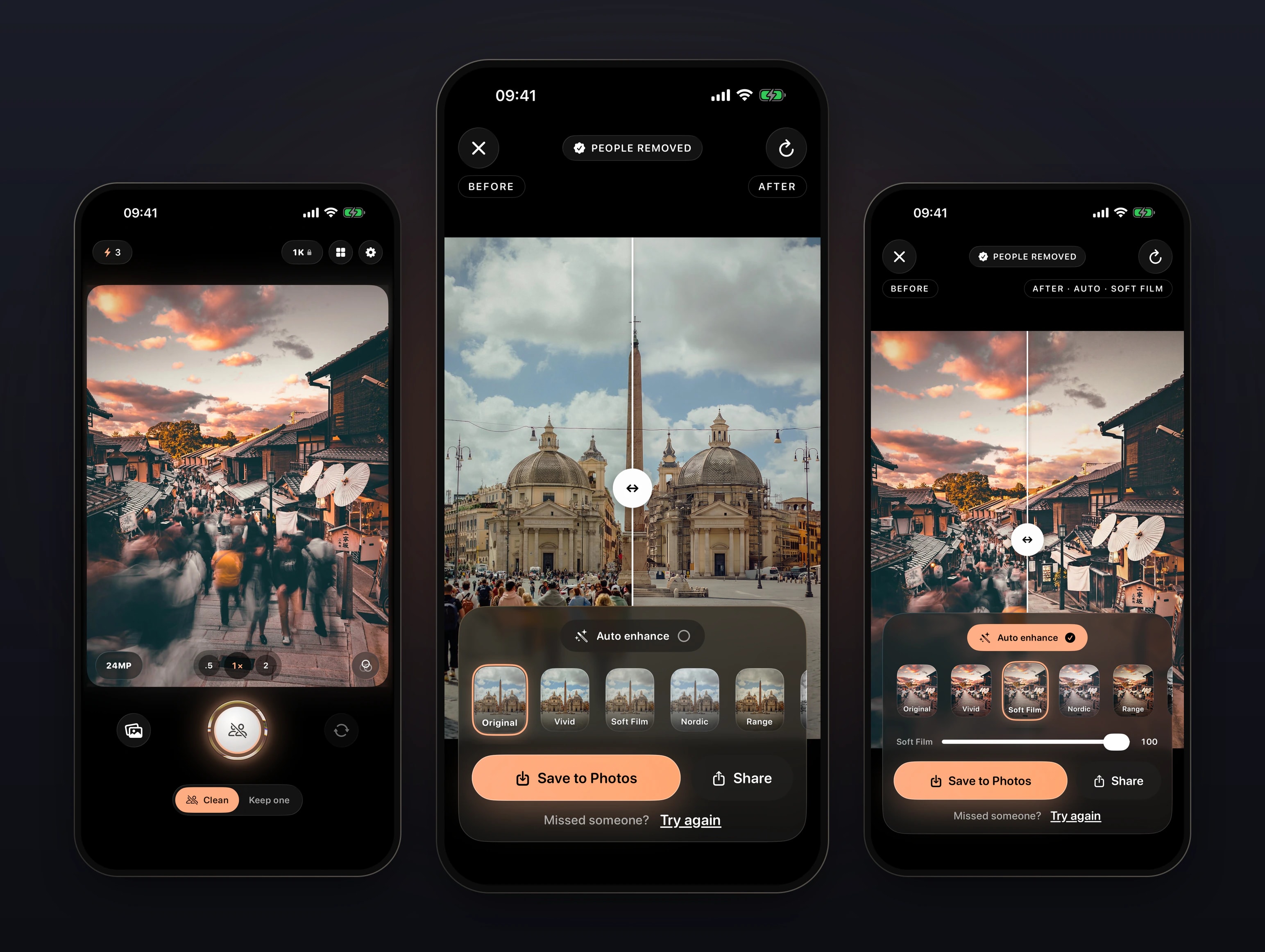

ClearShot is a native SwiftUI app that finds people with Apple’s Vision framework on the iPhone and sends only the photo and a mask to a Node and Postgres backend on Railway, where a cloud image model rebuilds the background inside that mask. Work began on 9 May 2026; the iPhone app and its Kotlin and Jetpack Compose Android port are now in review on the App Store and Google Play.
Removing one stranger from a photo is a solved problem: circle them and wait. A crowded street is not — there are dozens of people, half of them blurred, some holding umbrellas. ClearShot is built around one tap that removes all of them, and around shooting the next frame while it works.
Person detection runs on the iPhone with Apple's Vision framework. Only the photo and a black-and-white mask go to the server, and the cloud model is told exactly which pixels it may repaint.
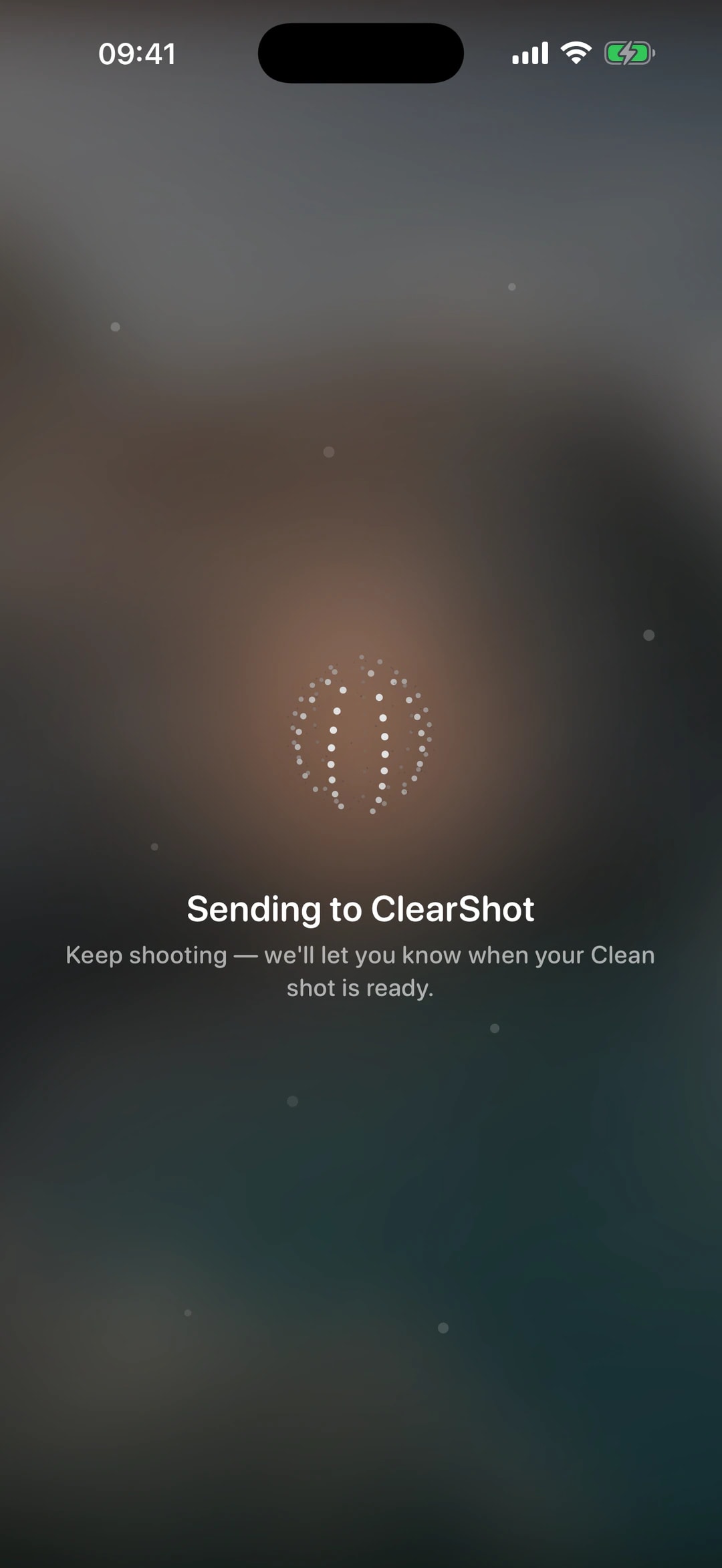
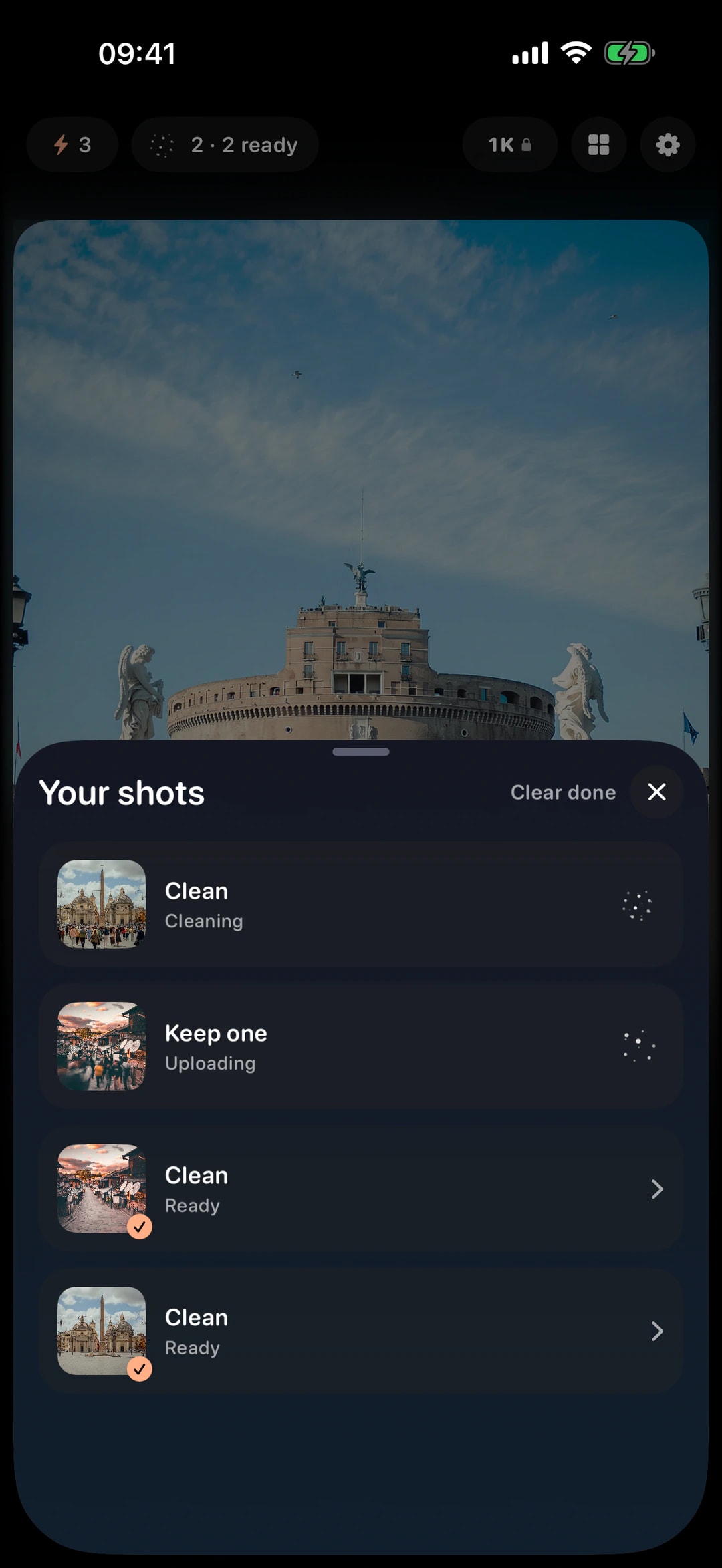
Every photo becomes a job in a background queue — detecting, uploading, processing, done — so a traveller takes the next frame while the last one is cleaned. A notification brings them back to the result.
A Shot is charged only after a result comes back and passes a check. The balance lives in a server-side ledger, so purchases, refunds and restores all go through one source of truth.
One team did all of it: the design, the iPhone and Android apps, the backend and admin, the landing site and the store listings. Nothing was handed over, because there was no one to hand it to.
Work began on 9 May 2026 with an end-to-end build on day one: camera, person mask, upload, a Node backend on Railway and the cleaned photo back on the phone.
A Liquid Glass design system with iOS 17 fallbacks, the background processing queue, local notifications and a persistent gallery of before-and-after results.
Remove everyone except one person: tap them on the live preview, or brush over them on an imported photo. Results are re-checked on the phone, with one free retry.
Tiled segmentation, person boxes and body pose, then a fallback ladder that ends with the cloud model finding people itself when the phone finds no one.
A server-side Shots ledger, StoreKit 2 purchases verified on the server, App Store Server Notifications for renewals and refunds, and a React admin for users, jobs and pricing.
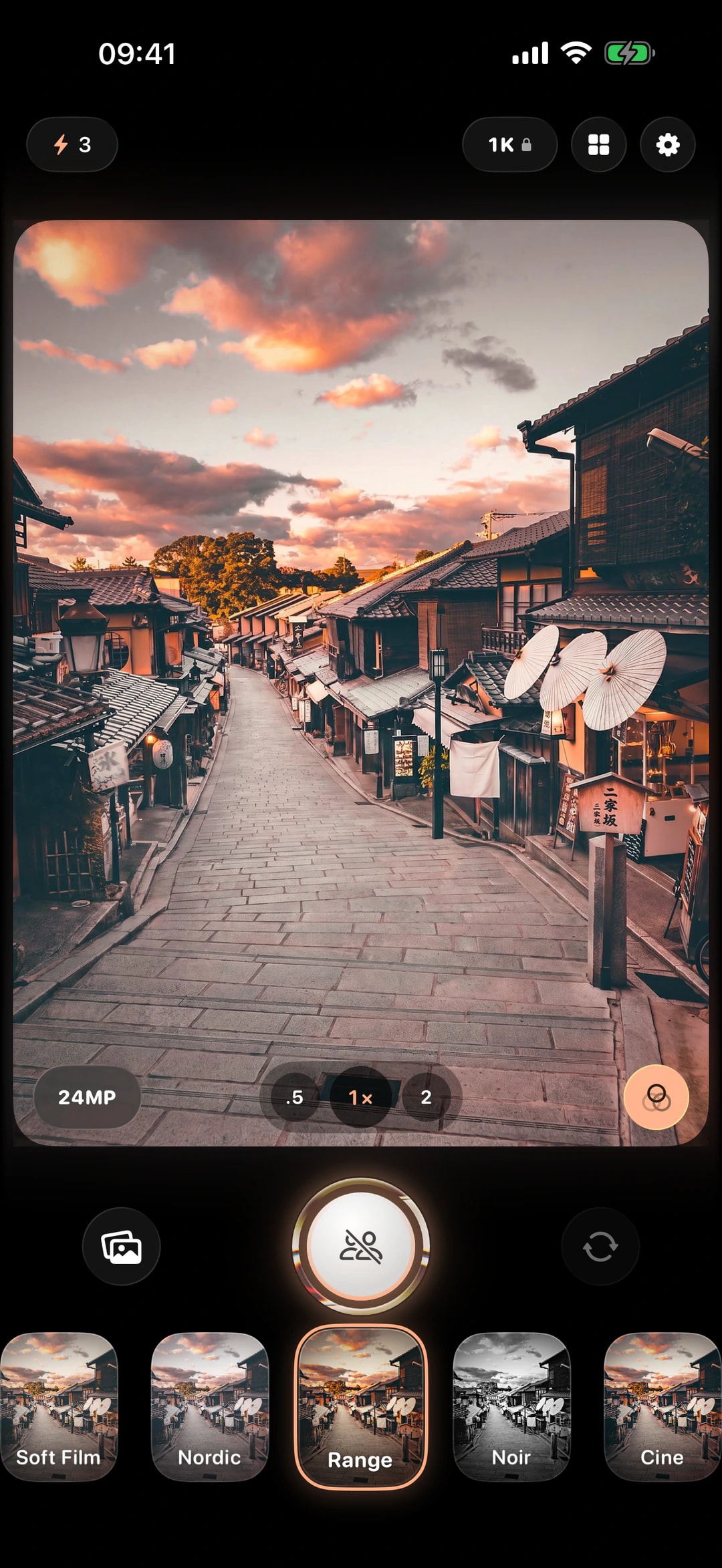
48 MP capture where the iPhone supports it, lens switching and live film looks, eight languages, a landing site and localised store listings.
A Kotlin, Jetpack Compose and CameraX port against the same API, with person masks found on the phone by TFLite and MediaPipe models and Google Play Billing verified on the server. Both apps are now in store review.
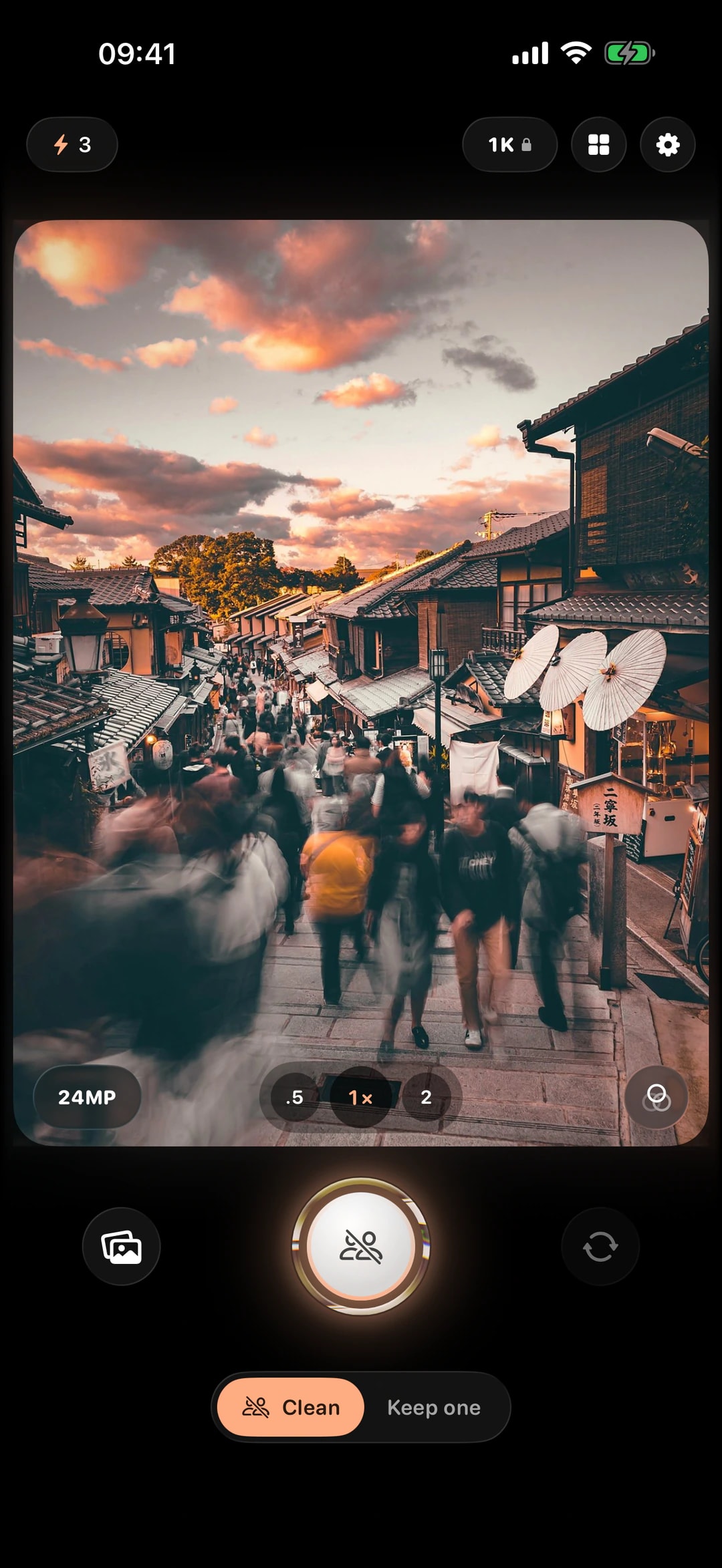
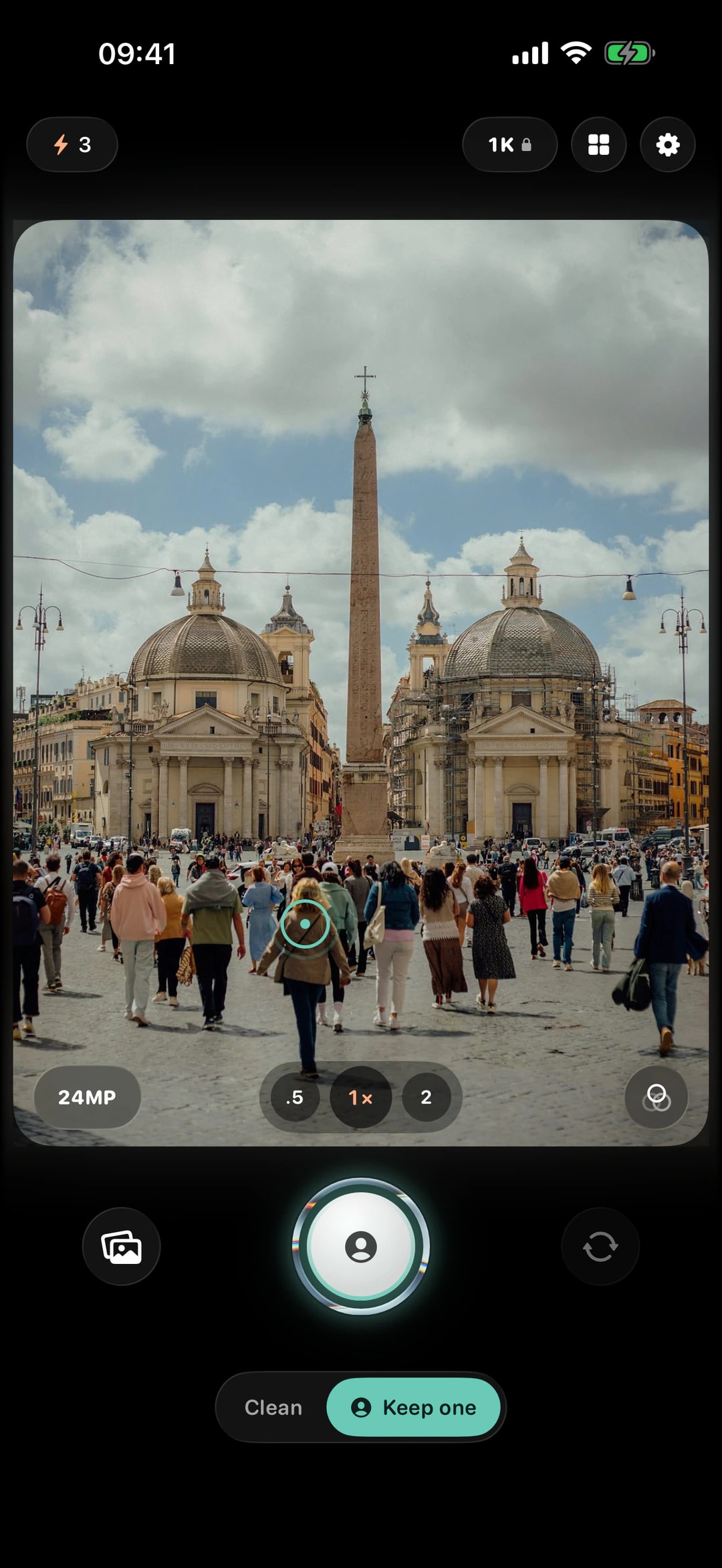
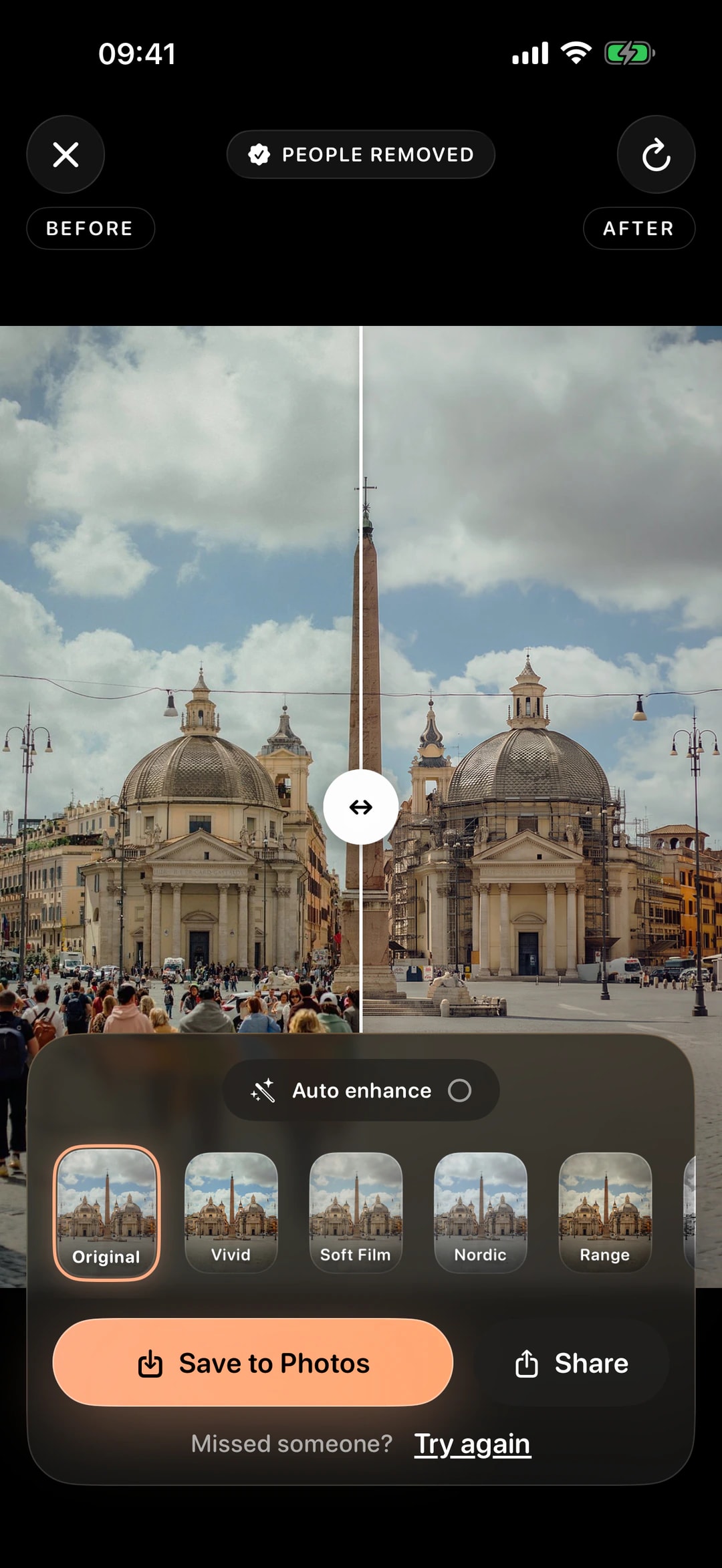
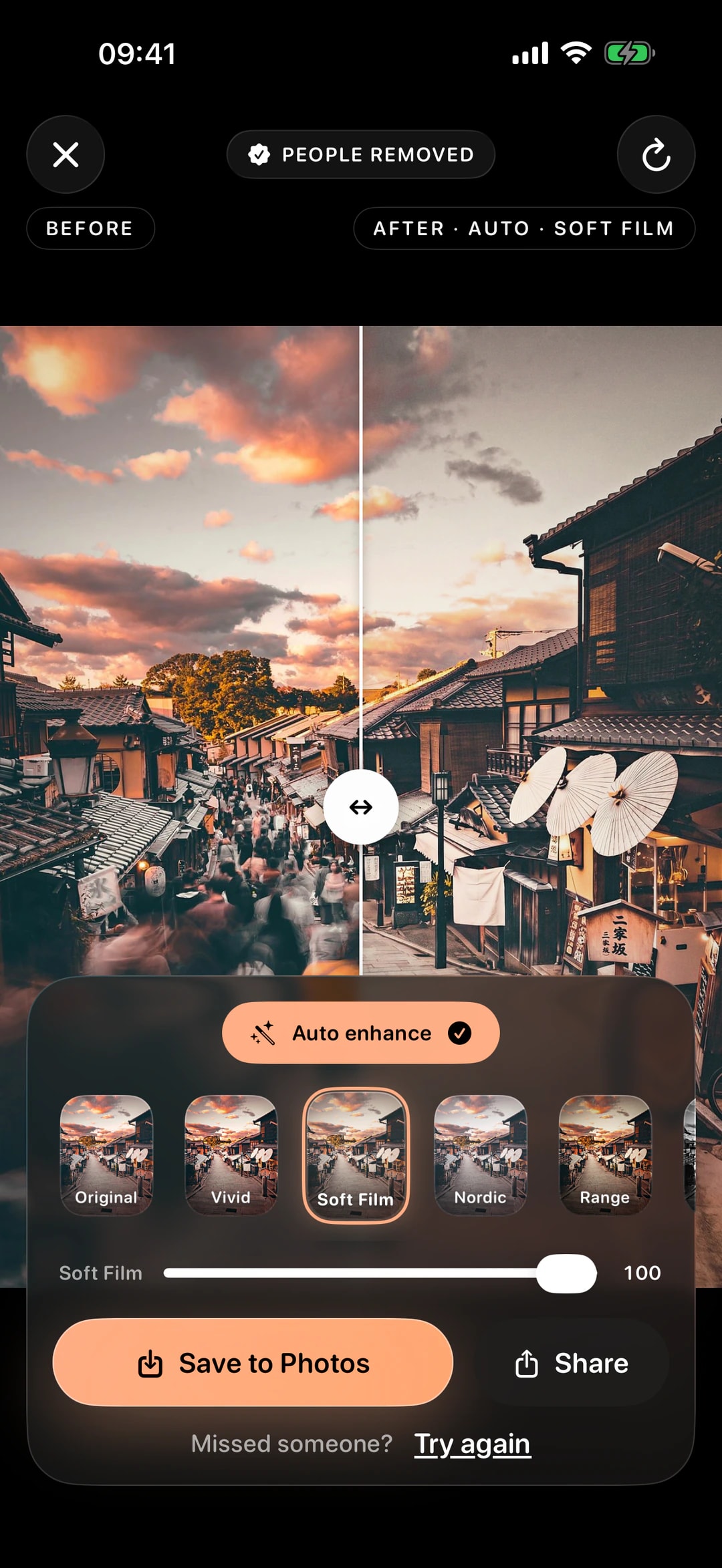
The camera opens in Clean or Keep one, with a live film look over the preview. The result screen compares before and after with a slider, and the look and Auto enhance can still change there.
An AI demo removes one person from one photo. A product has to handle crowds, misses, slow models and money without the user noticing. These are the parts that took the work.
Whole-frame person segmentation behaves like a main-subject detector and misses most people in a group. ClearShot adds overlapping tiles, person rectangles and body pose, merges umbrellas and bags people hold, and widens the mask with each person's size.
Detection runs as a two-pass ladder with stricter settings on the second pass. If both passes miss in Clean mode, the photo goes up with an empty mask and the cloud model locates and removes the people itself.
The server keeps the model's pixels only inside a feathered mask, and skips that step if the result is misaligned or changed people outside it. Output is snapped to a supported aspect ratio and cropped back to the source frame.
The app re-runs person detection on the result. If more than 30% of the removed area still reads as a person, it retries once for free, and if that also fails the Shot is not charged.
Each quality tier has its own chain of image models with fallbacks, a per-attempt timeout and a 150-second budget for the whole chain, kept under the app's own timeout.
Location and camera metadata are stripped before upload, photos are never logged and are deleted after 30 days, and no location is ever derived from an IP address.
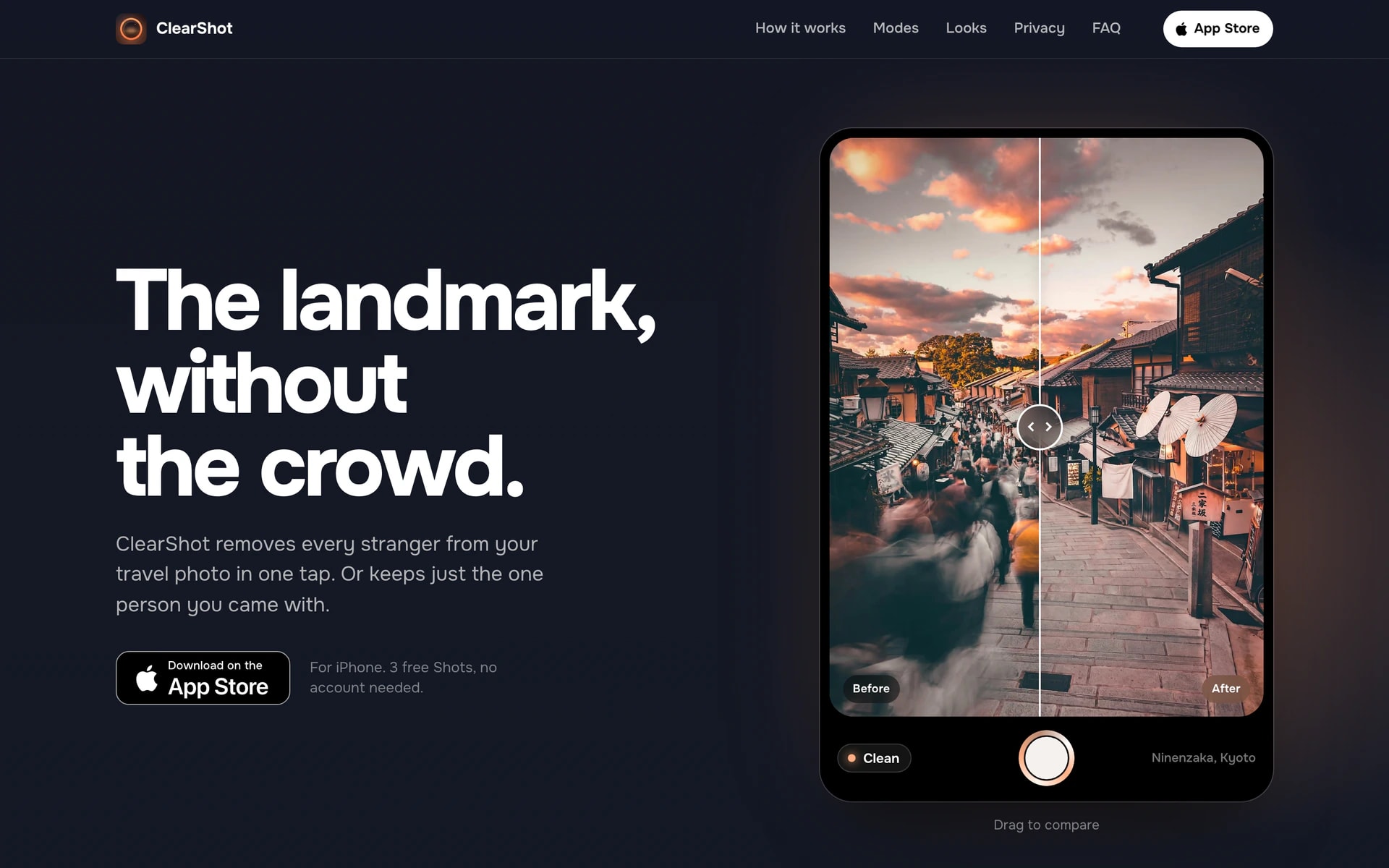
The landing site leads with a before-and-after slider of real ClearShot output and renders every film look with the app’s own filter code. It is static, prerendered HTML with no dependencies, ready for more languages.
ClearShot runs on iPhones with iOS 17 and later and on Android 8 and later. New users start with 3 free Shots; ClearShot Pro and Shot packs cover the rest.
8
English, Italian, Spanish, Portuguese, German, Russian, Ukrainian and Simplified Chinese — with App Store listings prepared for 10 locales.
2
Clean removes every person in the frame. Keep one removes everyone except the person you choose. Film looks and Auto enhance run on the phone and are free.
113
Design, the iPhone and Android apps, the backend and admin, the landing site and the store listings, all built by 99 Francs between May and October 2026.
Bringing your idea to life as a mobile app MVP is no small task. Launching quickly while delivering a seamless user experience is crucial to validating your concept and securing early traction.
Need an AI feature that works on a real phone, not just in a demo?
We design and build the app, the on-device and cloud AI behind it, purchases and the backend, and take it through App Store review — the same way we build our own.
Yes. The same team designs and builds native iPhone apps with on-device machine learning, cloud AI behind them, in-app purchases and the backend, and takes them through App Store review. See iOS app development and AI app development.