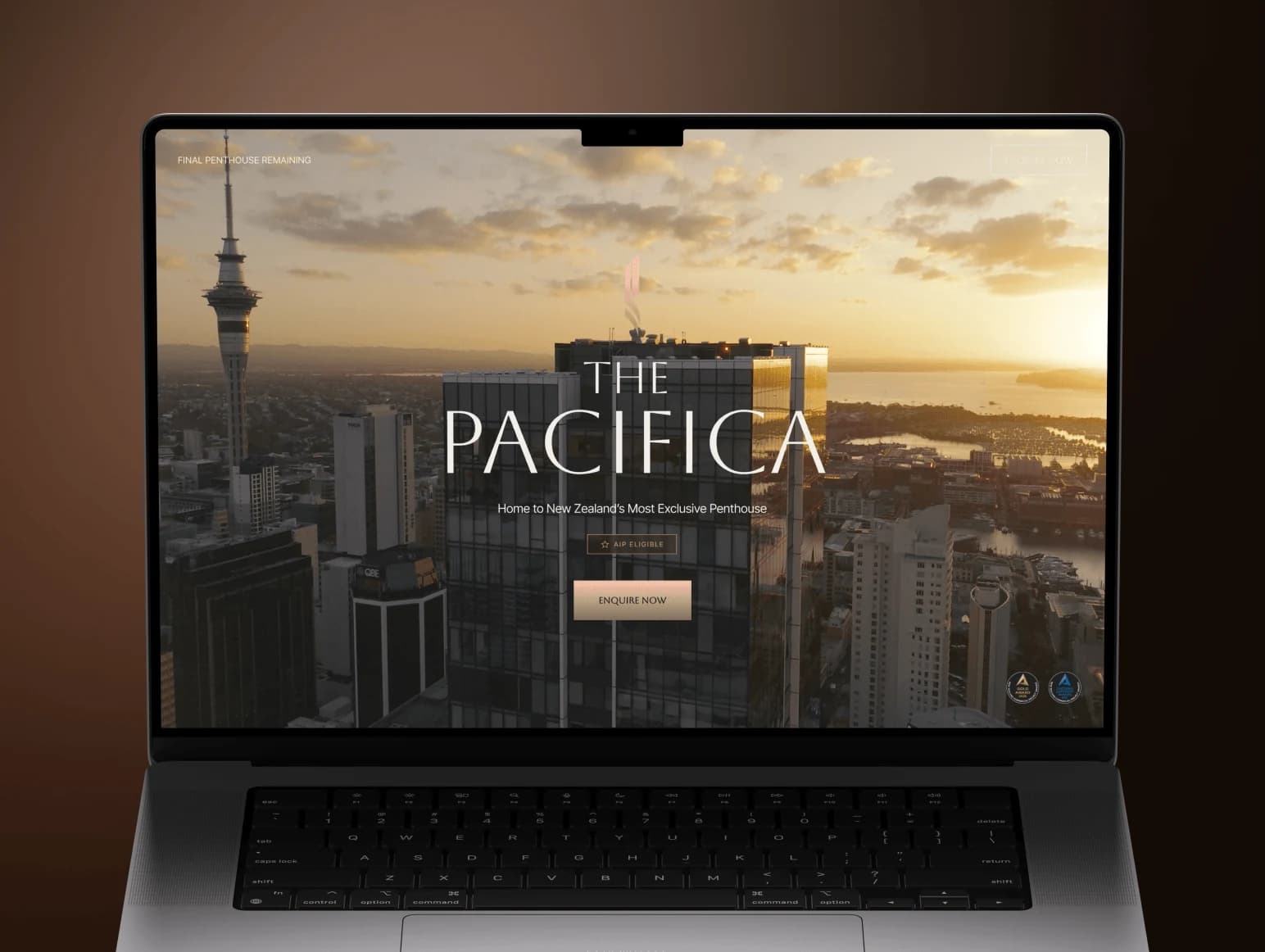

 New Zealand
 Norway
 Malta
 UAE









These are three different kinds of tool. Framer and Webflow are visual builders that host your site. Astro is a code framework: you or your developer own the files and put them on any host. The right choice depends less on features than on who edits the site next month.
What each one is
Framer is a design-first builder with fast publishing and strong animation. Good for pages that must look distinctive and ship this week.
Webflow is a visual builder with a real CMS, collections, forms and a mature ecosystem of designers and agencies. Good when a team keeps adding pages and posts.
Astro is a framework that ships pages as plain HTML and loads JavaScript only where a component needs it. The content lives in files or a headless CMS. Good for speed and control, with a developer in the loop.
The comparison table
| Criterion | Framer | Webflow | Astro |
|---|---|---|---|
| Editing for marketers | Easy, visual, close to the design | Easy for content in the Designer or Editor; extra seats cost US$15–39 a month each | Needs a CMS added; files otherwise |
| CMS | Built in, by plan limits | Built in, strongest of the three | Files, or any headless CMS you connect |
| Design freedom | High for layout and motion | High, with custom code and Interactions | Total, because it is code |
| Performance | Good, platform-managed | Good, platform-managed | Best by default, you control what loads |
| SEO control | Good basics | Good, mature settings | Full: markup, redirects, schema, routing |
| Hosting cost per month | Free, US$10 Basic, US$30 Pro (billed yearly) | Free, US$15 Basic, US$25 Premium (billed yearly) | US$0 on a free tier, US$20 on a paid host |
| Lock-in | High: the site lives on Framer | Medium-high: exports are partial | Low: your code, any host |
| Typical build with us | Landing from US$1,500; site from US$3,000 | Landing from US$1,500; site from US$3,000; migration US$1,500–4,500 | Landing from US$1,500; site from US$3,000; migration US$1,500–5,000 |
The performance and lock-in rows are our judgement from building on all three, not measured benchmarks. We have not run a head-to-head speed test and do not cite one.
What the platforms cost
Framer (framer.com/pricing): Free US$0 with 1 GB bandwidth; Basic US$10 a month billed yearly (US$15 month to month) with 30 pages, 2 CMS collections, 1,000 CMS items and 50 GB; Pro US$30 a month billed yearly (US$45 month to month) with 150 pages, 10 collections, 2,500 items and 100 GB, with add-ons beyond that. Extra editors are US$20 a month (full) or US$10 (content only). Localization is a US$20 add-on per locale.
Webflow (webflow.com/pricing): Basic US$15 a month billed yearly, with a custom domain, 300 static pages, 10 GB bandwidth and no CMS; Premium US$25 a month billed yearly, with the CMS and bandwidth from 50 GB; Team from US$2,500 a month on an annual contract. One full Workspace seat is included; extra seats are US$39 a month for a full seat or US$15 for a limited seat that edits content and builds pages from components, billed yearly. Team Workspace plans go from a free Starter to Core at US$19 and Growth at US$49 a month billed yearly.
Astro hosting: Astro is free software. Vercel's Hobby plan is US$0 but limited to non-commercial use, so a business site goes on Pro at US$20 a month (vercel.com/pricing). Netlify has a Free plan and Personal at US$9 a month (netlify.com/pricing). Cloudflare Pages has a free plan with 500 builds a month (Cloudflare docs). A small business site usually fits a free or US$9 plan.
For a brochure site the monthly gap is small: US$10–25 against US$0–20. The real differences are who edits, how much CMS you need and what leaving costs.
When to choose which
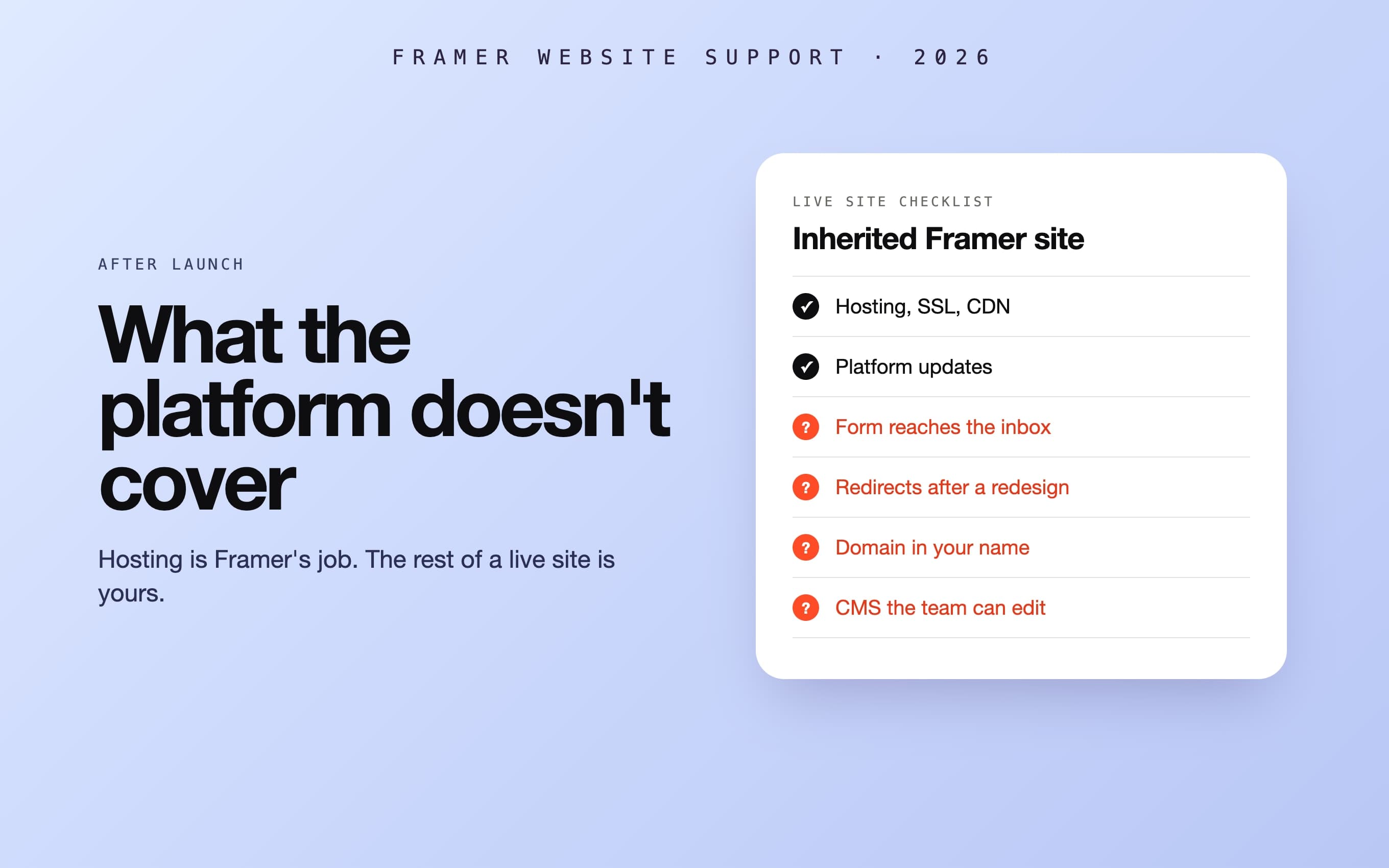
Choose Framer when the site is a landing page or a small marketing site, one or two people edit it, and design polish and speed to publish matter more than a large CMS. See Framer development.
Choose Webflow when a marketing team adds pages, posts and case studies every month, needs a real CMS and wants to work without a developer. See Webflow development. Watch the seat and bandwidth costs as the team grows.
Choose Astro when the site is content-heavy (hundreds of pages, documentation, a large blog), speed and SEO control are the point, or the site will later share a codebase with an app. You need a developer for changes unless a headless CMS is added. See Astro development and our answer on Astro or Next.js for a marketing website.
Our verdict by project type
| Project | We recommend | Why |
|---|---|---|
| Landing page | Framer, or Astro if you will never edit it | Fastest to ship; Astro when the page is final and you want no monthly fee |
| Marketing site with a blog | Webflow | The CMS and a team-friendly editor outweigh the monthly fee |
| Content-heavy site | Astro | Speed, SEO control and hosting cost at scale |
| Startup site that will grow into an app | Astro (or Next.js) | One codebase and no migration later |
If you are testing an idea before building, a landing page is the cheapest step (MVP cost). If the site is the start of a product, see MVP development.
Real examples from our work
- ELCora, an English school: a landing page built in Webflow, then moved to Next.js and Payload CMS with the same design, cutting the running cost from US$20 to US$5 a month (case study, and the break-even maths).
- Kombo, a rooftop restaurant in Trondheim: all eight pages built in Webflow as contractor for Berger Marketing, with GSAP text reveals and separate booking for bar and restaurant (case study).
- Adaptyx, a biotech: Webflow development for the design studio Fulcrum, with complex scroll animation and a scroll-driven 3D patch (case study).
- Kyrylo Savenkov, a developer's personal site: designed by us with an Astro foundation, English and Ukrainian versions and light and dark themes (case study).
Moving between them
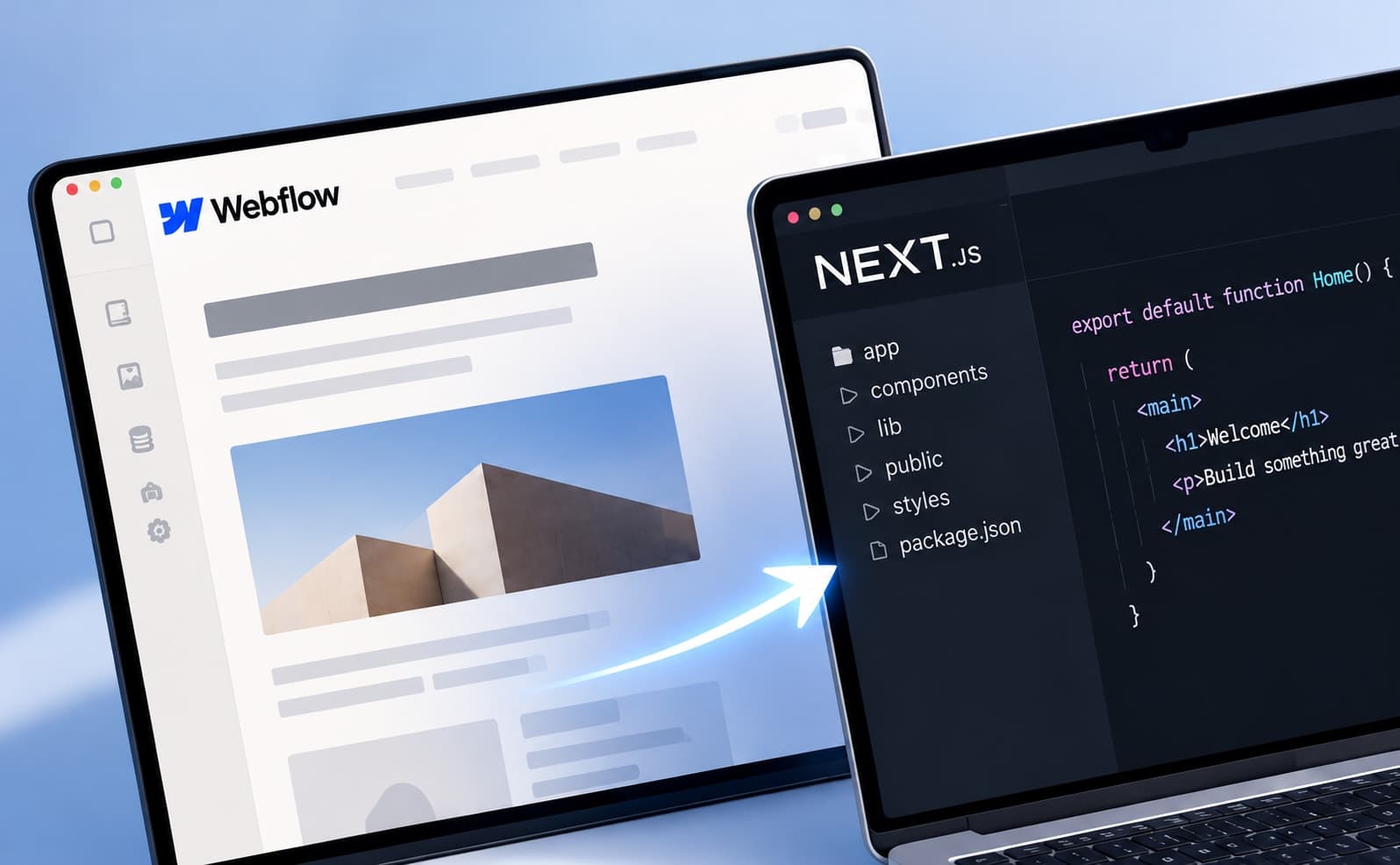
Leaving a builder is mostly a content and URL job, not a redesign. A Webflow migration is US$1,500–4,500 (Webflow migration); a migration to Astro from WordPress, Webflow or Framer is US$1,500–5,000, with a CMS integration or a redesign quoted separately. A landing page is from US$1,500 and a marketing website from US$3,000, each paid once when it is done, with no deposit. If you are staying on Framer or Webflow and only need the site kept up to date, see Framer and Webflow support; if you are leaving Webflow for code, see Webflow to Next.js.
Sources
- Framer pricing, checked 7 November 2026.
- Webflow pricing, checked 7 November 2026.
- Vercel pricing, checked 7 November 2026.
- Netlify pricing, checked 7 November 2026.
- Cloudflare Pages limits, checked 7 November 2026.