

 New Zealand
 Norway
 Malta
 UAE









Why this is in the news again
Two security events landed within two weeks of each other. On 21 October 2026 CISA published an alert titled "Critical Vulnerabilities in PHP Require Immediate Patching". It covers CVE-2026-109618 and CVE-2026-109619, which allow unauthenticated remote code execution in PHP installations that serve web requests. The fixed releases are PHP 8.2.35, 8.3.36, 8.4.27 and 8.5.12, and the PHP project's advisory rates CVE-2026-109618 at CVSS 9.2. CISA added both to its Known Exploited Vulnerabilities catalog on 26 October. WordPress runs on PHP, so every WordPress site on an unpatched PHP version was in scope, along with every other PHP application on the same server.
Then a WordPress-specific one. WordPress 7.1.4, a security release on 28 October, fixed a race condition in core upgrades. CISA added it to the Known Exploited Vulnerabilities catalog as CVE-2026-119977 on 3 November, describing a flaw that could let unauthenticated attackers execute code on the server "during the upgrade window". We cannot tell you how many sites were affected, and we would distrust anyone who quotes a clean number. What the two events show is the pattern of owning WordPress: the platform, the language runtime and the plugin layer each need patching, and the clock starts when the advisory goes public.
What the numbers say
- Volume. Patchstack counted 11,334 new vulnerabilities in the WordPress ecosystem in 2025, a 42% increase on 2024: 91% in plugins, 9% in themes and only 6 in core, all low priority (Patchstack, State of WordPress Security in 2026).
- Unpatched at disclosure. 46% of those vulnerabilities had no patch when they were disclosed (same report).
- Speed. For heavily exploited vulnerabilities Patchstack reports a weighted median of 5 hours to the first exploit, and about half of high-impact ones were exploited within 24 hours (same report).
- Premium is not safer. Premium components had three times more known exploited vulnerabilities than free ones (same report).
- Plugins dominate every year. Wordfence's report for 2024 put plugins at 96% of disclosed vulnerabilities, up 68% on 2023, and about 35% of them were still unpatched in 2025 (Wordfence, 2024 Annual WordPress Vulnerability and Threat Report, published 8 April 2025).
Read these numbers fairly. Wordfence's own summary argues that a rising disclosure count does not necessarily mean more risk for most site owners, because many issues need a logged-in user or special conditions; 81% of the 2024 disclosures had a medium severity score and 58% were in software with fewer than 10,000 installs. Both vendors also sell security products. The sensible reading is not "WordPress is insecure". It is that WordPress sites face a steady flow of plugin issues, and the sites that suffer are the ones where nobody applies patches quickly.
What staying safe on WordPress takes
- Updates to core, plugins and themes, tested on a copy first, because updates break layouts and forms.
- A supported PHP version, patched when an advisory like October's lands. Ask your host which version you run and who updates it.
- Backups that you have actually restored at least once.
- A web application firewall and malware scanning; Wordfence's report recommends a firewall, continuous monitoring and prompt patching together.
- Removing what you do not use. Deactivated plugins still sit on the server.
- Managed hosting that handles server-level patching, so the PHP layer is not your problem.
- Two-factor sign-in and fewer admin accounts.
Someone has to own that list. Our WordPress support is US$30 an hour, flat: each fix is estimated in hours first, you approve the total before we start, and you pay for the hours worked once the work is done, with no deposit. We do not sell a care plan. For what an ongoing routine usually costs, see our guide to WordPress maintenance costs.
When migrating makes sense
Migration is worth pricing when the site is mostly pages and a blog, the plugin list exists to bolt on forms, SEO fields and sliders, and nobody on your side wants to be responsible for patch cycles. Two destinations fit.
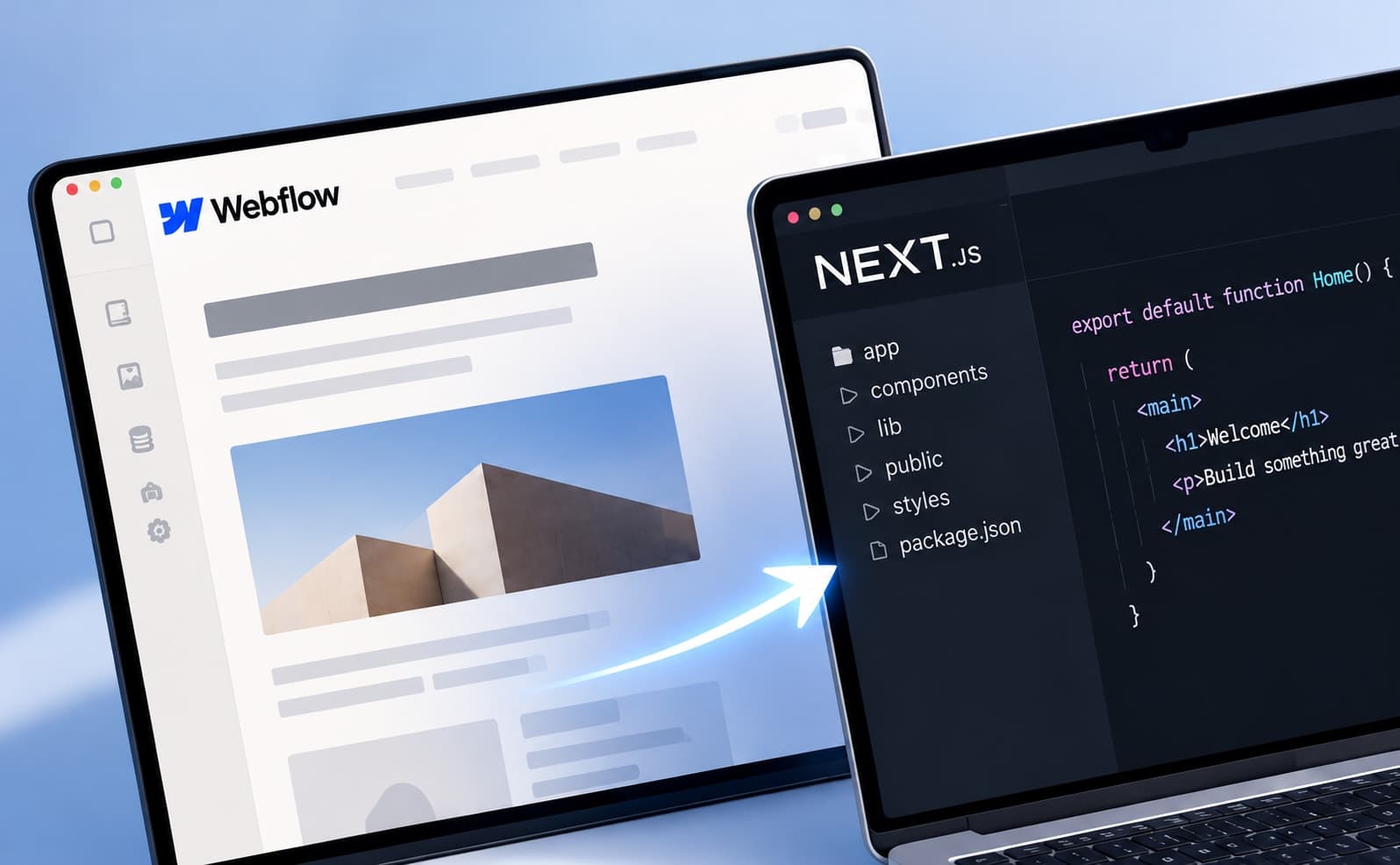
- Webflow. The site is hosted, so there is no server, PHP version or plugin folder for you to patch, and marketers get a visual editor and a CMS. Third-party apps and custom code you add are still yours to review, and there is a monthly plan. Our WordPress to Webflow migration runs US$1,500–4,500, depending on pages and CMS structure.
- Astro. The output is static HTML, with no database or PHP on the server, which removes most of what the vulnerabilities above attack. Content lives as files, so it suits sites where a developer or a light editorial flow publishes. A migration to Astro is US$1,500–5,000; it is the weaker fit for several non-technical editors.
- Keeping your search traffic. We keep original URLs where we can, map every changed URL with a 301 redirect and crawl the result for broken links before the domain switches. The method is in how to migrate without losing SEO.
- Payment. A simple site is paid once, when the migration is done, with no deposit.
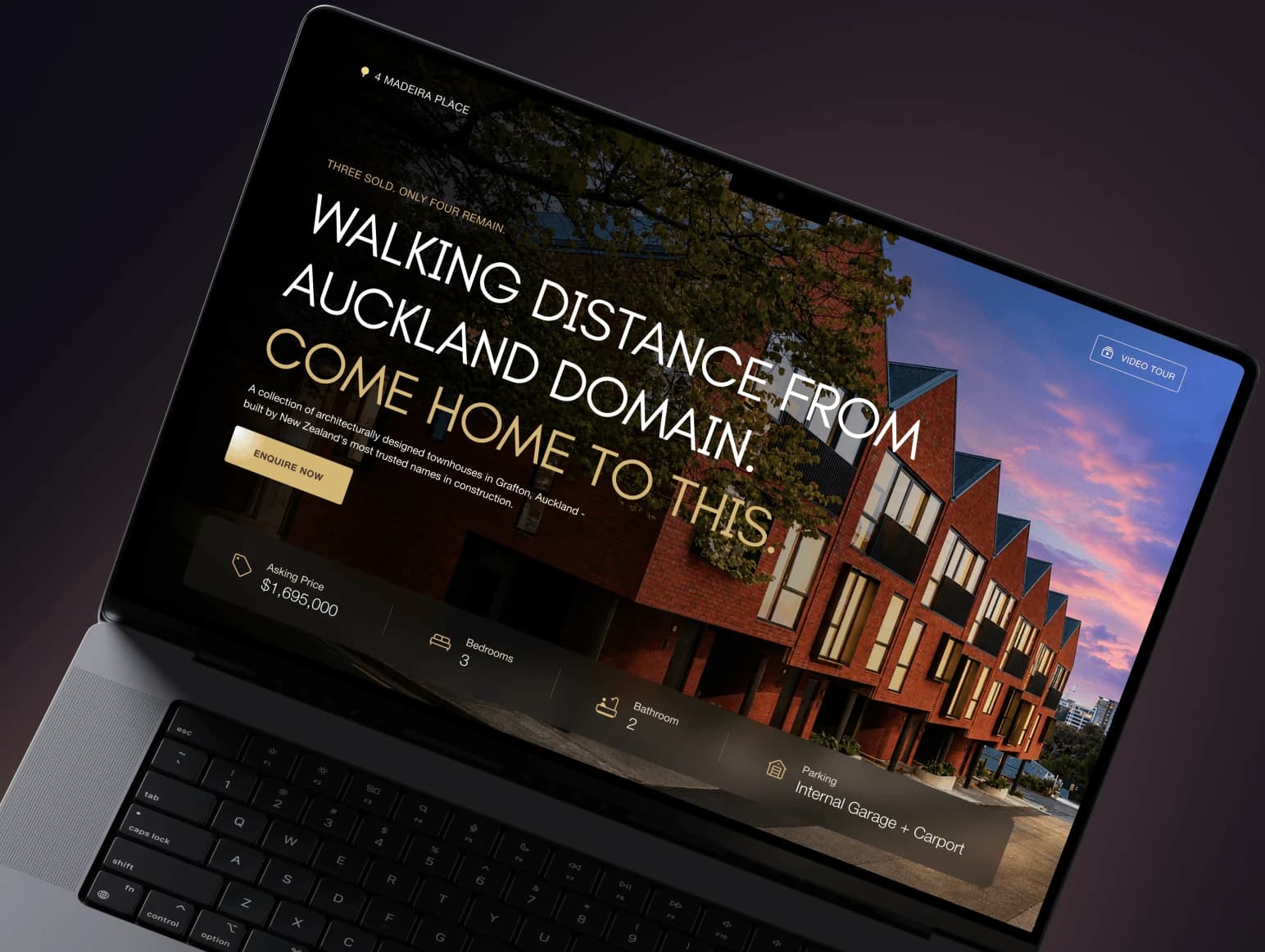
A real example: A1 Sure Services, a family-run Auckland arborist, ran on WordPress with the Divi builder. We moved it to Webflow as the contractor for Glasshouse Digital: 36 pages and 155 blog posts rebuilt on their original URLs, 257 tag archives closed with one rule, 34 redirects verified and zero broken links on the final crawl before the domain switch. We also support live WordPress sites, which is the other half of the choice: Trivelle Gardens and Dalley Sundar are support rounds on sites that stayed on WordPress, because staying was the right call for them.
WordPress, Webflow or Astro: what you take on
| What you take on | WordPress (self-maintained) | Webflow | Astro |
|---|---|---|---|
| What you patch | Core, plugins, themes, PHP, server | Nothing on a server; review any third-party apps and custom code | Dependencies at build time; no server runtime |
| Typical monthly running cost | Hosting plus security tools plus update time | Basic from US$15, CMS from US$25 (billed yearly) | Can be US$0 on a static host |
| Who edits content | Marketers in the WordPress admin | Marketers in the Webflow editor and CMS | A developer, or Markdown files |
| Migration with us | Not applicable | US$1,500–4,500 | US$1,500–5,000 |
Webflow prices from webflow.com/pricing, annual billing, checked 7 November 2026. Cloudflare's Pages pricing documentation says requests to static assets are free and unlimited. Hosting offers change, so check the host's page before you decide.
When not to migrate
- A large WooCommerce store. Orders, payments, stock and tax rules are plugin-driven, and rebuilding them is a project of its own.
- Membership or learning sites. Gated content, logins, courses and drip schedules rely on mature plugins.
- Heavy plugin-driven workflows. Booking engines, multi-vendor tools, complex forms with integrations, or a multisite network.
- A large team of non-technical editors who already work well in the WordPress admin.
For these, the answer is the safety list above, plus an owner for it. See also WordPress vs Webflow for property developers and our write-up of migrating with the Webflow MCP.